Jump to content
View in the app

A better way to browse. Learn more.

FMForums.com

A full-screen app on your home screen with push notifications, badges and more.

To install this app on iOS and iPadOS
  1. Tap the Share icon in Safari
  2. Scroll the menu and tap Add to Home Screen.
  3. Tap Add in the top-right corner.
To install this app on Android
  1. Tap the 3-dot menu (⋮) in the top-right corner of the browser.
  2. Tap Add to Home screen or Install app.
  3. Confirm by tapping Install.
  • Entries

    212
  • Comments

    13
  • Views

    133,302

About this blog

FileMaker tips, techniques, and news.

Entries in this blog

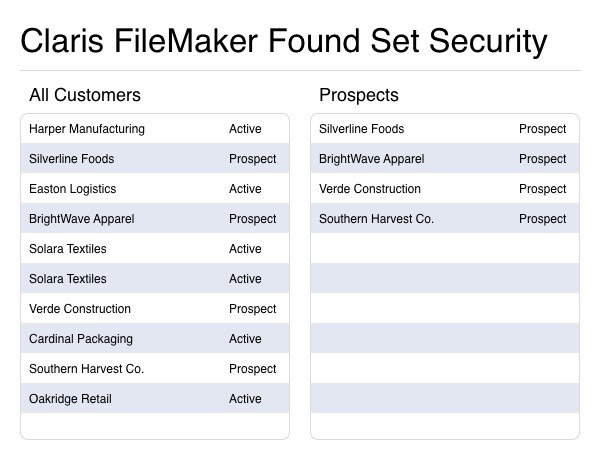
Struggling with clunky pop-ups and rigid record-level security in FileMaker? Found set security offers a more innovative way to control who sees what without disrupting the user experience. Discover how dynamically filtering records by role, access, or data can enhance the security, flexibility, and intuitiveness of your FileMaker apps. Includes a video and a sample file. dbservices.com  
Claris MCP is now available for the Claris FileMaker platform, introducing a standardized, zero-code way to connect AI assistants directly to your FileMaker data. This powerful integration enables real-time data access, analysis, and automation—making AI more accessible than ever within FileMaker solutions. Includes Video and Download File. dbservices.com
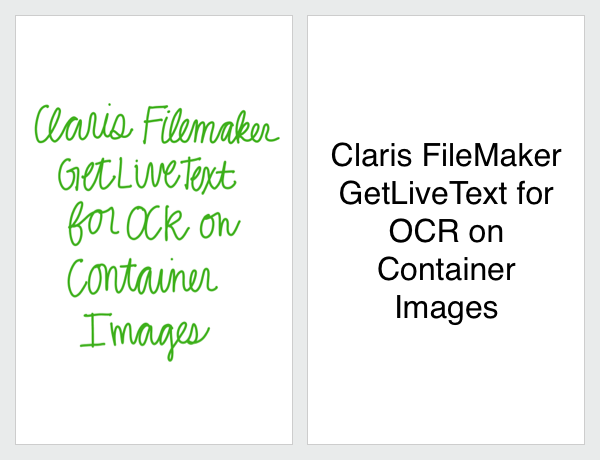
Optical Character Recognition (OCR) is transforming how businesses handle data in today’s digital workspace. Traditionally, extracting text from images required costly third-party integrations, but not anymore. With FileMaker’s GetLiveText feature, you can harness the built-in OCR capabilities of iOS and macOS to capture text directly within your database. This includes a video and a demo file. dbservices.com
Microsoft is phasing out basic authentication for SMTP, with rejections starting in March 2026 and a full cutoff on April 30, 2026. If your FileMaker apps still rely on basic authentication, you could soon face major disruptions. By preparing now, you’ll safeguard your email workflows, strengthen security, and avoid last-minute headaches. Includes sample file and video. dbservices.com
Since its introduction, the FileMaker OData API has significantly advanced, with new features and further compatibility with more recent OData releases. Since our last discussion on OData, various latest features such as casting, parameterization, and nesting have been introduced, and optimizations have been made. This includes a video and a demo file. dbservices.com
The Generate Response from Model feature in Claris FileMaker 2025 allows developers to interact with AI models to obtain text responses based on user prompts. This feature extends FileMaker's capabilities in integrating AI-driven content generation into custom solutions. Includes video and demo file. dbservices.com

Important Information

By using this site, you agree to our Terms of Use.

Configure browser push notifications

Chrome (Android)
  1. Tap the lock icon next to the address bar.
  2. Tap Permissions → Notifications.
  3. Adjust your preference.
Chrome (Desktop)
  1. Click the padlock icon in the address bar.
  2. Select Site settings.
  3. Find Notifications and adjust your preference.