Jump to content
View in the app

A better way to browse. Learn more.

FMForums.com

A full-screen app on your home screen with push notifications, badges and more.

To install this app on iOS and iPadOS
  1. Tap the Share icon in Safari
  2. Scroll the menu and tap Add to Home Screen.
  3. Tap Add in the top-right corner.
To install this app on Android
  1. Tap the 3-dot menu (⋮) in the top-right corner of the browser.
  2. Tap Add to Home screen or Install app.
  3. Confirm by tapping Install.

We Are Hiring: Developer

(0 reviews)

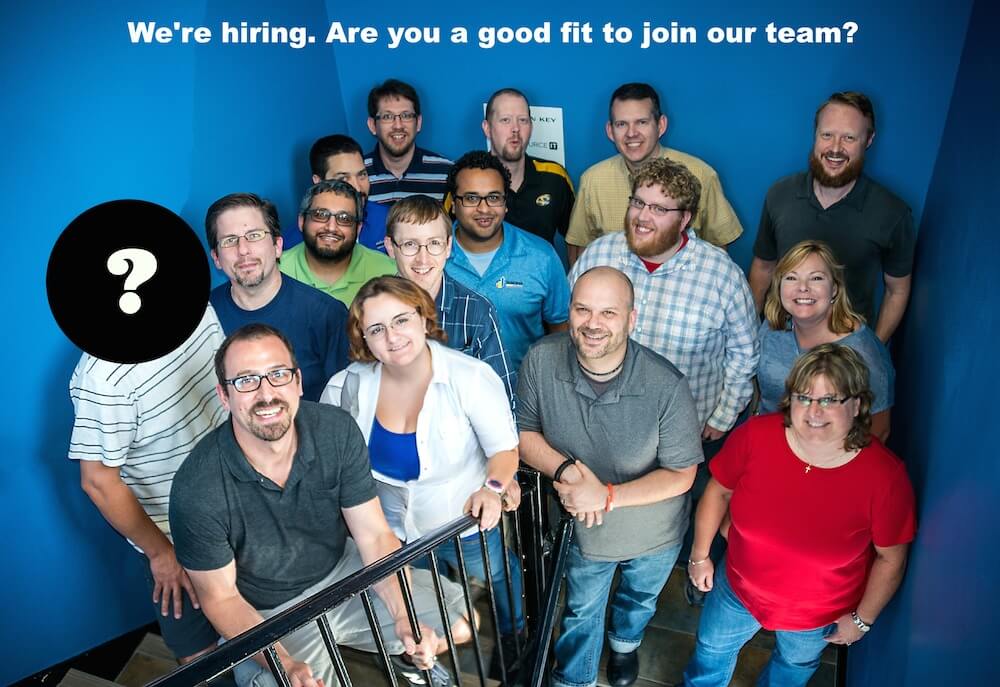
SK_HiringGoodFitImage-Smaller_2015-07-08 copy
We are hiring!

Are you ready to make a meaningful career move? Is it time for you to step into the big leagues and make databases for professionals?
Do you want to develop more than a FileMaker database?

To be successful in this developer position you must have thick skin, be a fast study and thrive on doing the hard work to get the job done. You should be excited about working in a team environment where accountability is high and your opinion is valued.

The post We Are Hiring: Developer appeared first on FileMaker Development Company.


View the full article

0 Comments

Recommended Comments

There are no comments to display.

Important Information

By using this site, you agree to our Terms of Use.

Configure browser push notifications

Chrome (Android)
  1. Tap the lock icon next to the address bar.
  2. Tap Permissions → Notifications.
  3. Adjust your preference.
Chrome (Desktop)
  1. Click the padlock icon in the address bar.
  2. Select Site settings.
  3. Find Notifications and adjust your preference.