




We’re headed to FileMaker DevCon 2015

By Skeleton Key
· 2,187 views
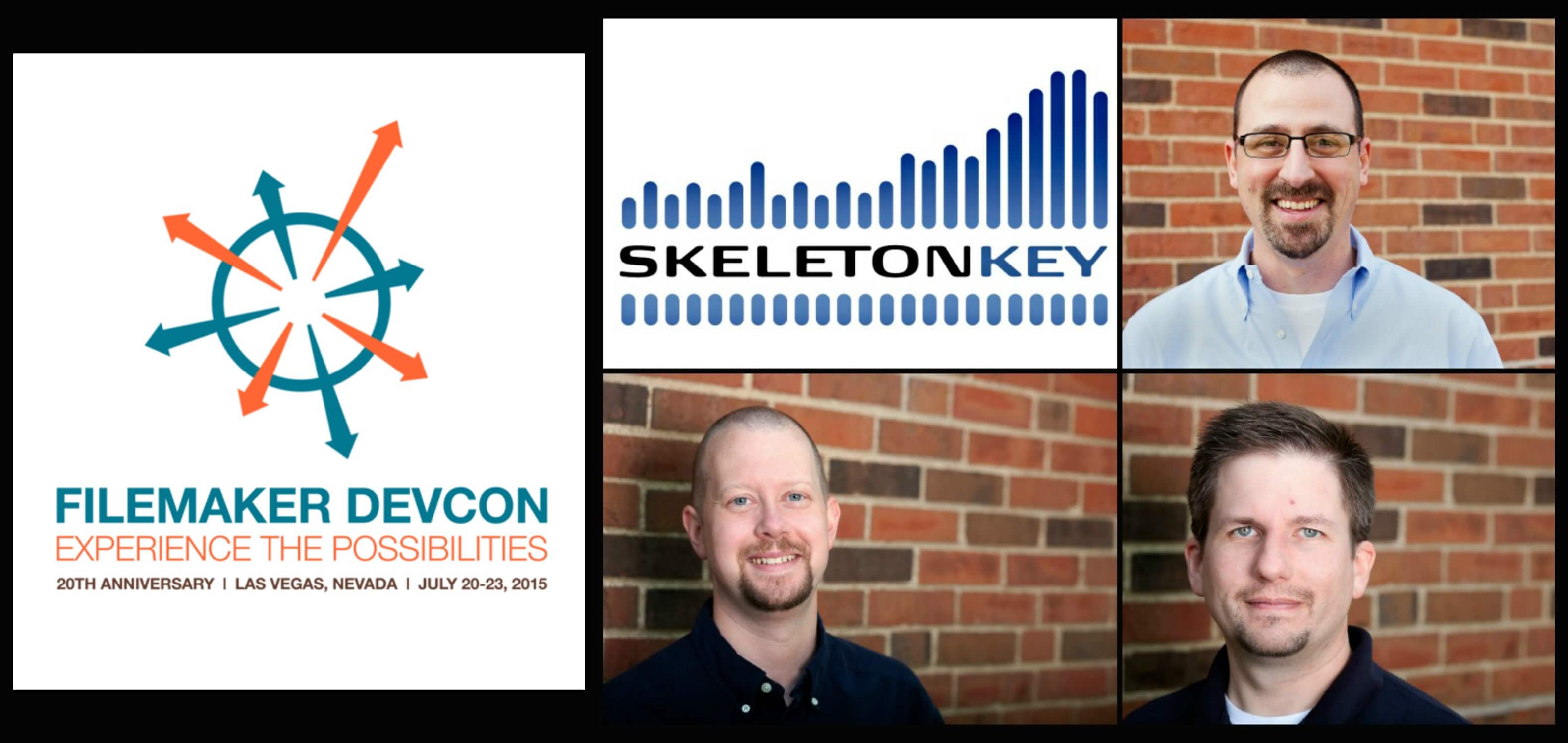 Mark (top right), Alan (bottom middle), Greg (bottom right)
Mark Richman, President, Greg Lane, VP of Application Development, and Alan Kirtlink, Senior Developer and Trainer, are headed to Las Vegas, Nevada from July 20 - 23 to participate in FileMaker, Inc.'s annual Developer Conference aka DevCon. They'll be staying at The Cosmopolitan, host hotel of more than 60 DevCon sessions. They will join over 1,200 FileMaker developers to network, catch up with colleagues and take advantage of the variety of session topics including design, core development, mobility, web, business, and innovation to further their knowledge with tips, best practices, and techniques to continue building powerful business solutions for our clients. Both Mark and Greg will have the honor to host four of these sessions.
The post We’re headed to FileMaker DevCon 2015 appeared first on FileMaker Development Company.
Recommended Comments