




DevCon 2016 – eXcelisys Vendor Session: Tantalizing Tips-n-Tricks from the Trenches

By eXcelisys
· 1,985 views
DevCon 2016 – eXcelisys Vendor Session: Tantalizing Tips-n-Tricks from the Trenches
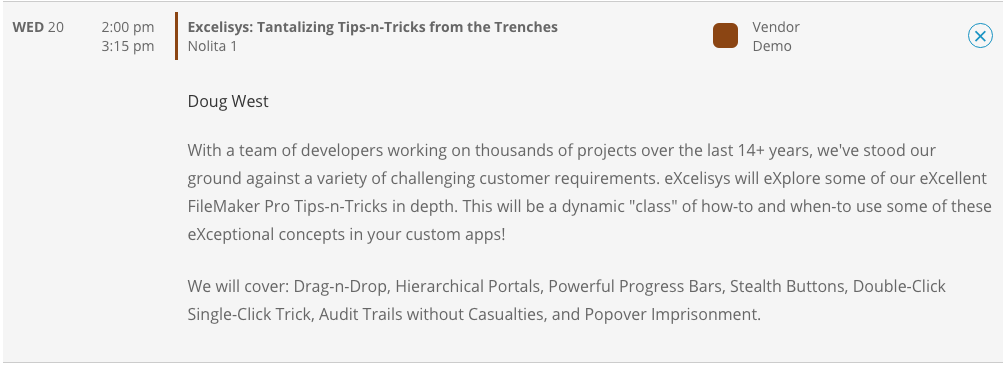
Attend the eXcelisys vendor session on Wednesday July, 20 2016 from 2:00pm – 3:15pm
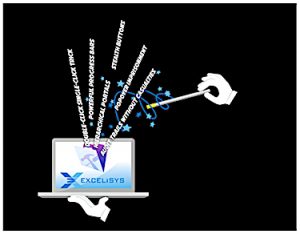
The eXcelisys vendor session will be lead by our very own Mr. Doug West and assisted by some of the eXceptional eXcelisys FileMaker Pro talent.
With a team of developers working on thousands of projects over the last 14+ years, we’ve stood our ground against a variety of challenging customer requirements. eXcelisys, a FileMaker Platinum Partner, will eXplore a few of our eXcellent FileMaker Pro Tips-n-Tricks in depth. A dynamic “class” of how-to and when-to use some of these eXceptional concepts in your solutions!
- Drag-n-Drop
- Hierarchical Portals
- Powerful Progress Bars
- Stealth Buttons
- Double-Click Single-Click Trick
- Audit Trails without Casualties
- Popover Imprisonment
The post DevCon 2016 – eXcelisys Vendor Session: Tantalizing Tips-n-Tricks from the Trenches appeared first on eXcelisys.
Recommended Comments