


Jump to content
View in the app

A better way to browse. Learn more.

FMForums.com

A full-screen app on your home screen with push notifications, badges and more.

To install this app on iOS and iPadOS
  1. Tap the Share icon in Safari
  2. Scroll the menu and tap Add to Home Screen.
  3. Tap Add in the top-right corner.
To install this app on Android
  1. Tap the 3-dot menu (⋮) in the top-right corner of the browser.
  2. Tap Add to Home screen or Install app.
  3. Confirm by tapping Install.

Testing Your Work in Claris FileMaker

(0 reviews)

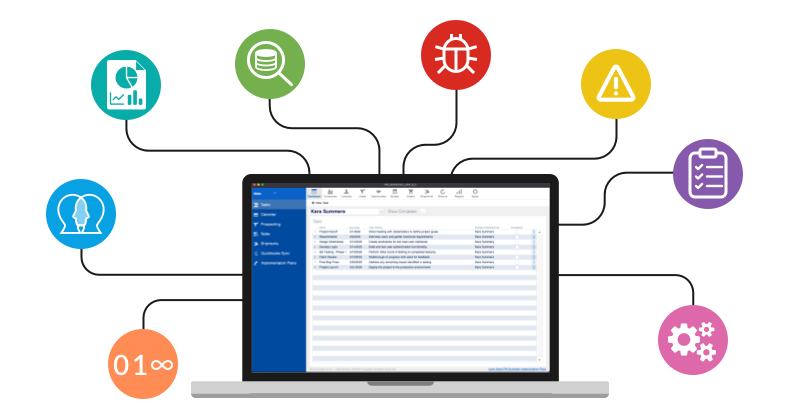
Testing is a crucial part of building reliable FileMaker solutions, whether you're a freelancer or a citizen developer. This guide explores smart testing strategies, from applying the "Zero, One, Many" rule to leveraging FileMaker’s Script Debugger for efficient troubleshooting. Learn how to think like a user, anticipate errors, and implement best practices that will make your applications more robust, user-friendly, and scalable. Includes demo file and video. Testing Your Work in Claris FileMaker

dbservices.com

0 Comments

Recommended Comments

There are no comments to display.

Important Information

By using this site, you agree to our Terms of Use.

Configure browser push notifications

Chrome (Android)
  1. Tap the lock icon next to the address bar.
  2. Tap Permissions → Notifications.
  3. Adjust your preference.
Chrome (Desktop)
  1. Click the padlock icon in the address bar.
  2. Select Site settings.
  3. Find Notifications and adjust your preference.