




America at 250 and eXcelisys at 25
By eXcelisys
· 76 views
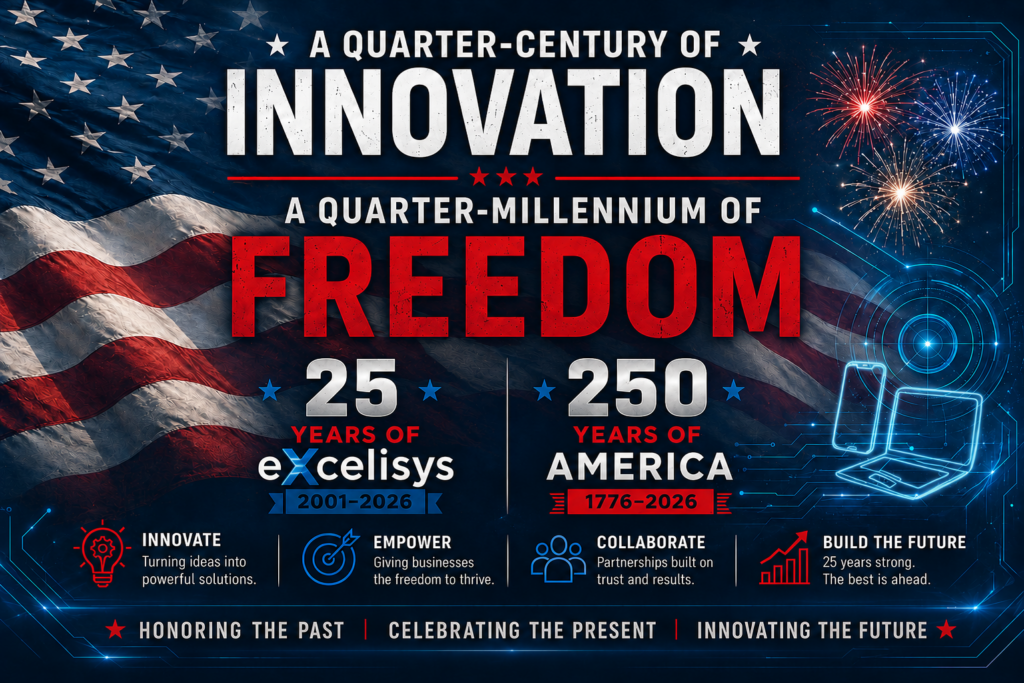
eXcelisys at 25. America at 250.
Two Milestones. One Spirit of Innovation.
Every revolution starts with someone asking, “What if we did things differently?” That question gave birth to a nation 250 years ago. It’s also the question that launched eXcelisys 25 years ago, and it’s the one that still drives us today.
This summer, as America celebrates its 250th birthday, we’re celebrating a milestone of our own: 25 years of eXcelisys.
While one anniversary marks a nation built on bold ideas, ours celebrates a quarter-century of giving businesses the freedom to work smarter through custom software, better workflows and technology built around the people who actually use it.
A Common Thread: The Spirit of Ingenuity
250 years ago, the Founding Fathers challenged the status quo and imagined a better way forward. Their ideas reshaped a nation.
When eXcelisys was founded in 2001, we embraced that same spirit of innovation. Our mission was to help businesses declare independence from the “taxation” of inefficient workflows and the “tyranny” of one-size-fits-all software. Instead, we build custom solutions that give organizations the freedom to work smarter, adapt faster and grow on their own terms.
25 Years of Digital Evolution
While America has spent 250 years refining its democracy, the tech world has moved at a different speed. Over the last quarter-century, we’ve navigated:
- The transition from desktop-bound databases to the cloud revolution.
- The birth of the mobile workforce and the need for data anywhere, anytime.
- The rise of AI and automation, transforming how we think about productivity.
Through every shift, our guiding principle has remained as steady as the Bill of Rights: Build it right, build it to last, and build it for the user.
Red, White and Built Right
No two organizations operate eXactly alike, so why should their software?
For 25 years, we’ve partnered with everyone from startups and mom-and-pop shops to Fortune 500 companies, creating custom solutions that eliminate busywork, streamline operations and give teams the freedom to focus on what matters most. Our solutions help businesses declare independence from “the way things have always been done.”
Because real business independence means having technology that works the way you work.
Innovation is the calling card of the American spirit. At eXcelisys, we’ve spent 25 years ensuring that our clients have the digital infrastructure to turn that spirit into reality. – Kurt Knippel, eXcelisys VP of Production
Looking Toward the Next Frontier
As the fireworks light up the sky for America 250, we aren’t just looking back at the last 25 years; we are looking forward to the next. The “United States of Tech” is entering an era of unprecedented possibility, and we are ready to lead the way.
Whether we are developing in FileMaker, web technologies, or the latest custom integrations, our commitment to eXcellence remains our North Star. Here’s to 250 years of American ingenuity, 25 years of eXcelisys and its dedicated team, and the next generation of ideas waiting to be built.
The post America at 250 and eXcelisys at 25 appeared first on eXcelisys.
Recommended Comments