




Action Required: Prepare your IDE for ai2fm v2.5 (Launching Oct 1st)

Dear ai2fm community,
The wait is almost over. On October 1st, 2026, we are releasing ai2fm v2.5—our biggest architectural update yet.
As promised in our July preview, v2.5 delivers full FileMaker 2026 script step support, the 2025 ⇄ 2026 migration bridge (which safely navigates Claris's cross-version clipboard bugs), inline hover documentation for over 8,000 MBS and BaseElements functions, and flawless CJK/Unicode integrity for multi-byte languages.
ACTION REQUIRED: Please Update Your IDE
Because v2.5 includes such advanced compiler logic, the extension is now compiled using Bytenode for maximum security and performance.
Bytenode strictly binds the extension to the underlying Node.js runtime of your editor.
To ensure ai2fm v2.5 installs and runs seamlessly on launch day, you must update your IDE to its latest version before September 30th.
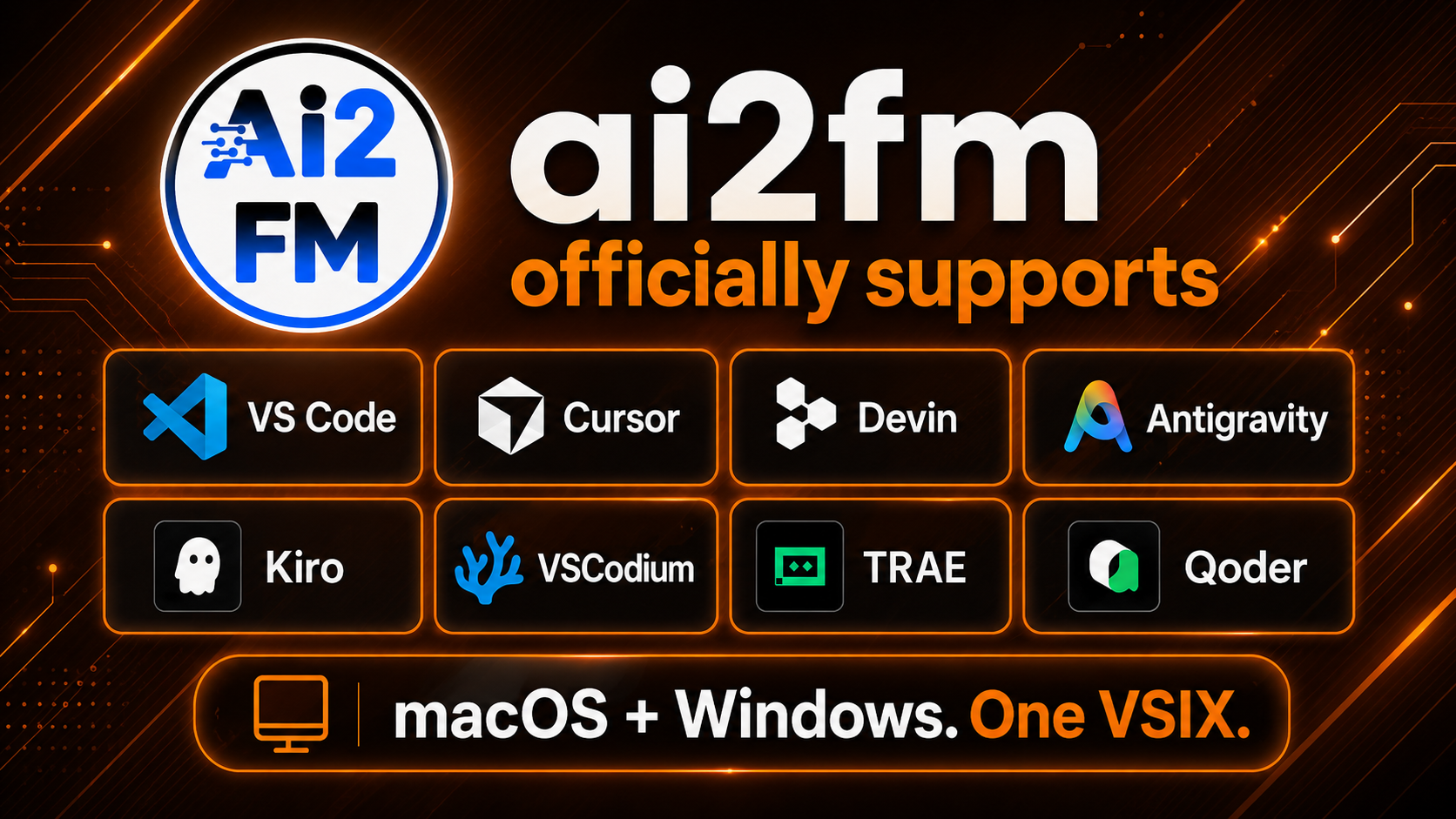
We officially test and support the following modern AI-integrated editors (which currently cover 98% of the market):
Microsoft VS Code
Cursor
Devin
Antigravity
Kiro
VSCodium
TRAE
Qoder
(Note: Other VS Code-compatible editors will also work perfectly, provided their internal Node.js version is up to date with the supported environments).
Please take two minutes today to "Check for Updates" in your preferred editor so your environment is ready to handle the new .vsix file the moment v2.5 drops.
Thank you to everyone who sent field reports, bug captures, and feedback over the last few months. We look forward to putting v2.5 in your hands next week.
The https://ai2fm.com/ Team.
Recommended Comments