





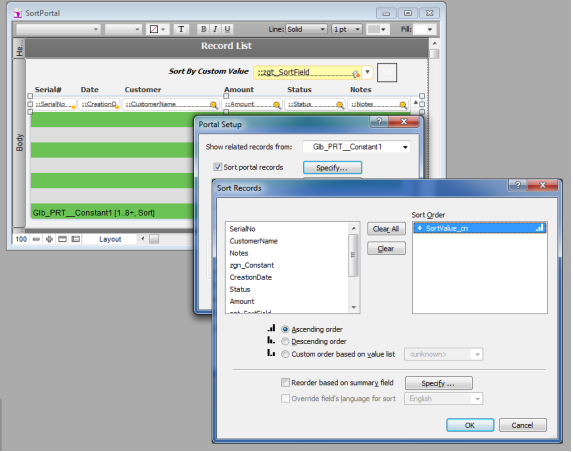
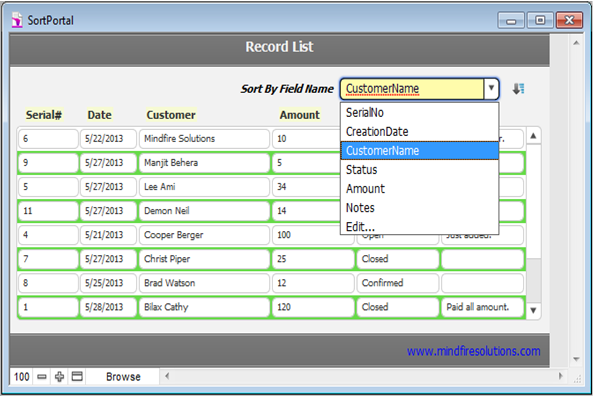
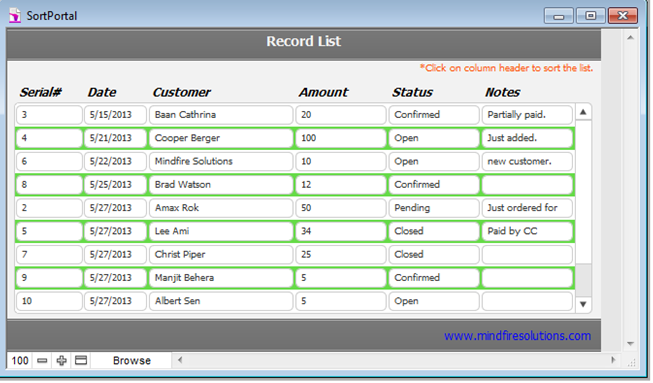
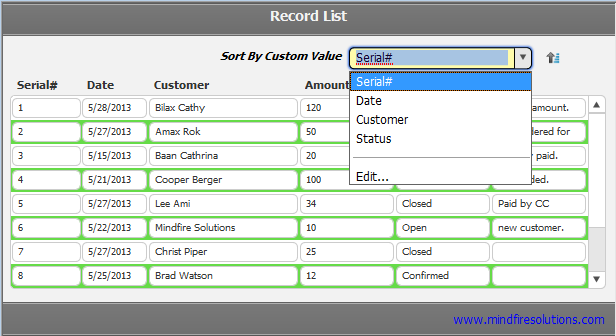
"Sort Portal Rows" is a FileMaker Solution that provides user to sort his portal dynamically by multiple ways. The FM solution is compatible and workable with FileMaker Pro 12.
Silent Features of Sort Portal Rows Solution:
- The portal rows are getting sorted by sort fields
- User can sort portal rows according to the selected value from a custom value list
- Each custom value re-presents a column field so based on the field's value the list of keys
- Portal rows can sort by selected value from the value list of exact field name
- Portal rows can sort by selected value from the value list of Custom Value
- Portal rows can sort by selected value from the value list of Portal Header
To discuss about our FileMaker service, expertise and how we can help you, please contact us on email or call 1-248-686-1424.
What's New in Version v1
Released
No changelog available for this version.
-
 1
1