Jump to content
View in the app

A better way to browse. Learn more.

FMForums.com

A full-screen app on your home screen with push notifications, badges and more.

To install this app on iOS and iPadOS
  1. Tap the Share icon in Safari
  2. Scroll the menu and tap Add to Home Screen.
  3. Tap Add in the top-right corner.
To install this app on Android
  1. Tap the 3-dot menu (⋮) in the top-right corner of the browser.
  2. Tap Add to Home screen or Install app.
  3. Confirm by tapping Install.
  • Entries

    213
  • Comments

    13
  • Views

    134,317

About this blog

FileMaker tips, techniques, and news.

Entries in this blog

It's time to bid farewell to FileMaker 19.6! Support for Claris FileMaker 19.6 will end on December 19, 2024, marking the end of an incredible run for one of our favorite versions of FileMaker, version 19. To avoid security risks, system incompatibilities, and productivity loss, we encourage users to upgrade to the latest version of FileMaker. dbservices.com
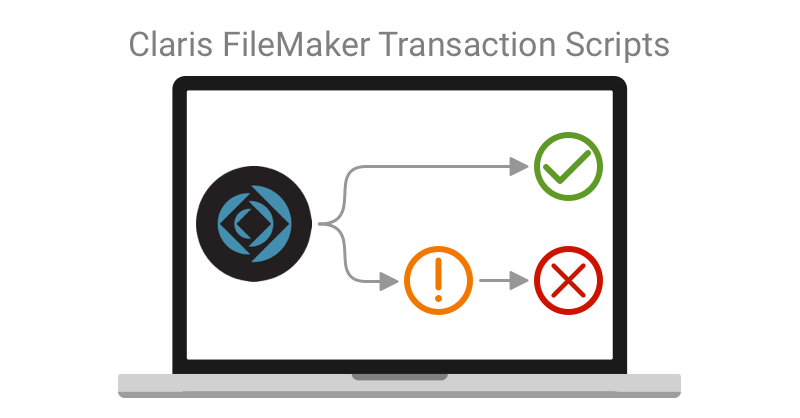
For any system with multiple users, transactional scripting is a must to avoid unnecessary bugs. One of the most exciting features of Claris FileMaker 19.6 is the addition of transaction script steps. We dive deeper into the newly released Claris FileMaker 19.6 transaction script step functionality. Includes demo video and sample file. Read the full article here. dbservices.com
Claris's newest update to the FileMaker platform is here! With Claris FileMaker Server 19.6, there are many changes and improvements to help manage your FileMaker application, including new Admin Console features, WebDirect updates, and performance improvements. Check out the highlights of what you can expect from this newest update here. dbservices.com
Claris' 19.6 release of the FileMaker platform has launched! Join us as we discuss our favorite new features including built-in support for Transaction scripts, new script steps such as Get(TransactionState), Set Dictionary, Get(CurrentTimeUTCMicroseconds), Get(LastErrorDetail), and Get(LastErrorLocation), as well as the option to delete cached temp files and the option to disable context menus for interactive containers. Read the full article here. dbservices.com
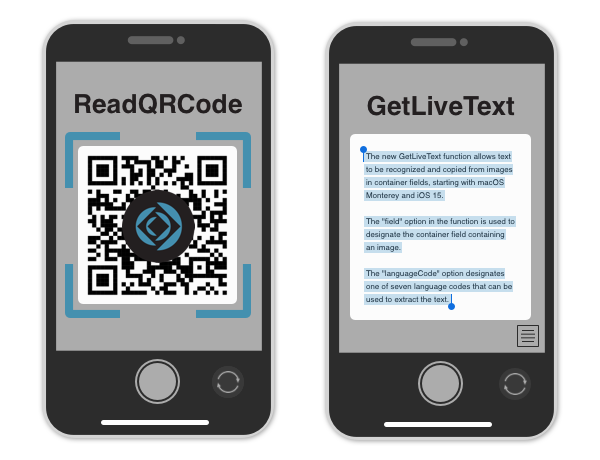
With the release of Claris FileMaker 19.5, there are some new functions related to containers that offer new ways to increase efficiency, accessibility, and utility in app development. Learn about two new functions coming to FileMaker Pro 19.5 that open up new options for using containers both on desktop and on mobile. Includes a video and sample file. Read the full article here.
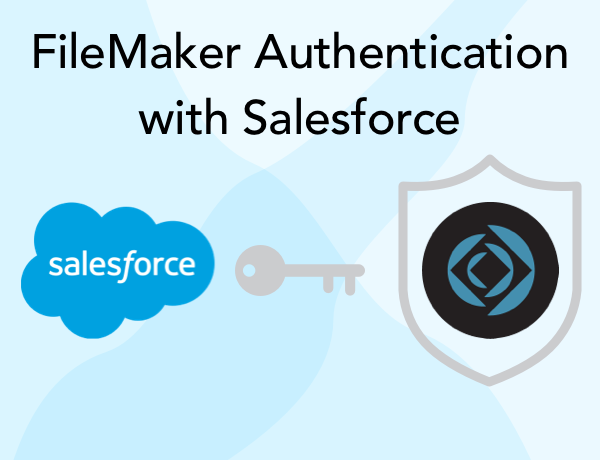
FileMaker Server has been able to use Amazon, Google, and Microsoft as an identity provider for the last two versions. While a great addition to the platform, it did limit your choices for OAuth identity providers. We will show you how to deploy a custom OAuth authentication workflow utilizing Salesforce. Includes demo video. Read the full article here.
Claris’s first of many frequent releases of the FileMaker platform is here as Claris focuses on being agile and low-code moving forward, with new features being released more frequently. In this article we will focus on FileMaker Pro 19.1 and discuss some of our favorite new features, including 9 new add-ons and the new layout design experience preview. https://dbservices.com/blog/claris-filemaker-19-1-overview dbservices.com

Important Information

By using this site, you agree to our Terms of Use.

Account

Navigation

Search

Configure browser push notifications

Chrome (Android)
  1. Tap the lock icon next to the address bar.
  2. Tap Permissions → Notifications.
  3. Adjust your preference.
Chrome (Desktop)
  1. Click the padlock icon in the address bar.
  2. Select Site settings.
  3. Find Notifications and adjust your preference.