Jump to content
View in the app

A better way to browse. Learn more.

FMForums.com

A full-screen app on your home screen with push notifications, badges and more.

To install this app on iOS and iPadOS
  1. Tap the Share icon in Safari
  2. Scroll the menu and tap Add to Home Screen.
  3. Tap Add in the top-right corner.
To install this app on Android
  1. Tap the 3-dot menu (⋮) in the top-right corner of the browser.
  2. Tap Add to Home screen or Install app.
  3. Confirm by tapping Install.
  • Entries

    213
  • Comments

    13
  • Views

    134,314

About this blog

FileMaker tips, techniques, and news.

Entries in this blog

Many technologies that used to be restricted to a dedicated software have begun moving online, including Claris FileMaker. FileMaker WebDirect is one way you can bring your FileMaker solution straight to the web. We discuss the comparison between FileMaker WebDirect and building a custom web app. Includes demo video. Claris FileMaker WebDirect vs. Custom Web Applications dbservices.com
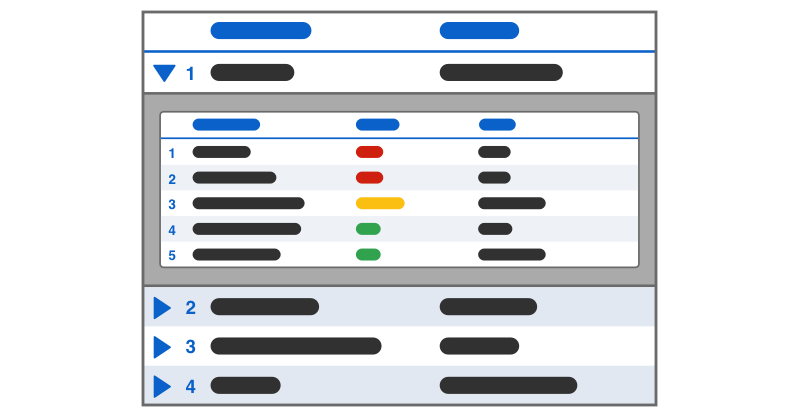
Creating a collapsible list in Claris FileMaker might initially seem challenging, but with a strategic approach using a web viewer, it becomes achievable. By leveraging the web viewer, you can create a dynamic list that incorporates FileMaker data seamlessly. We demo how to create a collapsible list in FileMaker to provide a more intuitive and efficient workflow for users. Includes a video and sample file. Read the article here. dbservices.com
Claris FileMaker 20.2 brings a new look to the Trigger Claris Connect Flow script step in Claris FileMaker 20.2 that makes connecting to and triggering flows easier. Being able to connect your application to 3rd party software could be the difference maker for your business and is now easier than ever! Let’s dive into what has changed and how you can use this to your benefit when managing your application in our article. dbservices.com
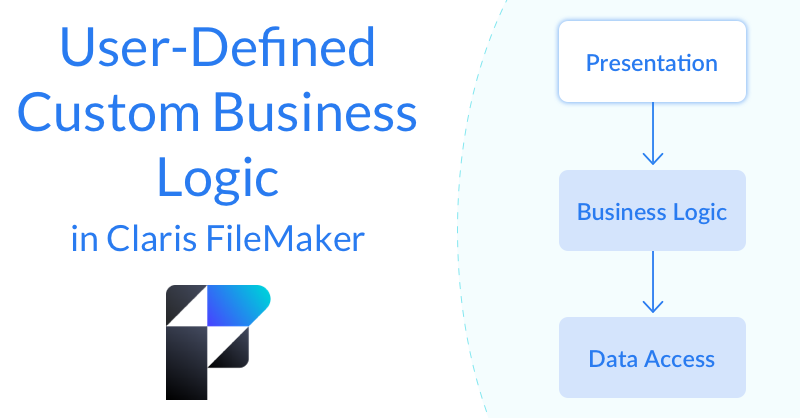
Business rules inevitably evolve over time. When they do, it's important that FileMaker users are able to adjust their application quickly and easily to keep up. The best way to do this is to allow users to modify and define what information FileMaker is presenting them with and how it should be presented using business logic. We demo how to enable users to define custom business rules. Includes sample file and video. dbservices.com

Important Information

By using this site, you agree to our Terms of Use.

Account

Navigation

Search

Configure browser push notifications

Chrome (Android)
  1. Tap the lock icon next to the address bar.
  2. Tap Permissions → Notifications.
  3. Adjust your preference.
Chrome (Desktop)
  1. Click the padlock icon in the address bar.
  2. Select Site settings.
  3. Find Notifications and adjust your preference.