Jump to content
View in the app

A better way to browse. Learn more.

FMForums.com

A full-screen app on your home screen with push notifications, badges and more.

To install this app on iOS and iPadOS
  1. Tap the Share icon in Safari
  2. Scroll the menu and tap Add to Home Screen.
  3. Tap Add in the top-right corner.
To install this app on Android
  1. Tap the 3-dot menu (⋮) in the top-right corner of the browser.
  2. Tap Add to Home screen or Install app.
  3. Confirm by tapping Install.
  • Entries

    212
  • Comments

    13
  • Views

    133,309

About this blog

FileMaker tips, techniques, and news.

Entries in this blog

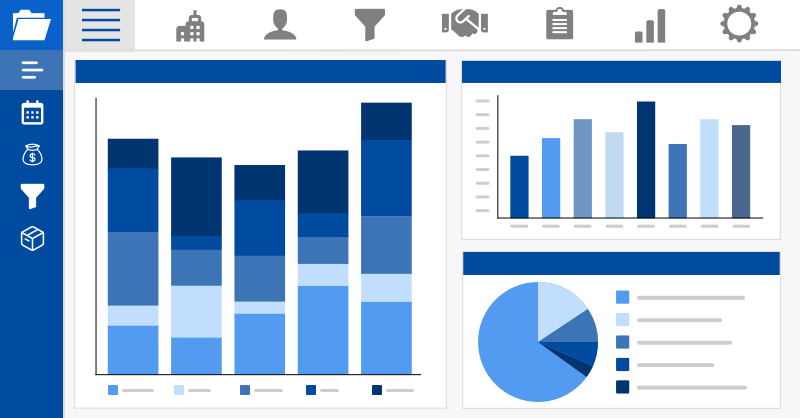
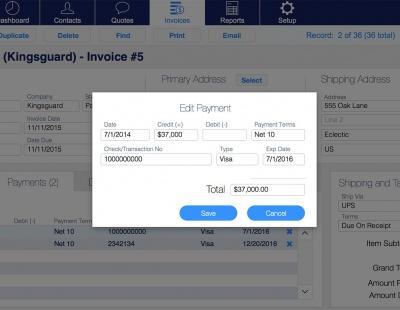
When making a robust solution in FileMaker that you want to suit your needs best, it’s important to consider the app's purpose and projected user pool. Thankfully, with the addition of a system dashboard to your FileMaker project, you gain a fast and user-friendly way to present the data of each user without the need for slow and bulky found sets. Includes a video and sample file. Read the full article here.
If you're new to FileMaker and don't know where to start, you're in luck! We've been working with FileMaker since 2003 on hundreds of projects, and we want to share our expertise with beginners like you. This collection of resources will help you get started building custom FileMaker Apps today. Read the full article here. 
With the release of FileMaker Go 19, Siri Shortcuts can take you directly to the FileMaker features you need before you've even opened the app! Learn more about Siri Shortcuts and how you can execute your favorite FileMaker Go features with a voice command or a single tap. This article includes a tutorial video and free sample file: https://dbservices.com/articles/siri-shortcuts-in-filemaker-go/ dbservices.com
Native JSON functions have made it to the FileMaker platform! We dive into how to use the functions to create, modify, and parse JSON for REST APIs and more. Learn about the 6 new functions available, JSONSetElement, JSONDeleteElement, JSONGetElement, JSONListKeys, JSONListValues, JSONFormatElements. https://dbservices.com/articles/filemaker-json-functions/ dbservices.com
FileMaker 16 has introduced new location monitoring features that truly give FileMaker Go the edge by enhancing your app’s ability to take on any location-specific needs. Whether you’re indoors, outdoors, coming, or going, FileMaker can monitor it all. https://dbservices.com/articles/location-monitoring-in-filemaker-go/ dbservices.com
Keep your users informed with the use of simple notifications. Using FileMaker and a service called Pushover we can easily leverage cross platform notifications with advanced features like message priority, which allows you to repeat a notification until the user acknowledges it. Free demo included: https://www.dbservices.com/articles/filemaker-cross-platform-notifications/ dbservices.com
The Portal In-Line Progress Bar, one of FileMaker 15’s new performance-based features, brings with it the separation of a layout’s non-portal and portal rendering tasks. This means users are no longer forced to wait for cumbersome portals to load before being able to interact with a window’s content. https://www.dbservices.com/articles/filemaker-portal-in-line-progress-bar/ dbservices.com
FileMaker Server Top Call Statistics Log gives the ability to track the heaviest client usage periods, pinpointing the client requests that take the longest, allowing to quickly and efficiently investigate. Learn more and watch the video here: https://www.dbservices.com/articles/filemaker-server-top-call-logging/ dbservices.com

Important Information

By using this site, you agree to our Terms of Use.

Configure browser push notifications

Chrome (Android)
  1. Tap the lock icon next to the address bar.
  2. Tap Permissions → Notifications.
  3. Adjust your preference.
Chrome (Desktop)
  1. Click the padlock icon in the address bar.
  2. Select Site settings.
  3. Find Notifications and adjust your preference.