Jump to content
View in the app

A better way to browse. Learn more.

FMForums.com

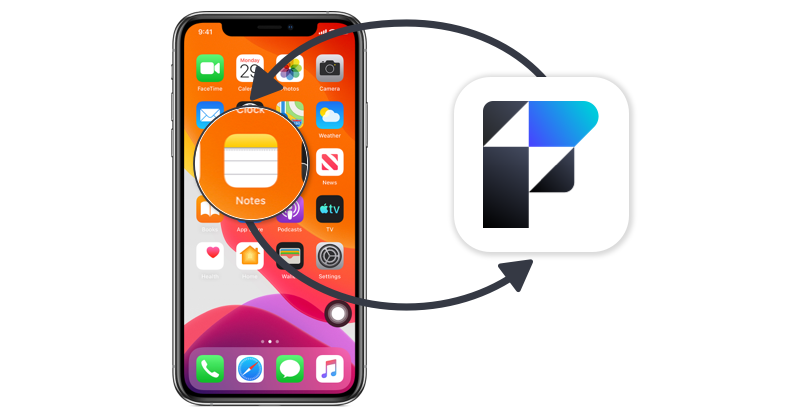
A full-screen app on your home screen with push notifications, badges and more.

To install this app on iOS and iPadOS
  1. Tap the Share icon in Safari
  2. Scroll the menu and tap Add to Home Screen.
  3. Tap Add in the top-right corner.
To install this app on Android
  1. Tap the 3-dot menu (⋮) in the top-right corner of the browser.
  2. Tap Add to Home screen or Install app.
  3. Confirm by tapping Install.
  • Entries

    212
  • Comments

    13
  • Views

    133,326

About this blog

FileMaker tips, techniques, and news.

Entries in this blog

WooCommerce is a popular e-commerce plugin that offers a myriad of benefits for online businesses. Integrating WooCommerce with your Claris FileMaker solution allows you to manage products across platforms while maintaining accurate data. Read more about how to integrate them here. Includes demo file and video dbservices.com
Claris FileMaker 20.2 brings a new look to the Trigger Claris Connect Flow script step in Claris FileMaker 20.2 that makes connecting to and triggering flows easier. Being able to connect your application to 3rd party software could be the difference maker for your business and is now easier than ever! Let’s dive into what has changed and how you can use this to your benefit when managing your application in our article. dbservices.com
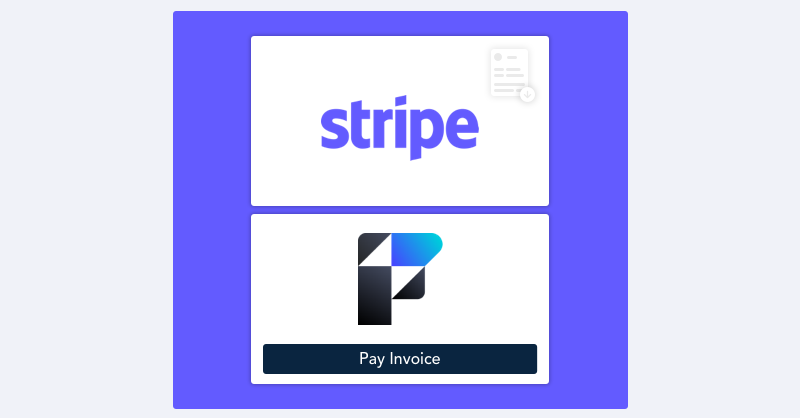
Claris’ new Custom Connectors introduce a low code solution to connect your system to third-party services and take any action a third-party service provides. These actions can be easily reproduced and shared across systems. In this article, we’ll go into detail about Claris’ new Custom Connectors and walk you through an example of how they can be created and utilized using the payment platform Stripe.     dbservices.com
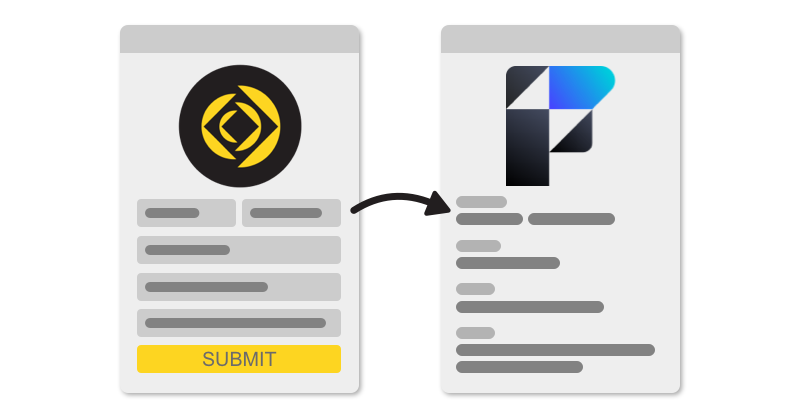
Integrating Jotform with Claris FileMaker makes it easier than ever to streamline your data collection process with clean and professional-looking forms that are simple and intuitive. Check out our demo - includes a sample file and video: https://dbservices.com/blog/claris-filemaker-jotform-integration     dbservices.com
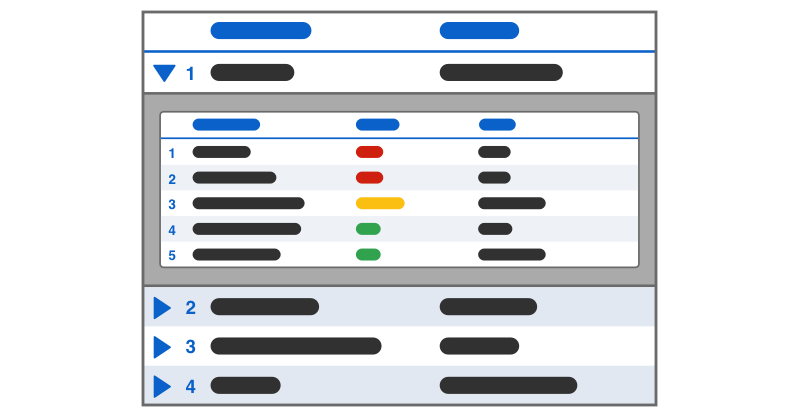
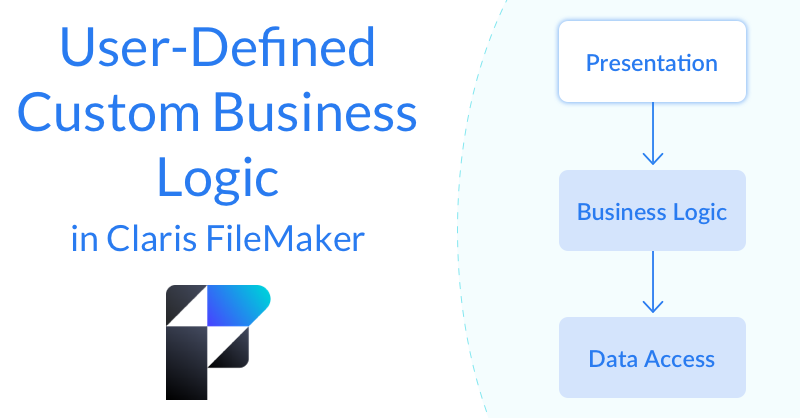
Business rules inevitably evolve over time. When they do, it's important that FileMaker users are able to adjust their application quickly and easily to keep up. The best way to do this is to allow users to modify and define what information FileMaker is presenting them with and how it should be presented using business logic. We demo how to enable users to define custom business rules. Includes sample file and video. dbservices.com
Claris is now offering a free tier of Claris Connect, their flow tool that allows you to create automated workflows between your Claris FileMaker application and the rest of your tech stack. Take advantage of this free tier that will empower you to dip your toes into the world of automation without breaking the bank! Read more here.     dbservices.com
Leverage the true power of the Claris FileMaker platform as a workflow hub for your business by integrating with Teamwork. Leverage the power of Teamwork as a project management tool while integrating into your existing workflows by creating projects and tasks and using webhooks to get updates on progress. Video and download file included. Read the full article here. dbservices.com
The latest entry into the Artificial Intelligence scene is OpenAI's ChatGPT. ChatGPT (Generative Pre-trained Transformer 3) is a language model designed to produce conversation-style results for its users. Because of its conversational nature, a ChatGPT integration with your FileMaker solution has the potential to increase your automation and efficiency without sacrificing the human-like feel. Includes demo file and video. Check it out here. dbservices.com
For any system with multiple users, transactional scripting is a must to avoid unnecessary bugs. One of the most exciting features of Claris FileMaker 19.6 is the addition of transaction script steps. We dive deeper into the newly released Claris FileMaker 19.6 transaction script step functionality. Includes demo video and sample file. Read the full article here. dbservices.com
Claris's newest update to the FileMaker platform is here! With Claris FileMaker Server 19.6, there are many changes and improvements to help manage your FileMaker application, including new Admin Console features, WebDirect updates, and performance improvements. Check out the highlights of what you can expect from this newest update here. dbservices.com
Claris' 19.6 release of the FileMaker platform has launched! Join us as we discuss our favorite new features including built-in support for Transaction scripts, new script steps such as Get(TransactionState), Set Dictionary, Get(CurrentTimeUTCMicroseconds), Get(LastErrorDetail), and Get(LastErrorLocation), as well as the option to delete cached temp files and the option to disable context menus for interactive containers. Read the full article here. dbservices.com
Whatever your payment or subscription needs are, integrating the Authorize.net API with FileMaker is a surefire way to improve your business' workflow. Using Authorize.net's streamlined and straightforward API, your business can instantly and securely interact with customers by integrating with FileMaker. Includes a video and sample file. Read more here.
When it comes to sending important legally binding documents, no application does it as well as SignNow. With over 28 million users in more than 20 different industries using the enterprise-grade eSigning platform, it's no wonder so many businesses rely on it. This guide will show you how you can begin sending customized documents through SignNow with FileMaker. Includes a video and sample file. Read the full article here. dbservices.com

Important Information

By using this site, you agree to our Terms of Use.

Configure browser push notifications

Chrome (Android)
  1. Tap the lock icon next to the address bar.
  2. Tap Permissions → Notifications.
  3. Adjust your preference.
Chrome (Desktop)
  1. Click the padlock icon in the address bar.
  2. Select Site settings.
  3. Find Notifications and adjust your preference.