Jump to content
View in the app

A better way to browse. Learn more.

FMForums.com

A full-screen app on your home screen with push notifications, badges and more.

To install this app on iOS and iPadOS
  1. Tap the Share icon in Safari
  2. Scroll the menu and tap Add to Home Screen.
  3. Tap Add in the top-right corner.
To install this app on Android
  1. Tap the 3-dot menu (⋮) in the top-right corner of the browser.
  2. Tap Add to Home screen or Install app.
  3. Confirm by tapping Install.
  • Entries

    212
  • Comments

    13
  • Views

    133,357

About this blog

FileMaker tips, techniques, and news.

Entries in this blog

For many professionals, their calendar is an important tool that helps keep things running smoothly. In this article we cover how to integrate your Outlook calendar with FileMaker to keep you staying on top of your efficiency game! Be sure to check out our tutorial: https://dbservices.com/articles/filemaker-outlook-calendar-integration/   dbservices.com
FileMaker comes with 6 Starter and 16 Sample templates that assist in starting a new application and allow you to customize it to your business needs. In this article we provide an overview of the starter solutions and how they can assist you in your innovation! https://dbservices.com/blog/filemaker-17-starter-solutions dbservices.com
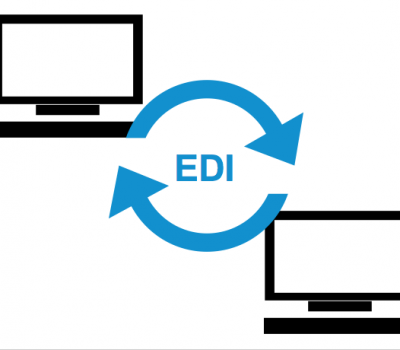
Electronic data interchange (EDI) is used by businesses to electronically exchange standard business documents. EDI standards can speed up business by simplifying communication between two companies. Check out how FileMaker can help your business by Integrating with EDI: https://dbservices.com/articles/filemaker-edi-integration/ dbservices.com
Many companies with both HubSpot and FileMaker find themselves ending up having to do double data entry from one system to the next. We will demonstrate how you can eliminate the hassle of manually copying the information by integrating your FileMaker solution with HubSpot: https://dbservices.com/articles/filemaker-hubspot-integration/ dbservices.com
FileMaker offers many different options for charting, but if you need a chart that is not available in FileMaker, you should consider using Google Charts. Google Charts is a free Javascript framework that can be used in conjunction with web viewers in FileMaker to extend your charting capabilities: https://dbservices.com/articles/google-charts-in-filemaker/ dbservices.com  
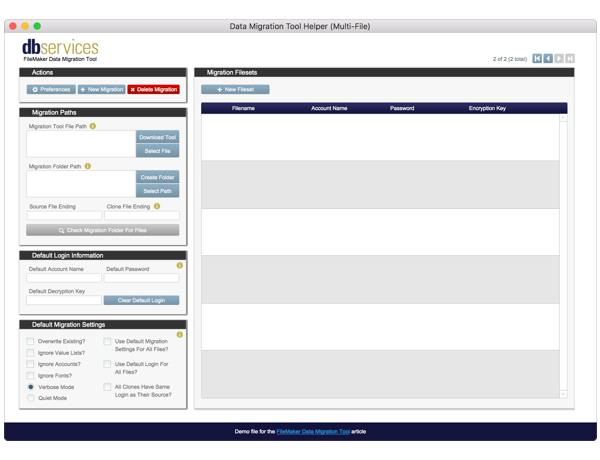
With the release of FileMaker Cloud Admin API, you can now manage FileMaker Cloud servers and now have the ability to set up FileMaker Server-Side Schedules. Download our free FileMaker Cloud Schedule Manager to manage FileMaker Cloud files and create / edit server-side schedules: https://dbservices.com/articles/filemaker-cloud-admin-api dbservices.com
Learn how to integrate your FileMaker solution with Shippo, an all-in-one API that allows you to pay for and generate shipping labels and tracking numbers on the fly for major carriers such as UPS, FedEx and USPS. Free sample file included: https://dbservices.com/articles/filemaker-shipping-labels-with-shippo/ dbservices.com  
Amazon is the largest e-commerce site in the world, making brick and mortar stores scramble to catch up online as Amazon continues to grow marketshare. Learn how to integrate your FileMaker solution with Amazon using Amazon Marketplace Web Service. Includes free sample file: https://dbservices.com/articles/filemaker-amazon-integration/ dbservices.com
Eliminate double data entry by integrating FileMaker with Xero. The article will show you how to do the integration and how to create a Xero developer account and application, establish a connection to the API, make a request and parse the response. Includes free demo and sample file: https://dbservices.com/articles/filemaker-xero-integration/ dbservices.com
Integrate FileMaker 16 with the leading business intelligence software available, Tableau. Tableau allows you to create advanced charts and reports of your data, and create interactive dashboards that let you see trends and turn data into actionable insights. Free demo file included: https://dbservices.com/articles/filemaker-business-intelligence-using-tableau/ dbservices.com
One of the most important and wide-reaching updates in FileMaker 16 is the ability to set cURL options in the Insert from URL script step. This allows FileMaker to natively integrate with innumerable services across the web, including Google Calendar, Google Maps, Microsoft SharePoint, and many other services. https://dbservices.com/articles/filemaker-curl-options/ dbservices.com
Native JSON functions have made it to the FileMaker platform! We dive into how to use the functions to create, modify, and parse JSON for REST APIs and more. Learn about the 6 new functions available, JSONSetElement, JSONDeleteElement, JSONGetElement, JSONListKeys, JSONListValues, JSONFormatElements. https://dbservices.com/articles/filemaker-json-functions/ dbservices.com

Important Information

By using this site, you agree to our Terms of Use.

Configure browser push notifications

Chrome (Android)
  1. Tap the lock icon next to the address bar.
  2. Tap Permissions → Notifications.
  3. Adjust your preference.
Chrome (Desktop)
  1. Click the padlock icon in the address bar.
  2. Select Site settings.
  3. Find Notifications and adjust your preference.