Skip to content
View in the app

A better way to browse. Learn more.

FMForums.com

A full-screen app on your home screen with push notifications, badges and more.

To install this app on iOS and iPadOS
  1. Tap the Share icon in Safari
  2. Scroll the menu and tap Add to Home Screen.
  3. Tap Add in the top-right corner.
To install this app on Android
  1. Tap the 3-dot menu (⋮) in the top-right corner of the browser.
  2. Tap Add to Home screen or Install app.
  3. Confirm by tapping Install.

Entries in this blog

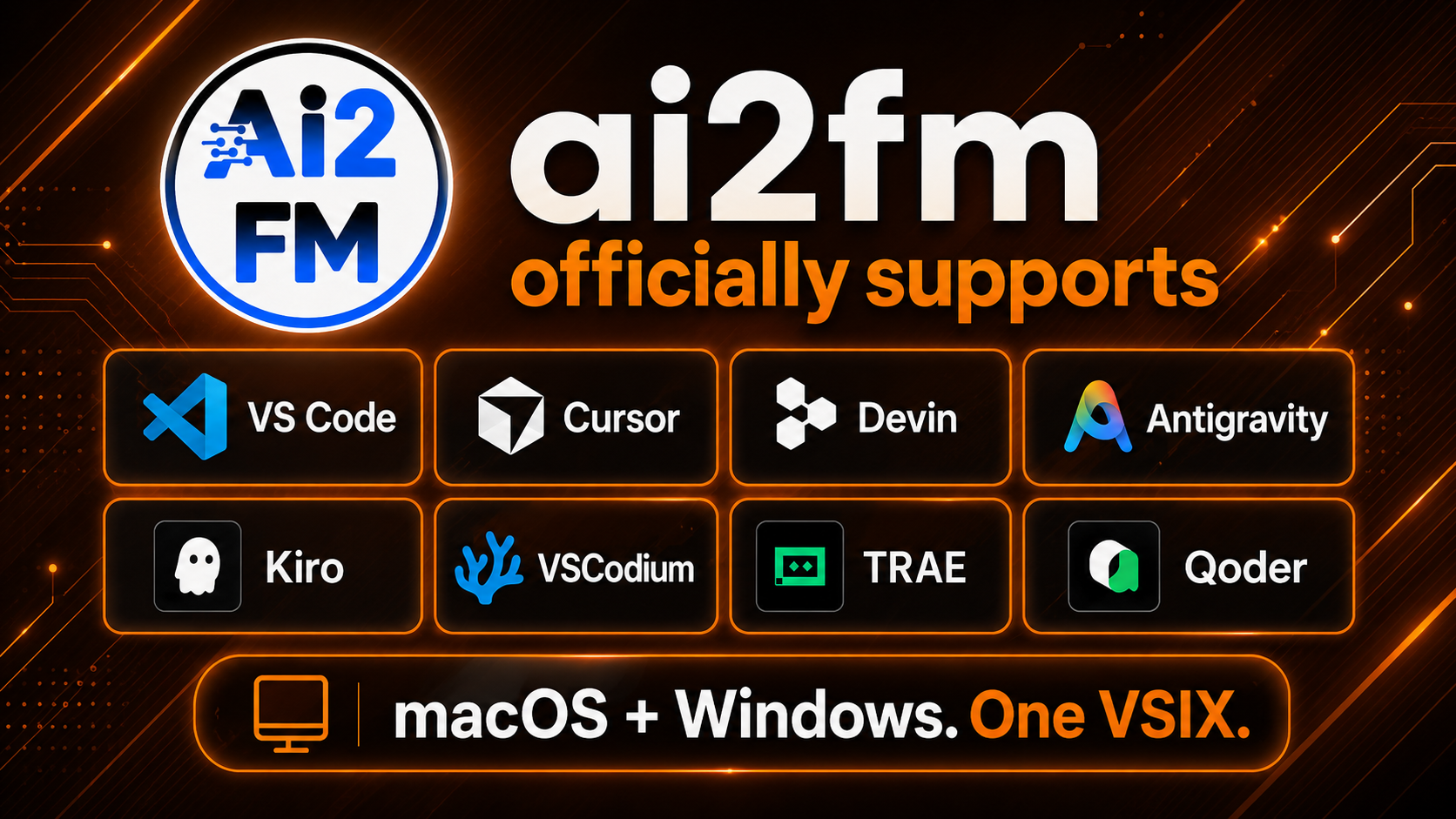
Dear ai2fm community, The wait is almost over. On October 1st, 2026, we are releasing ai2fm v2.5—our biggest architectural update yet. As promised in our July preview, v2.5 delivers full FileMaker 2026 script step support, the 2025 ⇄ 2026 migration bridge (which safely navigates Claris's cross-version clipboard bugs), inline hover documentation for over 8,000 MBS and BaseElements functions, and flawless CJK/Unicode integrity for multi-byte languages. ACTION REQUIRED: Please Update Your IDE B

Account

Navigation

Search

Search

Configure browser push notifications

Chrome (Android)
  1. Tap the lock icon next to the address bar.
  2. Tap Permissions → Notifications.
  3. Adjust your preference.
Chrome (Desktop)
  1. Click the padlock icon in the address bar.
  2. Select Site settings.
  3. Find Notifications and adjust your preference.