




Penny Newman Grain Co.

By eXcelisys
· 937 views
Penny Newman Grain Co.
CLIENT Penny Newman Grain Co.
DATE 2012
TAGS Agriculture, Consulting, Database, Design-Development, FileMaker Go, FileMaker Pro, Mobile Applications, Synchronization
About Penny Newman Grain Co.
Penny Newman Grain Inc. is a grain/feed supplier to the cattle and livestock industry.
Challenge:
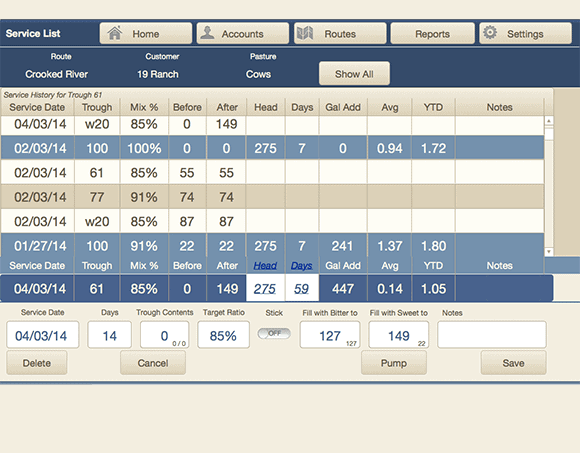
Penny Newman had an idea to try and convert their dealers from paper-based reporting to an online system to allow their dealers to more accurately calculate grain/feed usage and mix percentages, and to allow automatic reporting from dealer back to Penny Newman corporate for aggregate reporting. The major hurdle was allowing iPads out in the field, with limited bandwidth and connectivity, to synchronize so that dealers’ data could be backed up and retrieved from a central location.
Solution:
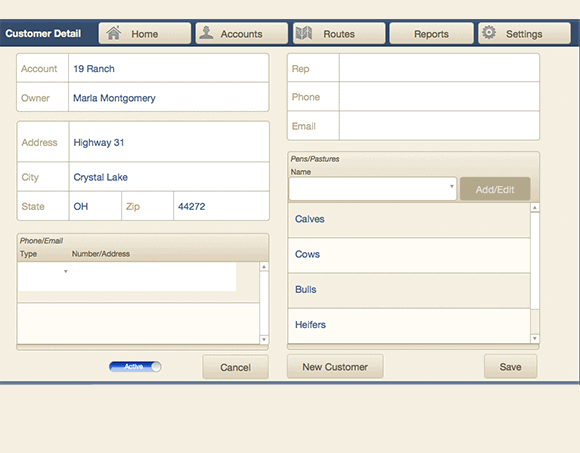
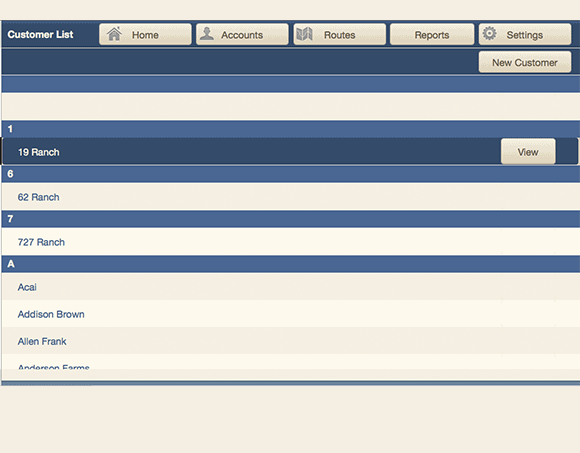
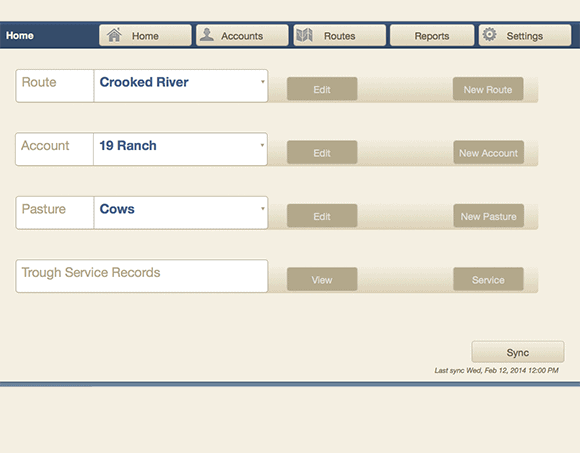
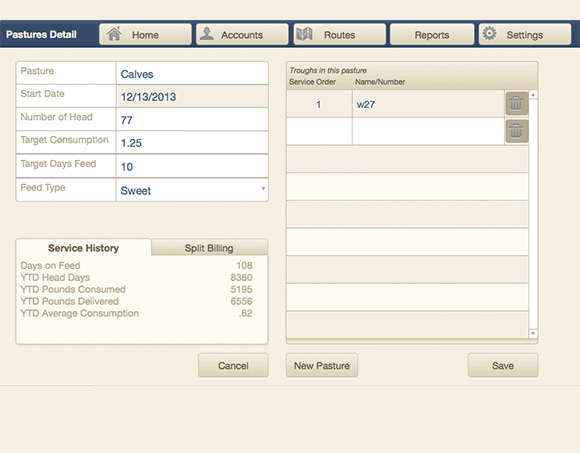
A FileMakerGo sync solution that their dealers use on iPads out in the field to do all of their mix percentages and feed usage calculations, which uses MirrorSync V2 to transmit data back to the main Penny Newman server when a network connection could be established through either wifi or cell.
Result:
The FileMaker GO sync solution exceeded their expectation much better than anticipated; they were gaining new dealers from competitors just because they offered this iPad solution that tracked their work and did the math for them. Furthermore, corporate offices could monitor how feed was being used and could ensure that dealers were using the product correctly.
Contact us today for a complimentary consultation!
The post Penny Newman Grain Co. appeared first on eXcelisys.
Recommended Comments