

Jump to content
View in the app

A better way to browse. Learn more.

FMForums.com

A full-screen app on your home screen with push notifications, badges and more.

To install this app on iOS and iPadOS
  1. Tap the Share icon in Safari
  2. Scroll the menu and tap Add to Home Screen.
  3. Tap Add in the top-right corner.
To install this app on Android
  1. Tap the 3-dot menu (⋮) in the top-right corner of the browser.
  2. Tap Add to Home screen or Install app.
  3. Confirm by tapping Install.

A Cooler Color Picker

(0 reviews)

Hi all,

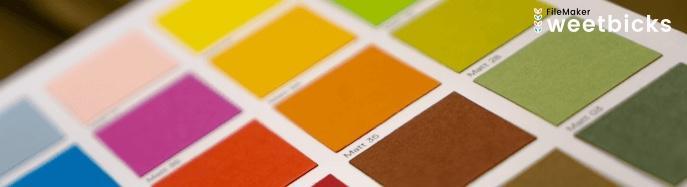
I have just posted a new article & example file entitled "A Cooler Color Picker". In this article we present a javascript based color picker utility which can be reused multiple times on a layout, or across multiple different windows at once. We present it in both popover & card window varieties (so it can be usable within a portal). We also show a quick and simple way to generate a color swatch from the chosen hexadecimal code, as well as some other interesting tidbits in the article.

https://www.teamdf.com/blogs/a-cooler-color-picker/

We hope you enjoy, and be sure to leave a comment if you have feedback or questions!

Cheers

Daniel


colorpicker-teaser.jpg

0 Comments

Recommended Comments

There are no comments to display.

Important Information

By using this site, you agree to our Terms of Use.

Configure browser push notifications

Chrome (Android)
  1. Tap the lock icon next to the address bar.
  2. Tap Permissions → Notifications.
  3. Adjust your preference.
Chrome (Desktop)
  1. Click the padlock icon in the address bar.
  2. Select Site settings.
  3. Find Notifications and adjust your preference.