Jump to content
View in the app

A better way to browse. Learn more.

FMForums.com

A full-screen app on your home screen with push notifications, badges and more.

To install this app on iOS and iPadOS
  1. Tap the Share icon in Safari
  2. Scroll the menu and tap Add to Home Screen.
  3. Tap Add in the top-right corner.
To install this app on Android
  1. Tap the 3-dot menu (⋮) in the top-right corner of the browser.
  2. Tap Add to Home screen or Install app.
  3. Confirm by tapping Install.

Next Gen FileMaker hosting in California! (Los Angeles)

(0 reviews)
FileMaker Cloud Italy
When your parent company is named ‘1-more-thing’, there’s no excuse for not being present in Los Angeles!

That’s now fixed. fmcloud.fm is available in LA, greatly benefiting the FileMaker users of California, Arizona, Nevada, and Utah.

You can measure the latency between you and our various datacenters on this interactive map.
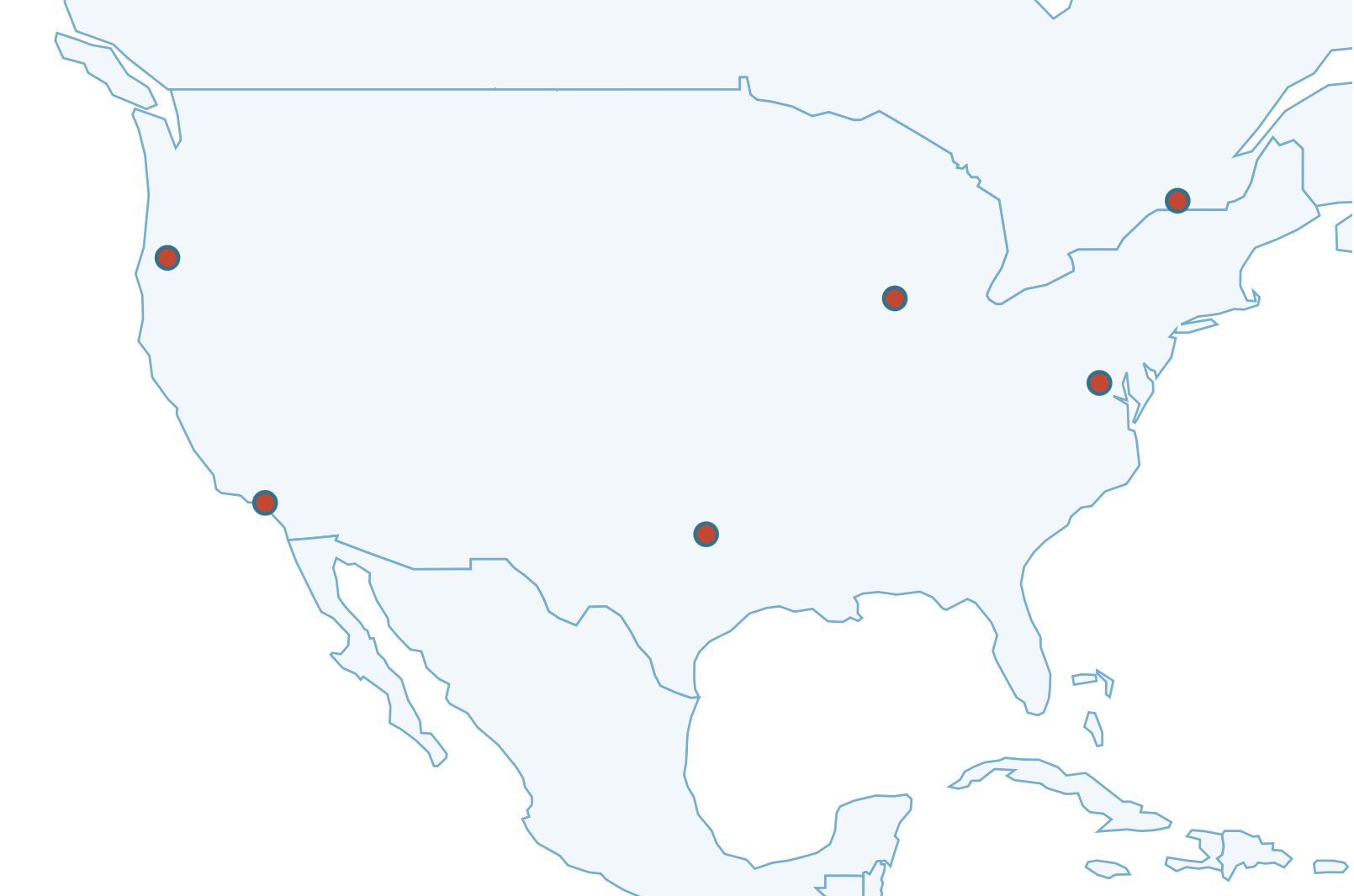
map_california.jpeg

Want to try now?

If you already have a server on fmcloud.fm, just send us an email, and we’ll move your server overnight (let us know what time works best for you). Free of charge. 

And if you want to try our service in this or any other data center, just ask the chatbot in the lower right corner of this website. You’ll be ready to go in less than 2 minutes.

The post Next Gen FileMaker hosting in California! (Los Angeles) appeared first on fmcloud.fm.

View the full article

0 Comments

Recommended Comments

There are no comments to display.

Important Information

By using this site, you agree to our Terms of Use.

Configure browser push notifications

Chrome (Android)
  1. Tap the lock icon next to the address bar.
  2. Tap Permissions → Notifications.
  3. Adjust your preference.
Chrome (Desktop)
  1. Click the padlock icon in the address bar.
  2. Select Site settings.
  3. Find Notifications and adjust your preference.