

Jump to content
View in the app

A better way to browse. Learn more.

FMForums.com

A full-screen app on your home screen with push notifications, badges and more.

To install this app on iOS and iPadOS
  1. Tap the Share icon in Safari
  2. Scroll the menu and tap Add to Home Screen.
  3. Tap Add in the top-right corner.
To install this app on Android
  1. Tap the 3-dot menu (⋮) in the top-right corner of the browser.
  2. Tap Add to Home screen or Install app.
  3. Confirm by tapping Install.

Layout Mode Enhancements | FileMaker Business Alliance Company | Kyo Logic | Skeleton Key | FileMaker 12

(0 reviews)

Layout Mode Enhancements - Day 3 of 12 Days of FileMaker 12 Web Series

Tuesday, April 17th, marked Day Three of FM Academy's 12 Days of FileMaker 12 Web Series.
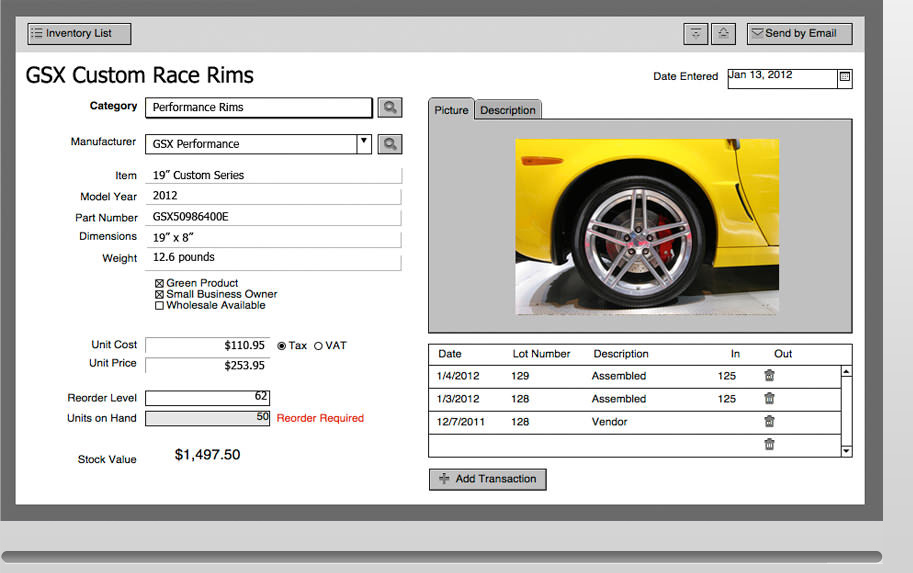
FMA_LayoutModeEnhancements.jpgLayout Mode Enhancements, hosted by Kyo Logic, summary:

FileMaker 12 houses powerful new features to align, position and manage objects on your layouts. In this webinar, we explored how these powerful new features will help you design a more consistent and graphically pleasing application. The presenter, John Mathewson, took us through a review of these new features and showed how they can be used to balance your layout designs and improve eye flow.

read more

Source

0 Comments

Recommended Comments

There are no comments to display.

Important Information

By using this site, you agree to our Terms of Use.

Configure browser push notifications

Chrome (Android)
  1. Tap the lock icon next to the address bar.
  2. Tap Permissions → Notifications.
  3. Adjust your preference.
Chrome (Desktop)
  1. Click the padlock icon in the address bar.
  2. Select Site settings.
  3. Find Notifications and adjust your preference.