

Jump to content
View in the app

A better way to browse. Learn more.

FMForums.com

A full-screen app on your home screen with push notifications, badges and more.

To install this app on iOS and iPadOS
  1. Tap the Share icon in Safari
  2. Scroll the menu and tap Add to Home Screen.
  3. Tap Add in the top-right corner.
To install this app on Android
  1. Tap the 3-dot menu (⋮) in the top-right corner of the browser.
  2. Tap Add to Home screen or Install app.
  3. Confirm by tapping Install.

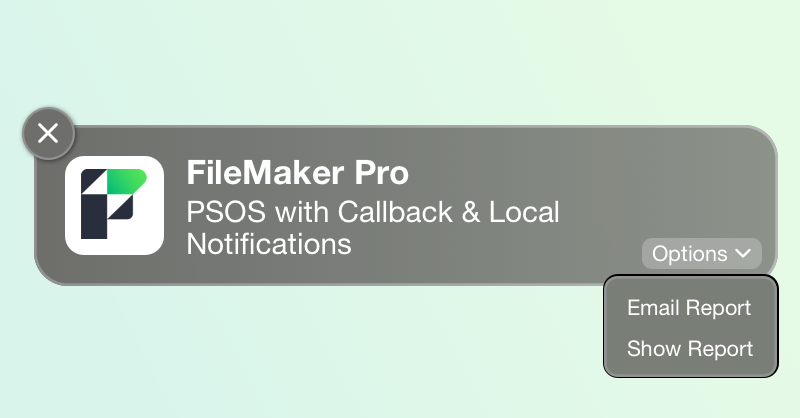
Discover the latest advancements in FileMaker 2024 with our in-depth look at two game-changing features: PSOS with Callback and Configure Local Notification. These powerful tools can transform your development process, enhance productivity, and streamline workflows. Whether you’re running lengthy reports or managing complex scripts, these new functionalities offer greater flexibility and control. Let's explore practical examples of how to leverage these features to create efficient and responsive FileMaker solutions. Includes sample file and video.

dbservices.com

0 Comments

Recommended Comments

There are no comments to display.

Important Information

By using this site, you agree to our Terms of Use.

Configure browser push notifications

Chrome (Android)
  1. Tap the lock icon next to the address bar.
  2. Tap Permissions → Notifications.
  3. Adjust your preference.
Chrome (Desktop)
  1. Click the padlock icon in the address bar.
  2. Select Site settings.
  3. Find Notifications and adjust your preference.
