




Create Barcodes and QR Codes in FileMaker

By PCIPal
· 271 views
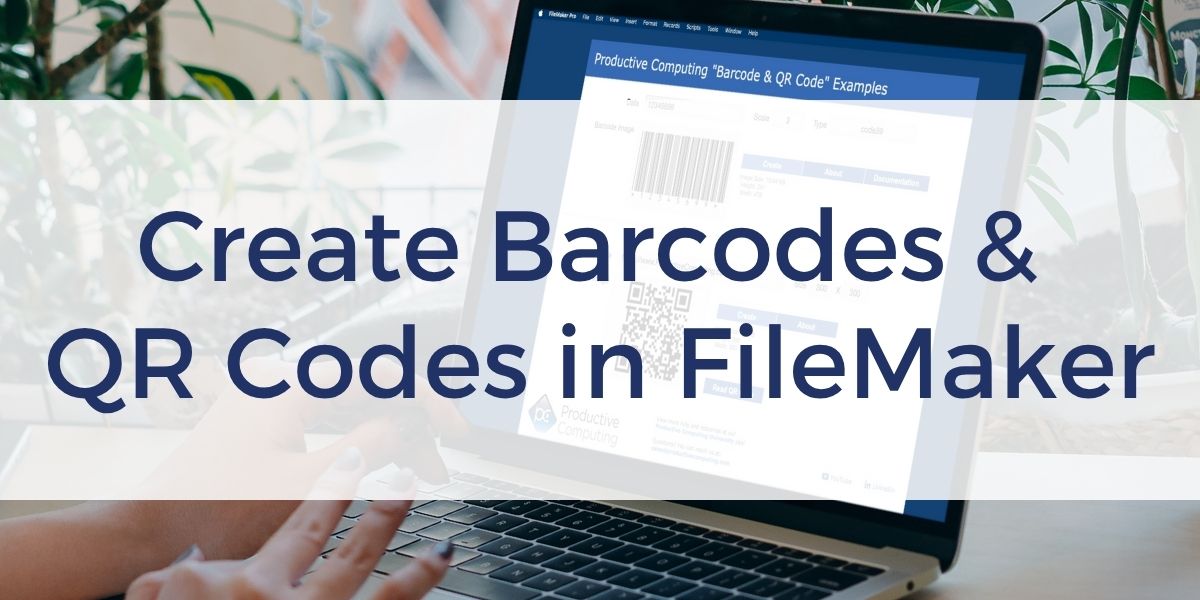
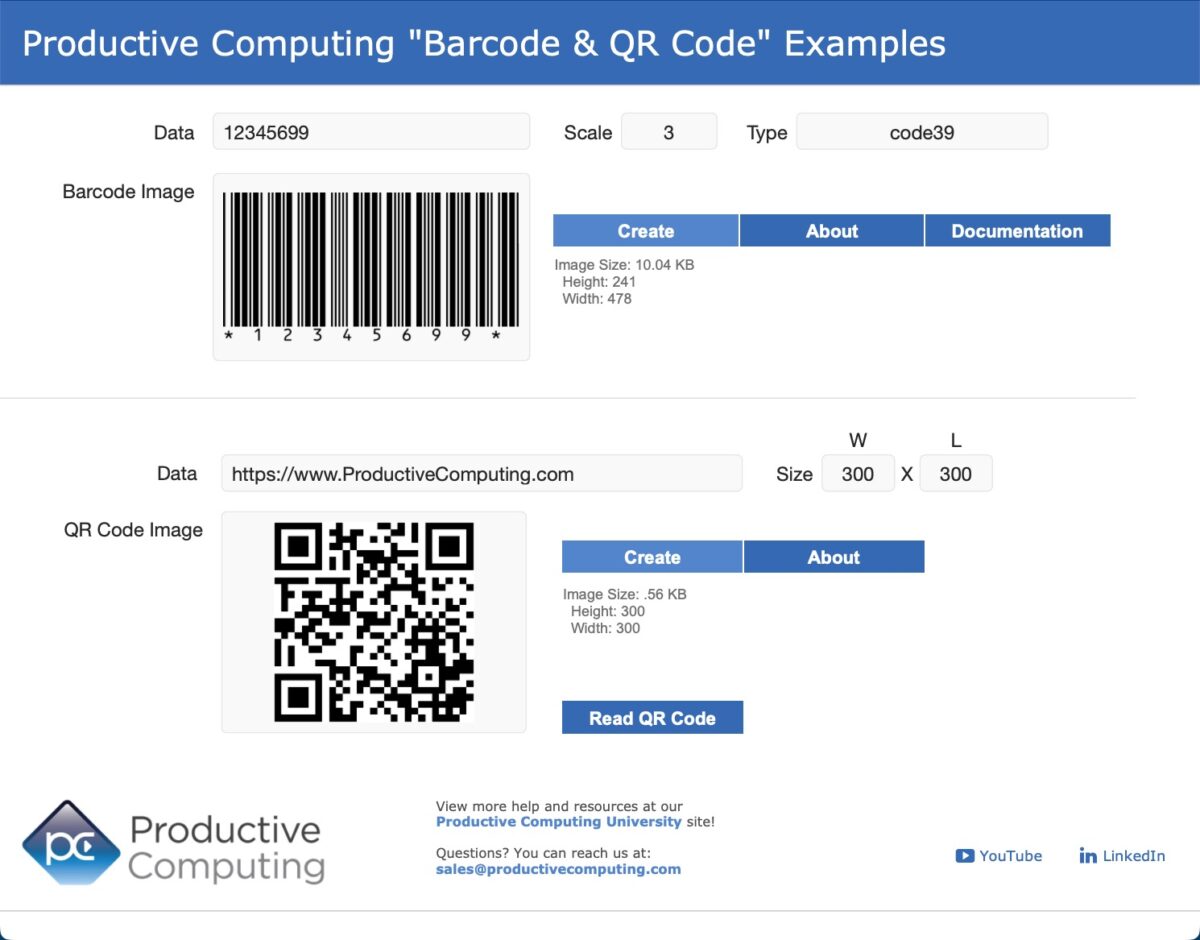
Creating barcodes and QR codes in FileMaker is easier than ever. Using the free demo file from Productive Computing University, you will be able to use a single script step to generate both traditional barcodes and QR codes directly within FileMaker 2025. No fonts, no plug-ins, and no complex setup are required
If you’re managing inventory, printing labels, or sharing links, this approach makes it quick to generate professional barcodes and QR codes with minimal effort. The only requirement is an internet connection during the creation process. Once generated, the images are stored in container fields and can be used offline.
In the video, you’ll learn how to:
- Create traditional barcodes such as Code 39 and Code 128 using the Insert from URL script step.
- Generate QR codes that link to websites, Wi-Fi networks, or any text-based data.
- Adjust barcode properties like size, color, and text placement using custom parameters.
- Automate error handling when barcode data doesn’t meet format requirements.
- Export or print barcodes directly from FileMaker for use in labels, inventory, or tracking systems.
Try It Yourself
The demo file is free and fully unlocked, so you can experiment and customize it for your own solutions.
Download the unlocked demo file in the FileMaker Features and Free Resources course at Productive Computing University. Enroll for free to explore additional demo files that show you how to use AI tools, connect to APIs, and explore advanced FileMaker tools.
Other products and services Productive Computing, Inc. offers:
- What can PCI do for you? – overview of our services
- Health Assessment – a comprehensive report of your FileMaker system
- Consulting and Development – services billed by the hour
- Maintenance and Support – services billed monthly
- Packaged Services – Security Audit, SSL or Server Installation
- Plug-ins – tools to integrate with QuickBooks, Outlook, Google, and more
- Solutions – free customizable and scalable CRM template
- Claris and FileMaker Licensing – discounts on new seats and renewals
- FileMaker and QuickBooks Hosting – host your files in the cloud
- Productive Computing University – online beginner to advanced training courses
- Certification Programs – expert-led training, hands-on development, and personalized evaluations

The post Create Barcodes and QR Codes in FileMaker appeared first on Productive Computing, Inc..
Recommended Comments