




A Practical Guide to the Claris Platform

By PCIPal
· 223 views
An Overview for FileMaker Users
If you are familiar with FileMaker, you may be curious about how the Claris platform expands on what you already know. With multiple tools designed to work together, it can be difficult to understand where each one fits and how they support real business workflows.
The Claris platform brings together app development, data collection, automation, and deployment options under one ecosystem. Gaining a clear overview of these components helps you evaluate whether Claris is the right fit for your organization and how you might use it moving forward.
Understanding the key components of Claris
Claris FileMaker Pro is used to build custom apps that manage data and business processes. It often serves as the core of internal systems like CRMs, inventory tracking, or project management tools. FileMaker Go extends those apps to mobile devices, making it easier for teams to work from anywhere.
FileMaker WebDirect allows users to access FileMaker apps through a web browser, which is useful when sharing systems with a wider audience. FileMaker Server supports hosting, performance, and system reliability as usage grows.
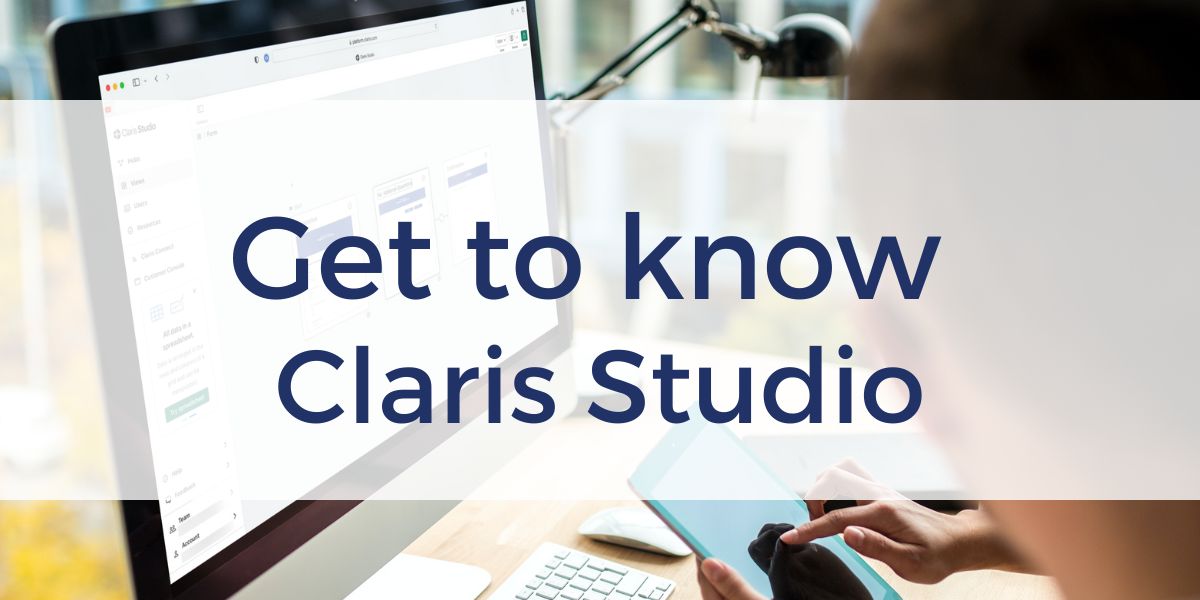
Claris Studio focuses on collecting and sharing data through web-based forms and lightweight interfaces. Claris Connect adds automation by moving data between Claris and FileMaker apps and other services, helping reduce manual work and improve consistency.
How this overview course can help
This course is not hands-on training. Instead, it focuses on helping you understand what each tool does, when to use one over another, and when combining tools makes sense. That perspective can save time and reduce uncertainty when planning your next steps.
Learn with guidance from Productive Computing University
Productive Computing University offers the Getting Started with the Claris Platform course at no cost. It is designed for FileMaker users, all levels of FileMaker developers, IT professionals, and business decision makers who want a clear introduction before committing to a specific path.
By understanding the full Claris toolbox and how the pieces work together, you can make more informed decisions and move forward with greater confidence using the learning resources available through Productive Computing University.
Comprehensive FileMaker Pro Training Series
Whether you are exploring a career as a Claris FileMaker developer, are a new FileMaker user, or are a current developer wishing to expand your knowledge and skills, our Claris FileMaker Pro training series will help you on your journey.
- Getting Started with the Claris Platform: This free introductory course explains the important “players” of the platform – FileMaker Pro, FileMaker Server, FileMaker Go, WebDirect, Claris Studio, and Claris Connect – and what each component’s role is and how they interact.
- A User’s Guide to Claris FileMaker Pro: Learn basic usage, navigation, and terminology of the platform – great for users and new developers.
- Claris FileMaker Pro Beginner: Start your development by creating data entry tables and layouts for your first solution.
- Claris FileMaker Pro Intermediate: Build a product and invoicing system using scripts, calculations, and more.
- Claris FileMaker Pro Advanced 1: Strengthen your skills – explore intricate relationships, conditional value lists, scripting, reporting, and security.
- Claris FileMaker Pro Advanced 2: Expand your expertise – learn to create robust, scalable, and optimized applications.
Bundle and save! The University Bundle provides more than 25 FileMaker online video training courses for beginner to advanced users and developers.
If you are looking for a one-on-one learning experience, enroll in one of our PCU Claris Certification programs. Whether you’re a beginner or an experienced developer looking to validate and expand your skills, we have a program for you. The programs provide a structured curriculum, hands-on training, expert mentorship, and real-world projects, to ensure you are fully equipped to excel in FileMaker development. You’ll have access to PCU Office Hours giving you two 45-minute sessions per year with a certified FileMaker expert and an exclusive community space to share challenges, successes and support.
Other products and services Productive Computing, Inc. offers:
- What can PCI do for you? – overview of our services
- Health Assessment – a comprehensive report of your FileMaker system
- Consulting and Development – services billed by the hour
- Maintenance and Support – services billed monthly
- Packaged Services – Security Audit, SSL or Server Installation
- Plug-ins – tools to integrate with QuickBooks, Outlook, Google, and more
- Solutions – free customizable and scalable CRM template
- Claris and FileMaker Licensing – discounts on new seats and renewals
- FileMaker and QuickBooks Hosting – host your files in the cloud
- Productive Computing University – online beginner to advanced training courses
- Certification Programs – expert-led training, hands-on development, and personalized evaluations
The post A Practical Guide to the Claris Platform appeared first on Productive Computing, Inc..
Recommended Comments