




Mastering Claris Studio: Learn the New Way to Connect FileMaker

By PCIPal
· 2 views
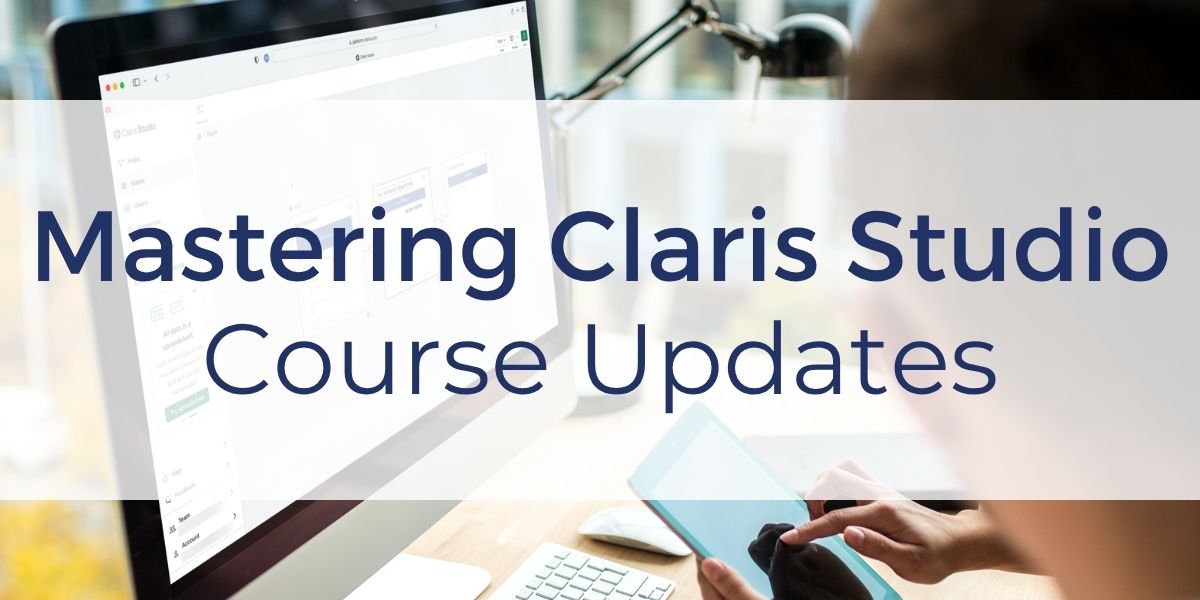
If you are working with FileMaker and Claris Studio, understanding how these two platforms connect is key to building modern solutions.
The Mastering Claris Studio course has been updated with new lessons that show you how to connect FileMaker and Claris Studio using synced data. This approach gives you more control over your data and a clearer way to manage how information moves between systems.
Build Smarter Solutions with Claris Studio
Claris Studio allows you to create forms, collect data, and build dashboards without requiring users to log into FileMaker. You can design solutions for surveys, registrations, and internal processes, then connect that data back to your FileMaker system.
With this course, you learn how to move beyond basic setup and start building solutions that support real business operations.
What’s New in the Course
The latest updates focus on how you work with FileMaker data inside Claris Studio.
You will learn how to:
- Prepare your FileMaker file and connect it as a data source
- Control which data is brought into Claris Studio and how it is structured
- Understand how updates move between FileMaker and Studio
- Build dashboards using synced data
These lessons reflect how FileMaker and Claris Studio work together today, replacing older connection methods with a more flexible and reliable approach.
More Control Over Your Data
One of the biggest benefits of this updated approach is control. You decide which fields are included in your data source, how data is formatted for reporting and dashboards, and who can access specific records. This allows you to shape your data based on how you plan to use it, rather than working around limitations. You also learn how synced data behaves, so you know exactly what happens when records are created, edited, or updated across systems.
Designed for Real-World Use
Beyond integrations, the course shows you how to apply Claris Studio in practical scenarios. You can share forms publicly to collect data without requiring logins, manage users and groups to control access, and import or export data for reporting and analysis. These are the types of tasks you will use in real projects, whether you are building internal tools or delivering solutions for clients.
Start with Free Lessons
If you are getting started, you can access 25 free lessons to learn the fundamentals and see how Claris Studio fits into your process.
The full course includes 79 lessons that take you from setup through advanced integrations with FileMaker and the Claris platform .
To start learning and explore what you can build, sign up for the Mastering Claris Studio course at Productive Computing University.
Frequently Asked Questions
How does Claris Studio work with FileMaker?
Claris Studio is used to create spreadsheets, forms, dashboards, and Kanban boards that help you collect and organize data. It allows you to gather information without requiring users to log in, making it useful for surveys, registrations, and data collection workflows.
What can I build with Claris Studio?
You can create surveys, email signup forms, registration pages, dashboards with charts, and data-driven views like lists and Kanban boards to manage and visualize your information.
Who is the Mastering Claris Studio course for?
The course is designed for both beginners and experienced FileMaker developers. New users can learn the basics of the platform, while experienced developers can explore advanced techniques for integrating Claris Studio with Claris Pro.
Other products and services Productive Computing, Inc. offers:
- What can PCI do for you? – overview of our services
- Health Assessment – a comprehensive report of your FileMaker system
- Consulting and Development – services billed by the hour
- Maintenance and Support – services billed monthly
- Packaged Services – Security Audit, SSL or Server Installation
- Plug-ins – tools to integrate with QuickBooks, Outlook, Google, and more
- Solutions – free customizable and scalable CRM template
- Claris and FileMaker Licensing – discounts on new seats and renewals
- FileMaker and QuickBooks Hosting – host your files in the cloud
- Productive Computing University – online beginner to advanced training courses
Certification Programs – expert-led training, hands-on development, and personalized evaluations
The post Mastering Claris Studio: Learn the New Way to Connect FileMaker appeared first on Productive Computing, Inc..
Recommended Comments