




Control Field Entry by Calculation in FileMaker 2026

By PCIPal
· 18 views
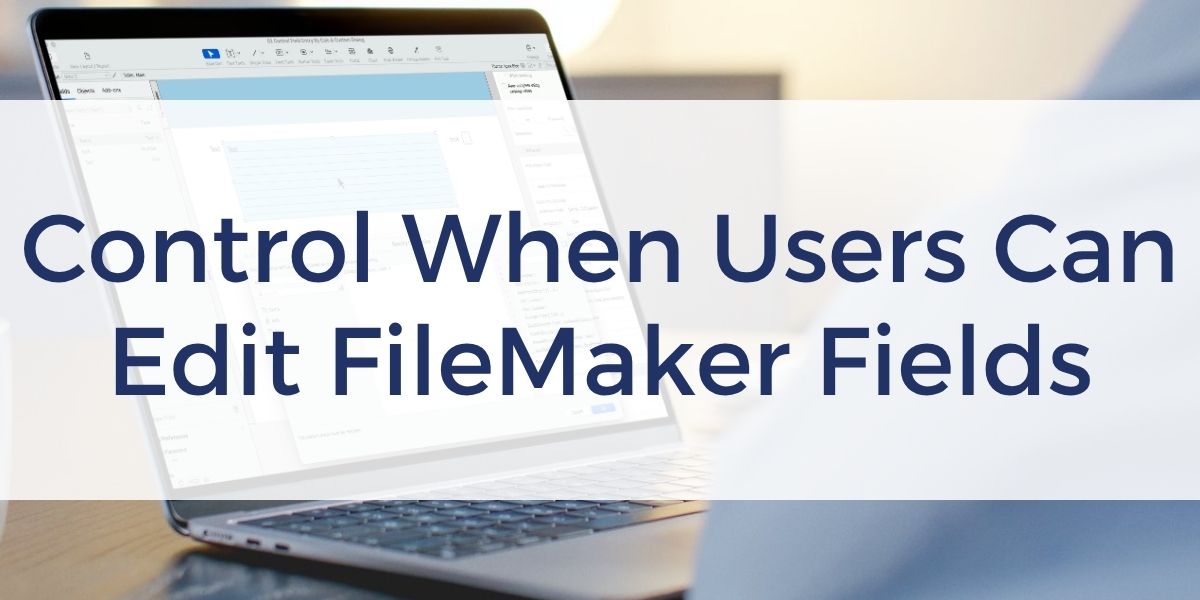
FileMaker 2026 Feature Spotlight
If you ever have needed a FileMaker field to be read-only while still allowing someone to view and copy its contents, you know that the traditional options have limitations. Controlling field editing dynamically could require even more work, including separate layouts, overlapping objects, or changes to access privileges.
FileMaker 2026 gives you more control over field entry directly at the layout level.
Let Users Select Without Editing
Previously, making a field unavailable for entry in Browse mode also prevented users from clicking into the field. That meant they could not select text, copy it, or expand into longer content.
The new Select Only option provides a useful middle ground. Your users can enter the field to view, select, and copy its contents, but they cannot modify the data.
This can be especially useful when you want information to remain read-only without preventing someone from working with the text.
Control Editing With a Calculation
FileMaker 2026 also lets you determine whether a field is editable using a calculation.
For example, you might have records that can be edited until they are locked. Instead of creating a separate layout or layering objects to control field access, your calculation can determine whether that field accepts edits based on the record’s current condition.
That gives you another way to simplify layouts and reduce some of the workarounds previously needed for conditional field editing.
It is important to remember that this is layout-level control. If the same field appears on another layout, you also need to consider how users can access it there. Your overall FileMaker security and access privileges should reflect the protection your data requires.
See It in Action
See how both of these options work, and if you want to explore more of what is new in FileMaker, you can also view our full FileMaker 2026 overview.
Other products and services Productive Computing, Inc. offers:
- What can PCI do for you? – overview of our services
- Health Assessment – a comprehensive report of your FileMaker system
- Consulting and Development – services billed by the hour
- Maintenance and Support – services billed monthly
- Packaged Services – Security Audit, SSL or Server Installation
- Plug-ins – tools to integrate with QuickBooks, Outlook, Google, and more
- Solutions – free customizable and scalable CRM template
- Claris and FileMaker Licensing – discounts on new seats and renewals
- FileMaker and QuickBooks Hosting – host your files in the cloud
- Productive Computing University – online beginner to advanced training courses
- Certification Programs – expert-led training, hands-on development, and personalized evaluations

The post Control Field Entry by Calculation in FileMaker 2026 appeared first on Productive Computing, Inc..
Recommended Comments