




iOS Calendars (that work with FileMaker)

· 1,164 views
I collect all the new calendars for iOS, even the terribly strange ones (for example, try to use–or to even pronounce–”Schelandars“).
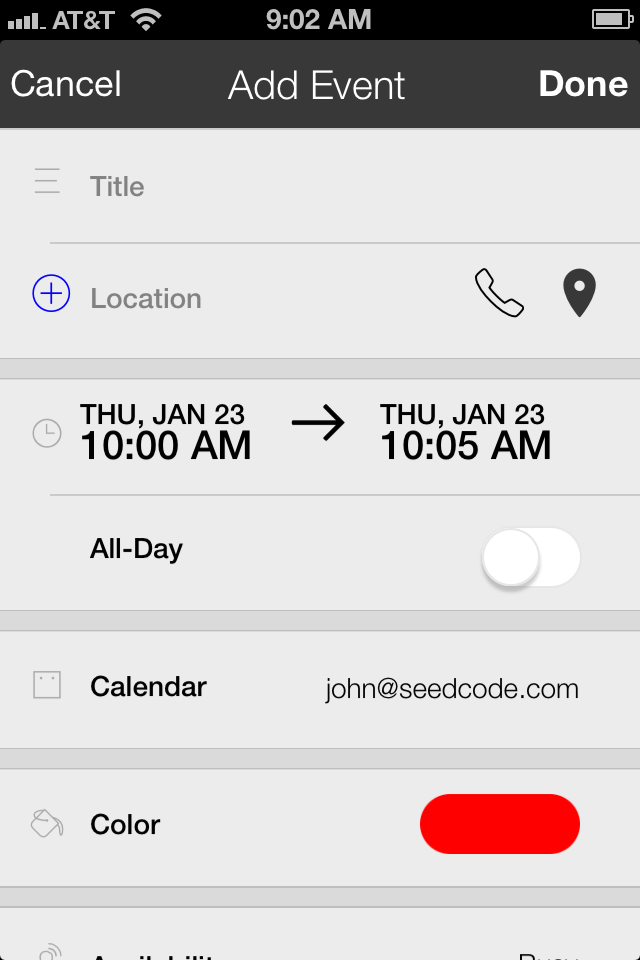
Add an event in iCalendar
One of my favorites is currently iCalendar which has a nice clean display and a simple interface for linking contacts and places to an event.
Of course any of these iOS calendars can show events from FileMaker if you’re using SeedCode Subscribe: once you add a Subscribe URL as a source on your iPhone it’s available to any calendar app on your phone. (SeedCode Subscribe requires FileMaker Server.)
Fantastical is probably still the reigning iOS calendar (and I use their desktop calendar to show FileMaker events as well) but iCalendar is definitely worth checking out.
Subscribe to Blog via Email
Enter your email address to subscribe to this blog and receive notifications of new posts by email.
The post iOS Calendars (that work with FileMaker) appeared first on SeedCode.
Source
Recommended Comments