Jump to content
View in the app

A better way to browse. Learn more.

FMForums.com

A full-screen app on your home screen with push notifications, badges and more.

To install this app on iOS and iPadOS
  1. Tap the Share icon in Safari
  2. Scroll the menu and tap Add to Home Screen.
  3. Tap Add in the top-right corner.
To install this app on Android
  1. Tap the 3-dot menu (⋮) in the top-right corner of the browser.
  2. Tap Add to Home screen or Install app.
  3. Confirm by tapping Install.

Game Developer Wanted (to be)

(0 reviews)

key2

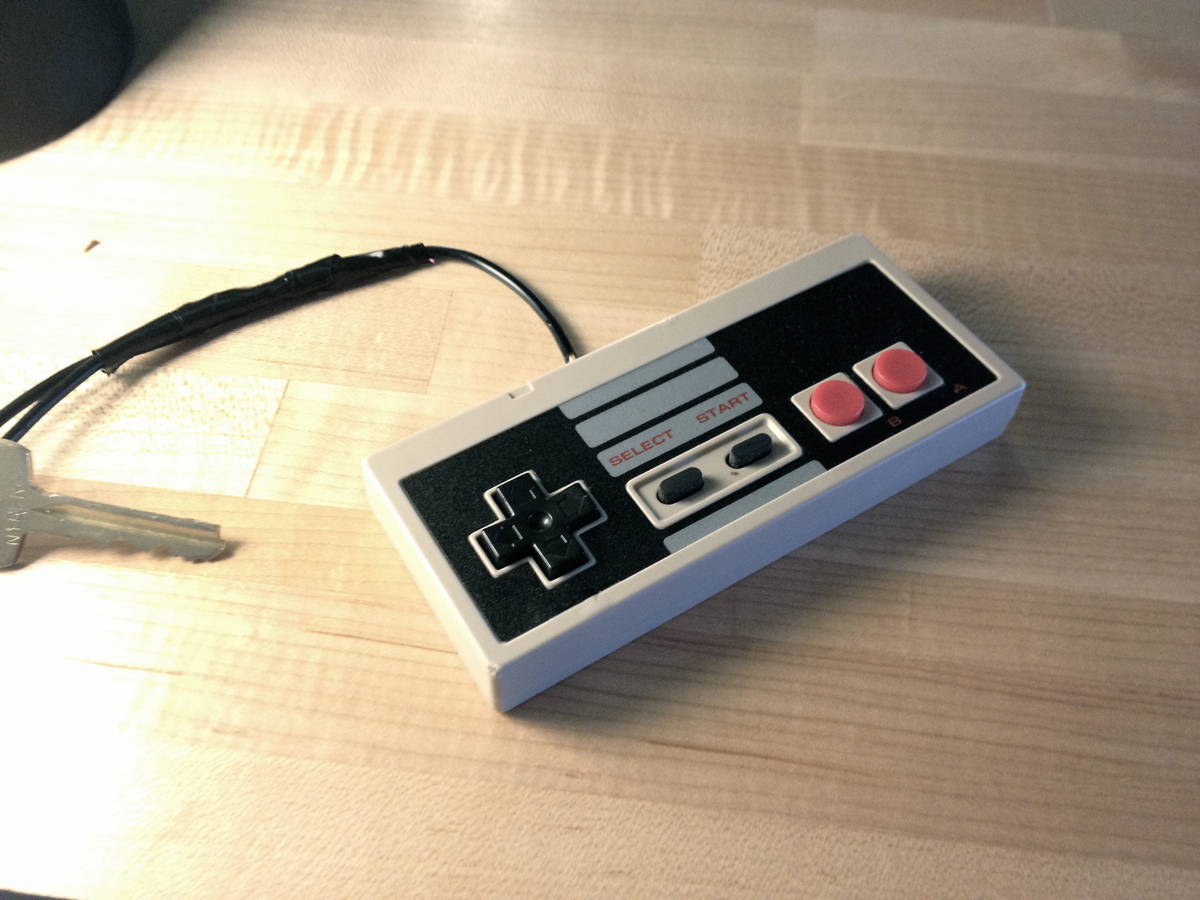
That’s the restroom key at DevLocal where FileMaker-Seattle meets.

Are we all just frustrated game developers? I know that’s what got me excited about computers and I wonder how much of that original impulse still motivates what we do. Is that why we’re so into the animations and effects afforded by FileMaker 13?

Is that why folks found FileMaker IWP so frustrating for so many years: because it could make nice *looking* apps but couldn’t make things that had nice behaviors? How does Web Direct score on behaviors vs appearances?

The post Game Developer Wanted (to be) appeared first on SeedCode.

Source

0 Comments

Recommended Comments

There are no comments to display.

Important Information

By using this site, you agree to our Terms of Use.

Configure browser push notifications

Chrome (Android)
  1. Tap the lock icon next to the address bar.
  2. Tap Permissions → Notifications.
  3. Adjust your preference.
Chrome (Desktop)
  1. Click the padlock icon in the address bar.
  2. Select Site settings.
  3. Find Notifications and adjust your preference.