

Jump to content
View in the app

A better way to browse. Learn more.

FMForums.com

A full-screen app on your home screen with push notifications, badges and more.

To install this app on iOS and iPadOS
  1. Tap the Share icon in Safari
  2. Scroll the menu and tap Add to Home Screen.
  3. Tap Add in the top-right corner.
To install this app on Android
  1. Tap the 3-dot menu (⋮) in the top-right corner of the browser.
  2. Tap Add to Home screen or Install app.
  3. Confirm by tapping Install.
Juggernaut

Why you can’t sync with Import Records

(0 reviews)

Todd Geist has put together a great video showing how imports will let you down when you’re syncing records. Tricky stuff, but the basics are very well explained in this video. (Import failing begins at 11:40)
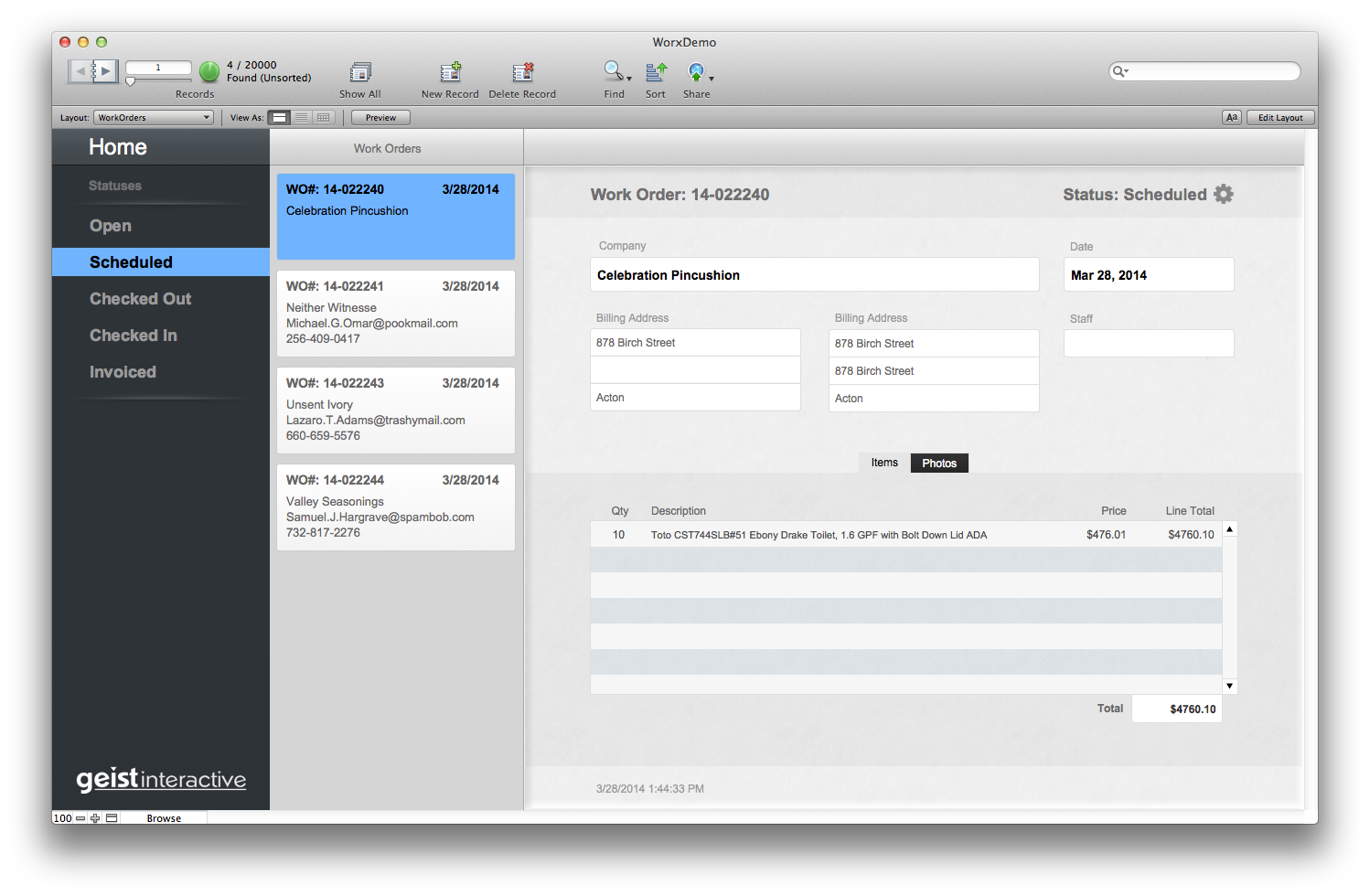
FM13 demo file from Todd's transaction demo.

FM13 demo file from Todd’s transaction demo; you can download this here.

Todd’s article/video also includes a pretty cool demo file for showing how the sync / import works. It’s not fully fleshed out (i.e. it’s a demo) but it’s unlocked and has got a really nice FM13 interface.

Of course GoZync uses transactions: this is why.

Todd’s series on transactions is also highly recommended.

The post Why you can’t sync with Import Records appeared first on SeedCode.


Source

0 Comments

Recommended Comments

There are no comments to display.

Important Information

By using this site, you agree to our Terms of Use.

Configure browser push notifications

Chrome (Android)
  1. Tap the lock icon next to the address bar.
  2. Tap Permissions → Notifications.
  3. Adjust your preference.
Chrome (Desktop)
  1. Click the padlock icon in the address bar.
  2. Select Site settings.
  3. Find Notifications and adjust your preference.