

Jump to content
View in the app

A better way to browse. Learn more.

FMForums.com

A full-screen app on your home screen with push notifications, badges and more.

To install this app on iOS and iPadOS
  1. Tap the Share icon in Safari
  2. Scroll the menu and tap Add to Home Screen.
  3. Tap Add in the top-right corner.
To install this app on Android
  1. Tap the 3-dot menu (⋮) in the top-right corner of the browser.
  2. Tap Add to Home screen or Install app.
  3. Confirm by tapping Install.

WebDirect – Some native stuff that works great.

(0 reviews)

Pleasantly surprised at how some of the native behaviors we thought we’d have to script for WebDirect are working really well.
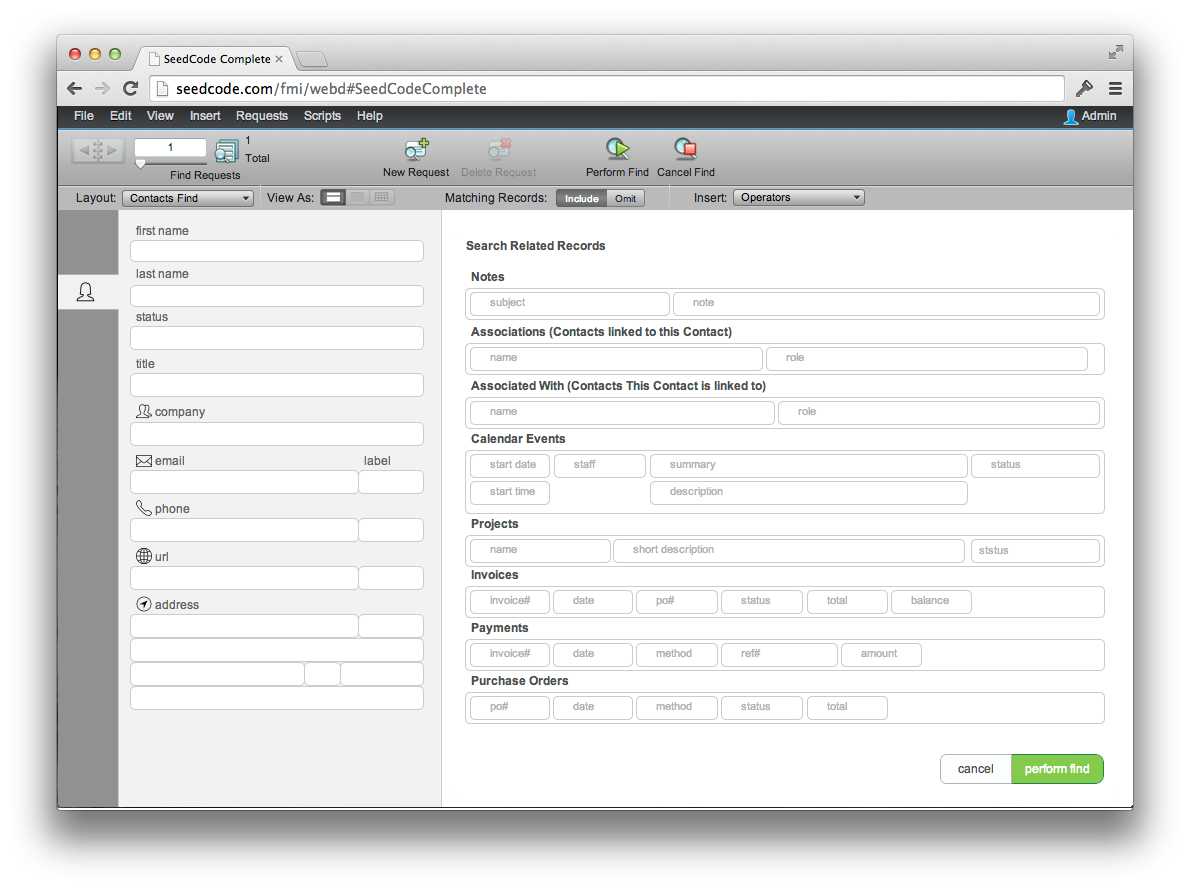
Find mode - we're using a dedicated find layout here but nothing too fancy.

Find mode – we’re using a dedicated find layout here but no crazy scripting.

Quick Find
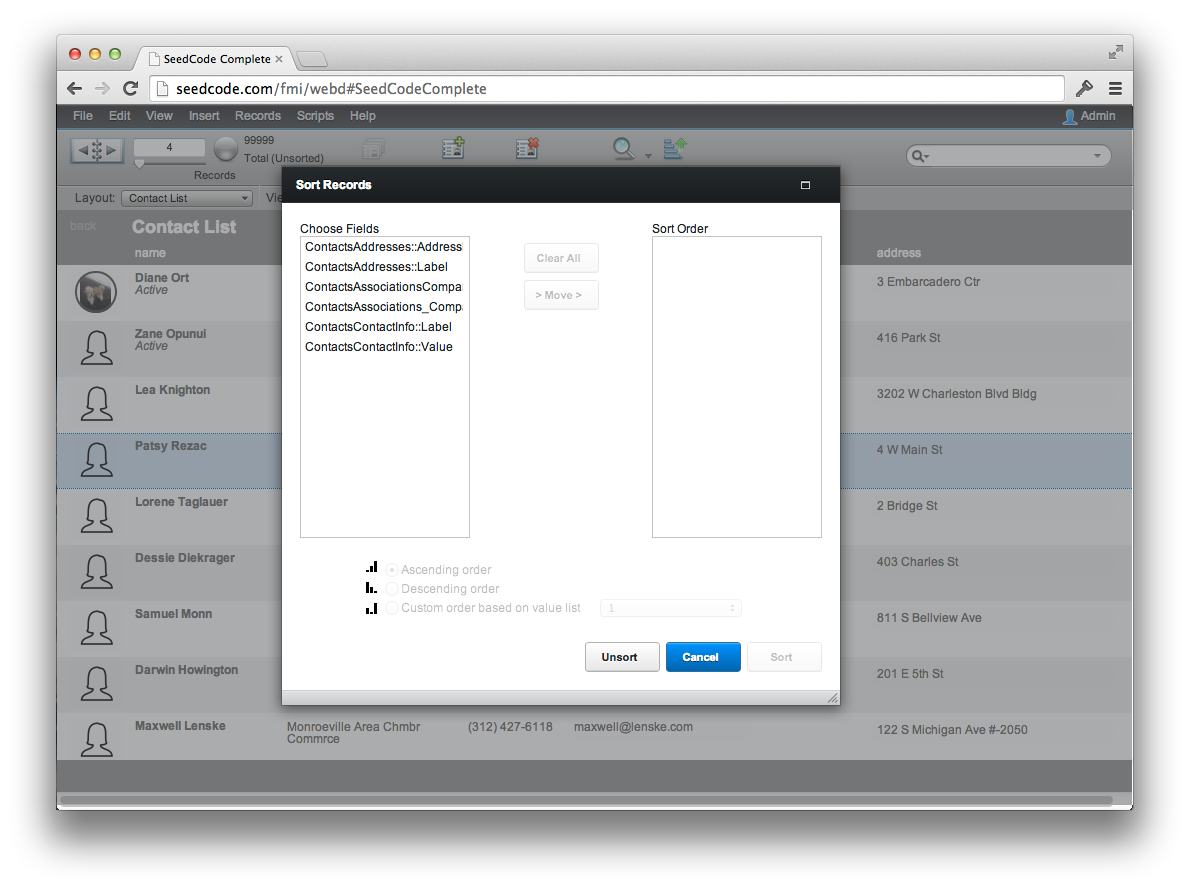
Quick Find

Native sorting in WebDirect

Native sorting in WebDirect

Subscribe to Blog via Email

Enter your email address to subscribe to this blog and receive notifications of new posts by email.

The post WebDirect – Some native stuff that works great. appeared first on SeedCode.


Source

0 Comments

Recommended Comments

There are no comments to display.

Important Information

By using this site, you agree to our Terms of Use.

Account

Navigation

Search

Configure browser push notifications

Chrome (Android)
  1. Tap the lock icon next to the address bar.
  2. Tap Permissions → Notifications.
  3. Adjust your preference.
Chrome (Desktop)
  1. Click the padlock icon in the address bar.
  2. Select Site settings.
  3. Find Notifications and adjust your preference.