





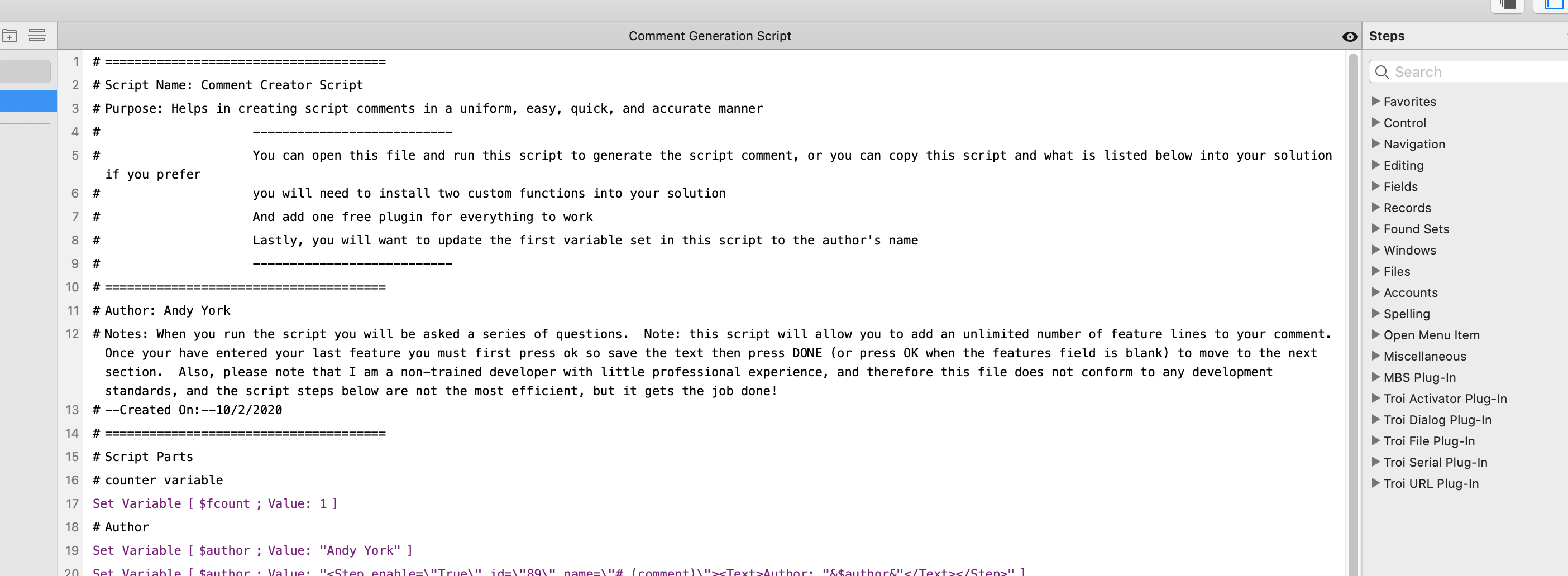
This script will ask a serious of questions and then combine your answers into a uniform comment as a serious of Filemaker script steps. Once completed you can past the script steps directly into the script window without having to create each individual comment line.
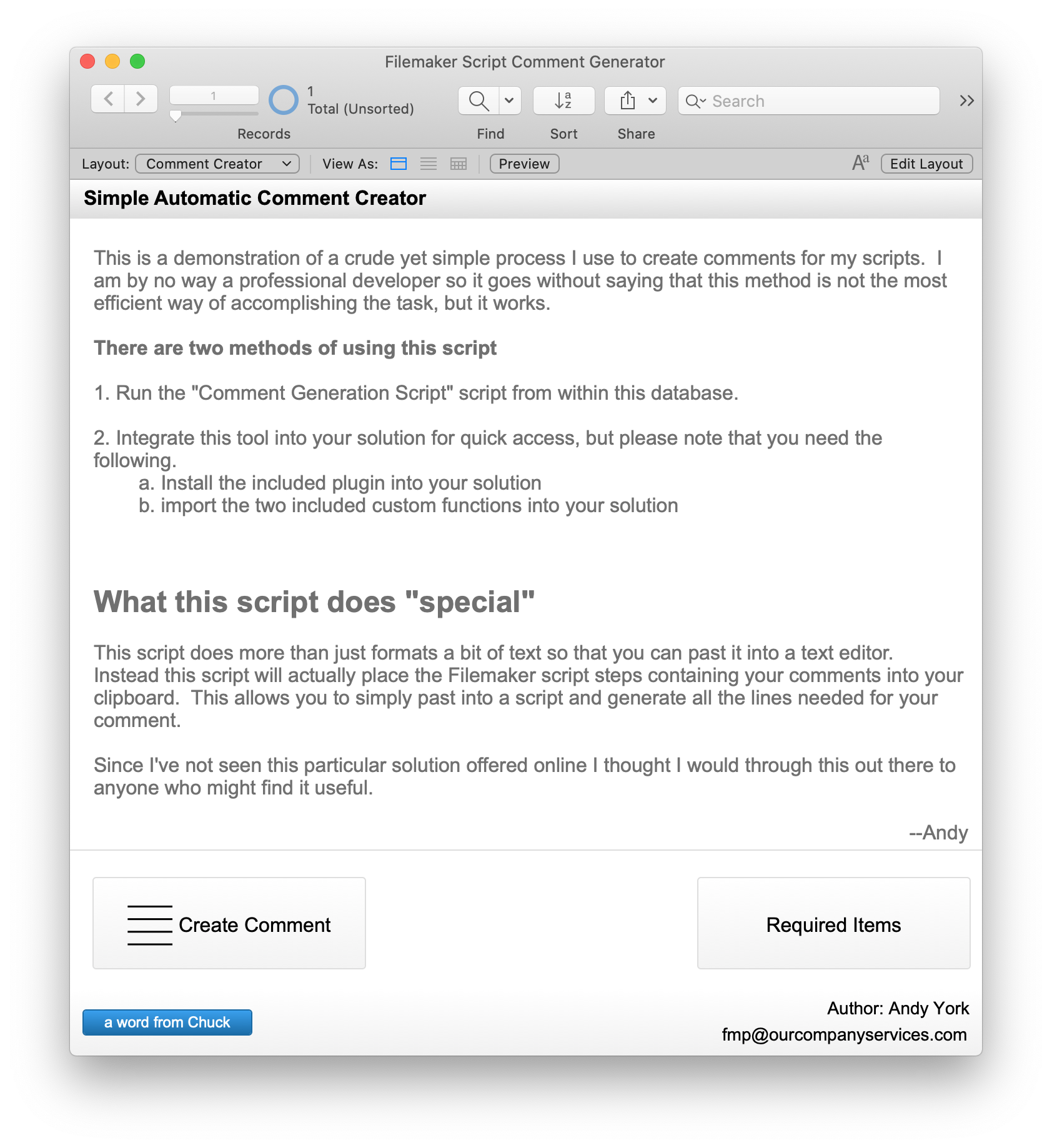
This is a demonstration of a crude yet simple process I use to create comments for my scripts. I am by no way a professional developer so it goes without saying that this method is not the most efficient way of accomplishing the task, but it works.
There are two methods of using this script
1. Run the "Comment Generation Script" script from within this database.
2. Integrate this tool into your solution for quick access, but please note that you need the following.
a. Install the included plugin into your solution
b. import the two included custom functions into your solution
What this script does "special"
This script does more than just formats a bit of text so that you can past it into a text editor. Instead this script will actually place the Filemaker script steps containing your comments into your clipboard. This allows you to simply past into a script and generate all the lines needed for your comment.
Since I've not seen this particular solution offered online I thought I would through this out there to anyone who might find it useful.
--Andy

Edited by madhatt
update information
What's New in Version 1.0.0
Released
No changelog available for this version.