


Jump to content
View in the app

A better way to browse. Learn more.

FMForums.com

A full-screen app on your home screen with push notifications, badges and more.

To install this app on iOS and iPadOS
  1. Tap the Share icon in Safari
  2. Scroll the menu and tap Add to Home Screen.
  3. Tap Add in the top-right corner.
To install this app on Android
  1. Tap the 3-dot menu (⋮) in the top-right corner of the browser.
  2. Tap Add to Home screen or Install app.
  3. Confirm by tapping Install.

2 Screenshots

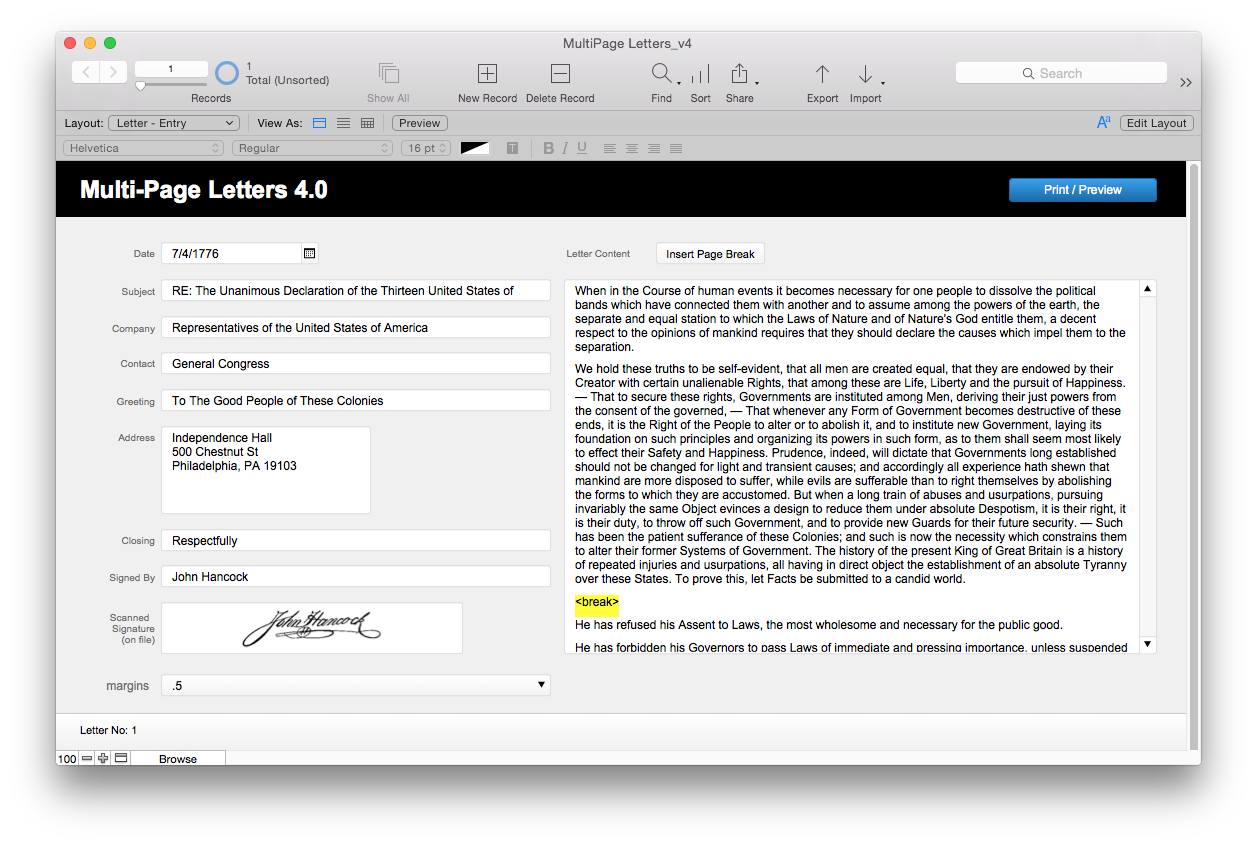
Concept uses a large text block for data entry, the script will parse for paragraph returns and then uses the Virtual List technique to print the multi page letter.

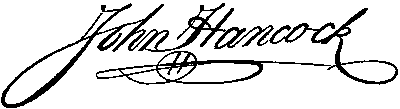
Also will allow for a scanned image of a signature to be appended and will slide up to the bottom of the body copy.

Also allows for manually inserting a page break by using <break> in body of text.

What's New in Version v4.01

Released

  • Upgraded to FileMaker 14
  • added a "margins" option
  • tweaked some bits

Important Information

By using this site, you agree to our Terms of Use.

Configure browser push notifications

Chrome (Android)
  1. Tap the lock icon next to the address bar.
  2. Tap Permissions → Notifications.
  3. Adjust your preference.
Chrome (Desktop)
  1. Click the padlock icon in the address bar.
  2. Select Site settings.
  3. Find Notifications and adjust your preference.