

Jump to content
View in the app

A better way to browse. Learn more.

FMForums.com

A full-screen app on your home screen with push notifications, badges and more.

To install this app on iOS and iPadOS
  1. Tap the Share icon in Safari
  2. Scroll the menu and tap Add to Home Screen.
  3. Tap Add in the top-right corner.
To install this app on Android
  1. Tap the 3-dot menu (⋮) in the top-right corner of the browser.
  2. Tap Add to Home screen or Install app.
  3. Confirm by tapping Install.

2 Screenshots

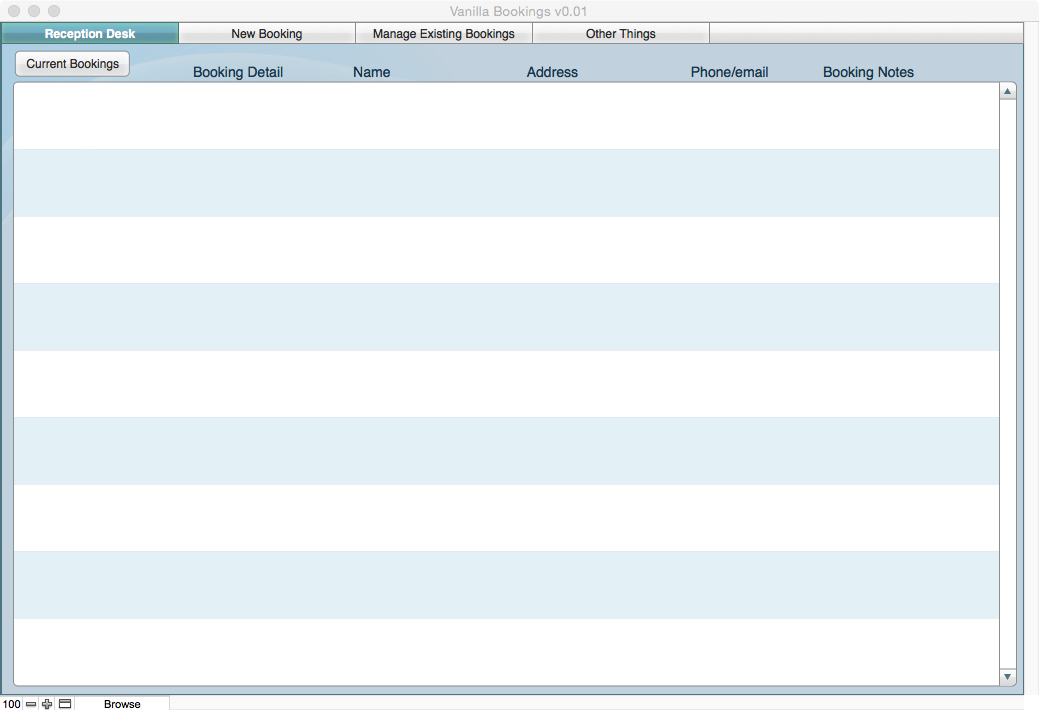
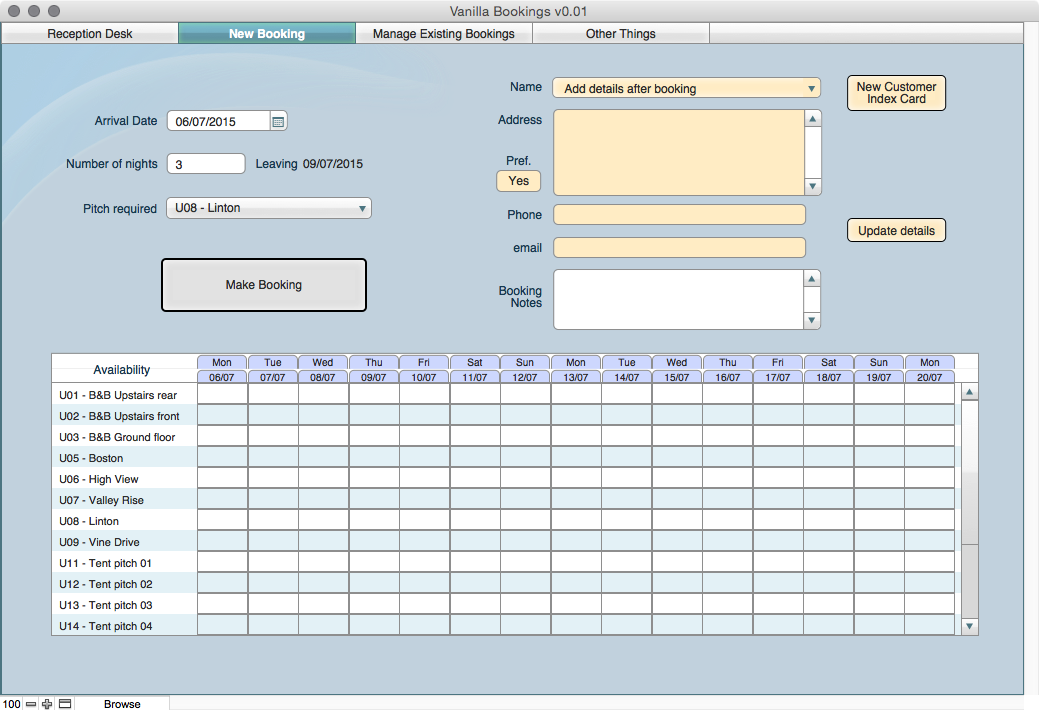
A friend asked if I could help with a Reservations App for her new Camp/Caravan site, it only has 5 van pitches and 10 tent pitches. I couldn't find a free one and as this is her first steps did not want to recommend a big spend solution for something that would only be used as a standalone on a MacBook.

So I struggled for a week or two with FileMaker, and the great help from the Forum questions and solutions.

So thanks everyone, you have helped a newbie make something that seems to work.

I guess that I have done everything wrong/badly but I eventually enjoyed the experience.

This is where I step away, if you find it in anyway useful as a learning experience or whatever then that's enough.

(Oh you may want to change the archive/backup folders referenced as I pointed those at a Box Sync folder.)

Thanks.


Important Information

By using this site, you agree to our Terms of Use.

Configure browser push notifications

Chrome (Android)
  1. Tap the lock icon next to the address bar.
  2. Tap Permissions → Notifications.
  3. Adjust your preference.
Chrome (Desktop)
  1. Click the padlock icon in the address bar.
  2. Select Site settings.
  3. Find Notifications and adjust your preference.