





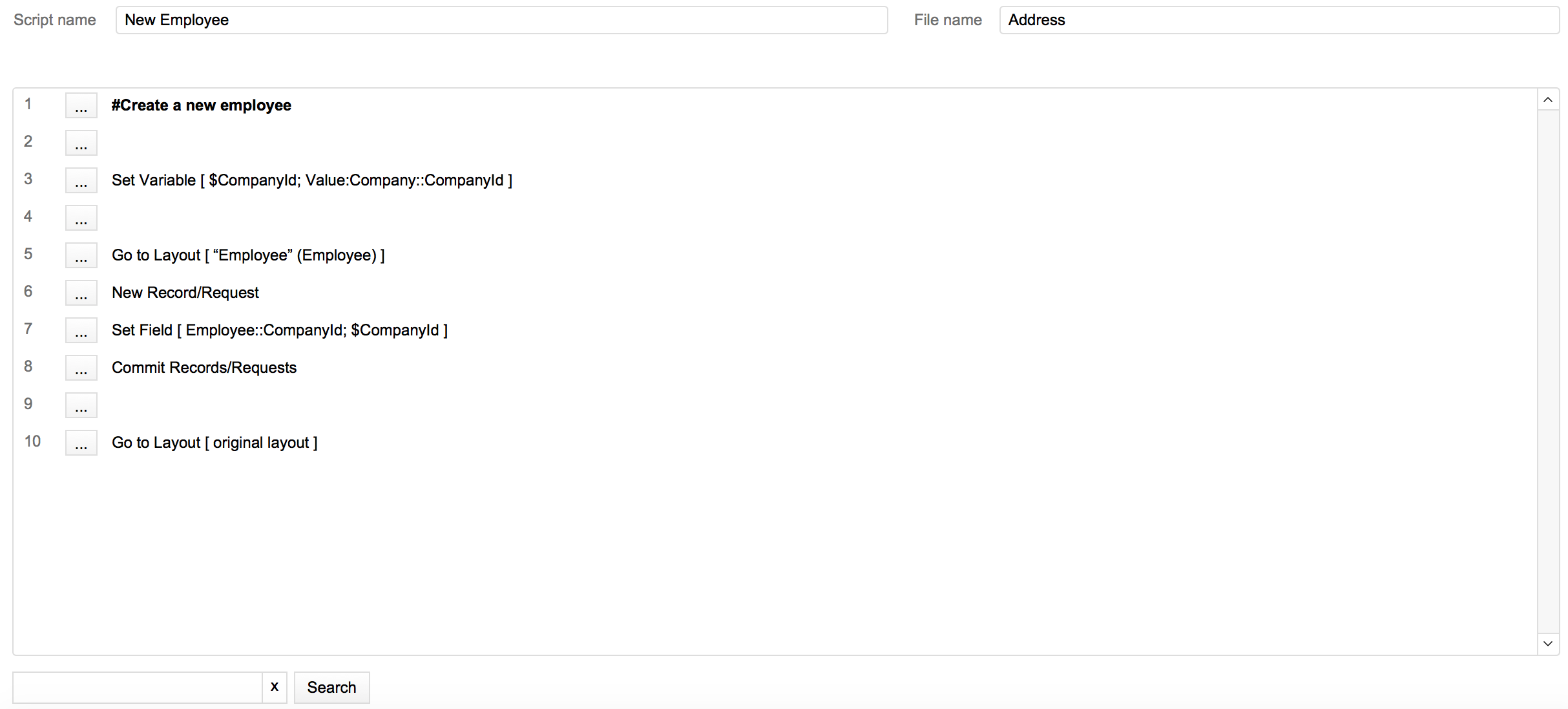
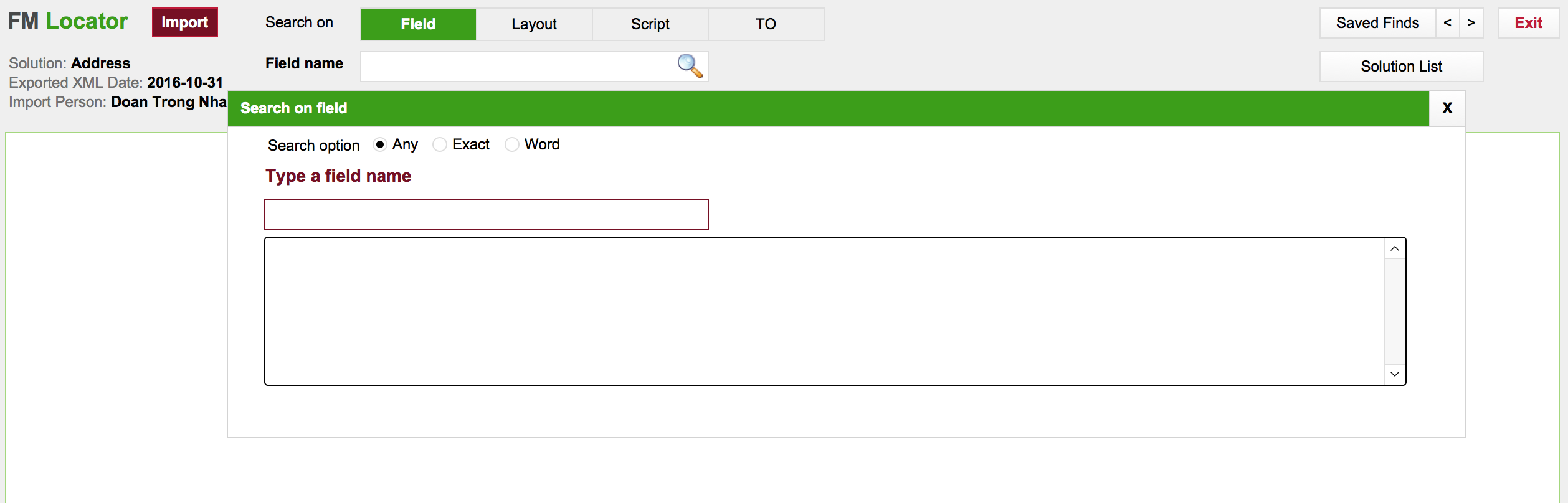


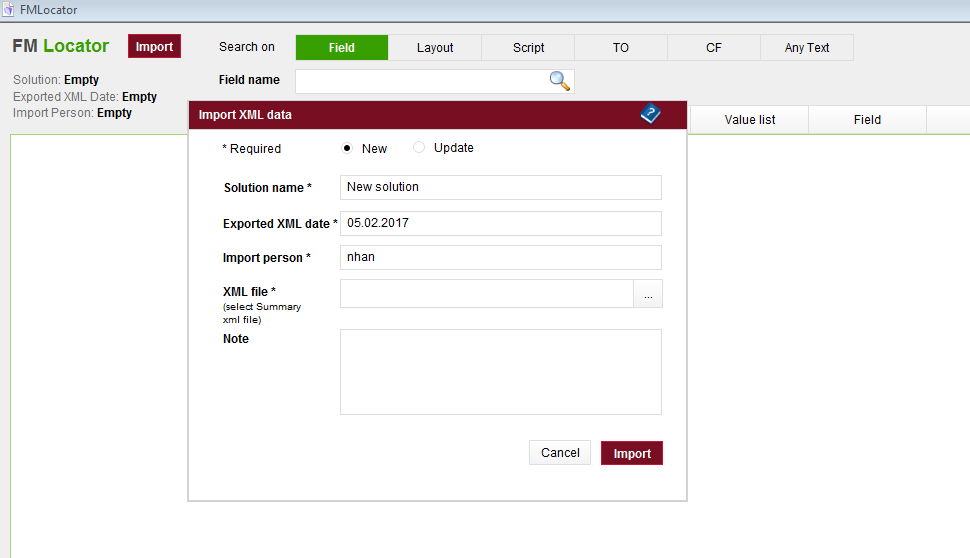

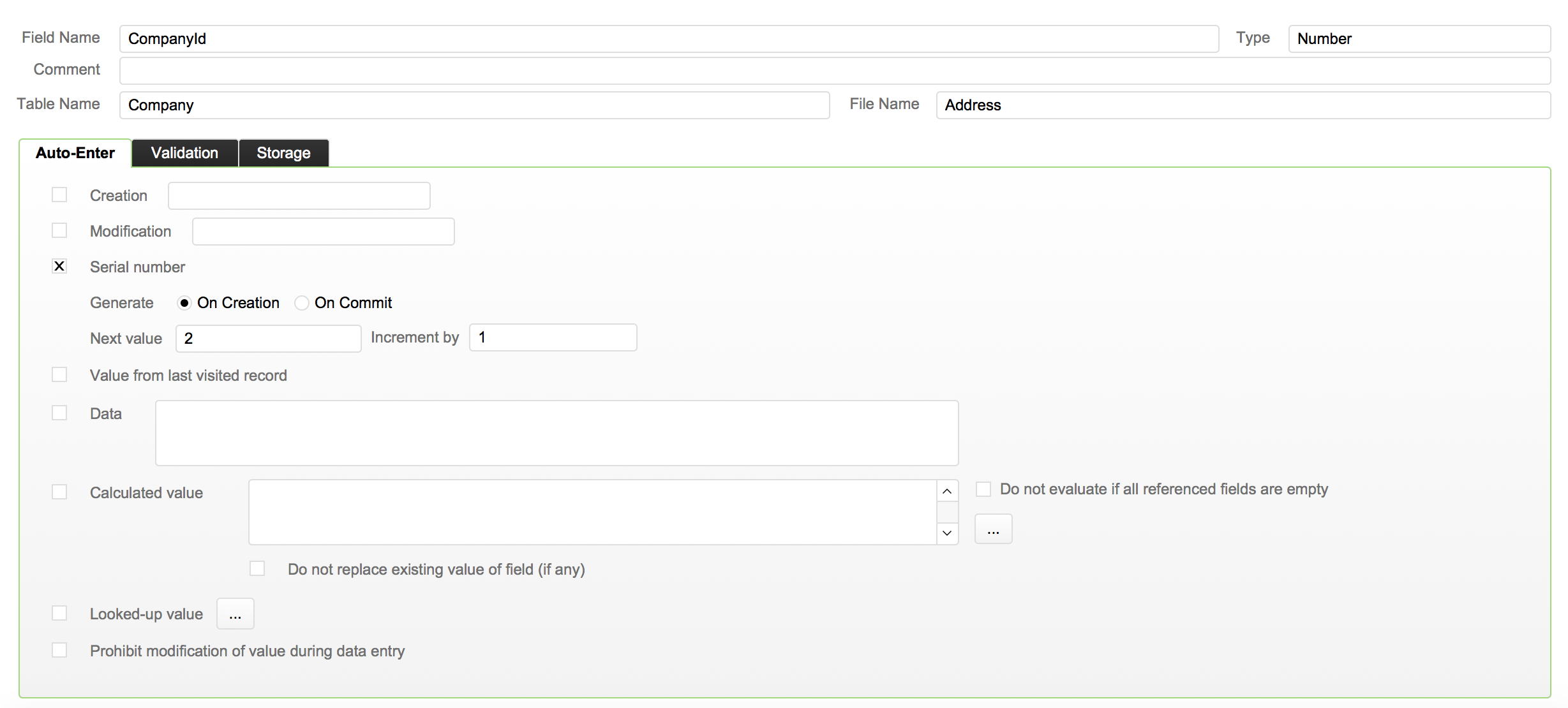
This file is a small FileMaker-based tool whose input is the XML data of Database Design Report exported from Filemaker.
It can help developers save time finding elements in a solution.
Below is what the tool provides
• Search any fields in a whole solution
• Search any layouts in a whole solution
• Search any scripts in a whole solution
• Search any TO (Table Occurrence) in a whole solution
• Import many solutions
What's New in Version 1.8.7
Released
FM Locator 1.8.7 has the following updates
• Search Custom Functions: allow developers to check the detail of a custom function and all the places it is called in a file.
• Search Any Text: allow developers to find constant strings, along with global or local variables used in calculation fields, scripts, layout objects, or menu items
• Special feature: Hide or show a block of script steps inside IF / LOOP. This feature only exists in Detail tab of Search on script.
• One serious error with checking latest updates when the web server is so slow has been fixed.
• Result portals will show more lines when the layout is extended vertically.
• Notice: The file name of the tool SHOULD NOT be changed because if it contains some special characters, a couple of features of the tool will NOT work.