




FileMaker Performance Lab Meeting January 2021

By HOnza in Performance Tuning
· 790 views
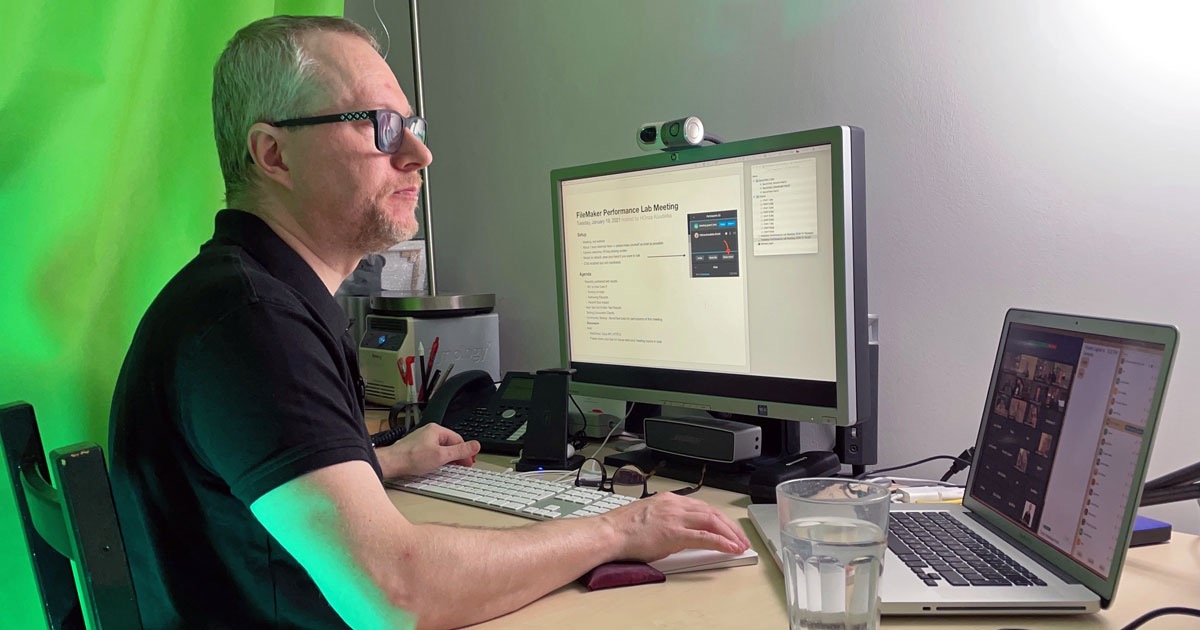
On January 19, 2021 we met online for the second time to discuss my FileMaker performance lab testing results. For the case you either missed the meeting, or attended and want to recall some details, a recording of the meeting is now available...

In the meeting I talked about the impact of record size on performance being often higher than impact of any other factor.
As a surprise I also showed my first results of testing actual simultaneous clients connecting to FileMaker Server 19.2 instead of simulating clients by server-side scripts. At the time of the meeting, however, I was already running the same set of tests with FileMaker Server 18v4 and promised to share the comparison as soon as I have it...
Here's the most interesting chart coming out of the comparison:

It seems that at least the indexed searches, which were supposed to take advantage of the new shared lock mechanism, are really working much better with multiple clients connecting to FileMaker Server 19.2.
Do you want to learn more? Check the recap of the meeting and get access to the recording.
Edited by HOnza
Recommended Comments