




Using AWS as Your FileMaker Development Environment

By PCIPal
· 216 views
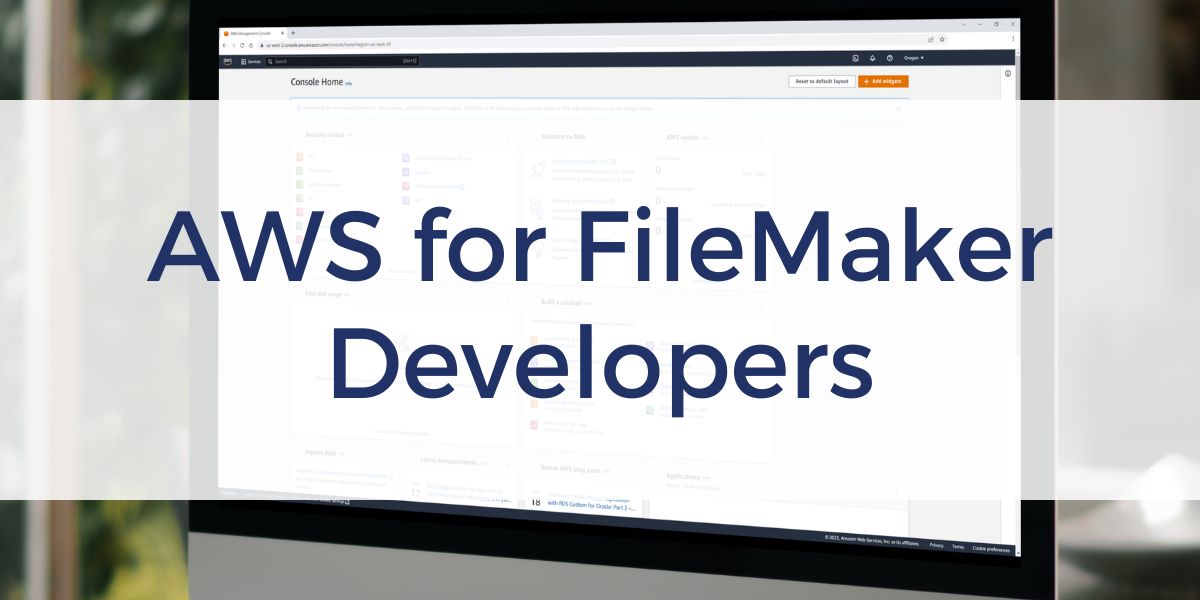
Getting started with AWS can feel overwhelming, especially when you are trying to support a FileMaker workflow. With so many services and configuration options, it is not always clear what you actually need to build a reliable development or testing environment.
A structured approach can make a big difference. When you understand how to set up and manage an AWS environment, you can create flexible, on-demand systems that support your FileMaker projects without relying on physical hardware. Our AWS for Claris FileMaker course at Productive Computing University will guide you.
Build a Flexible Development Environment
AWS allows you to create virtual machines, known as EC2 instances, that can be tailored to your specific needs. This means you can quickly spin up a Windows or Linux environment for development, testing, or hosting.
Instead of committing to a single setup, you can experiment with different configurations. Adjust CPU, memory, and storage based on your project requirements. This flexibility is especially useful when testing performance or preparing for deployment.
Work Across Windows and Linux
Many FileMaker developers need access to both Windows and Linux environments. AWS makes it possible to run either operating system without maintaining separate physical machines.
This is helpful if you need a Windows environment for development or want to explore Linux-based hosting. You can switch between environments as needed, which supports a wider range of workflows and project types.
Improve Testing and Backup Strategies
A cloud-based setup makes it easier to create realistic testing environments. You can build systems that closely match production, which helps reduce surprises when deploying your solution.
Learn to create snapshots, cloned files, and backups. These features allow you to preserve your work, test safely, and recover quickly if needed.
Understand Usage and Costs
AWS uses a pay-as-you-go model. You are billed based on usage, so understanding how instances are configured and when they are running is important. With the right setup, you can control costs while maintaining the performance you need.
Learn More at PCU
Setting up AWS for FileMaker development is a valuable skill that supports long-term flexibility and growth. PCU offers training in our AWS for Claris FileMaker course that walks through account setup, instance configuration, and environment management so you can build with confidence.
Frequently Asked Questions
Do I need prior AWS experience to take this course?
No. The course is designed for users with little to no AWS experience. It walks you through the basics so you can confidently set up and manage your own environment.
Can I use AWS for both development and hosting FileMaker solutions?
Yes. AWS can support development, testing, and hosting. You can build a test environment and, if needed, use a similar setup for production.
Will I learn how to work with both Windows and Linux environments?
Yes. The course covers how to create and configure both Windows and Linux instances, giving you flexibility based on your workflow and project needs.
Do I need to install FileMaker Server as part of this course?
No. This course focuses on setting up the AWS environment. Server installation and configuration are covered separately in our training course, Mastering Claris FileMaker Server.
How does AWS pricing work for FileMaker environments?
AWS uses a pay-as-you-go model. You are billed based on the resources you use (type of instance, CPU, RAM, etc.) and how long your instances are running, so you can manage costs by controlling usage.
Other products and services Productive Computing, Inc. offers:
- What can PCI do for you? – overview of our services
- Health Assessment – a comprehensive report of your FileMaker system
- Consulting and Development – services billed by the hour
- Maintenance and Support – services billed monthly
- Packaged Services – Security Audit, SSL or Server Installation
- Plug-ins – tools to integrate with QuickBooks, Outlook, Google, and more
- Solutions – free customizable and scalable CRM template
- Claris and FileMaker Licensing – discounts on new seats and renewals
- FileMaker and QuickBooks Hosting – host your files in the cloud
- Productive Computing University – online beginner to advanced training courses
Certification Programs – expert-led training, hands-on development, and personalized evaluations
The post Using AWS as Your FileMaker Development Environment appeared first on Productive Computing, Inc..
Recommended Comments