




Moving from QuickBooks Desktop to QuickBooks Online

By PCIPal
· 176 views
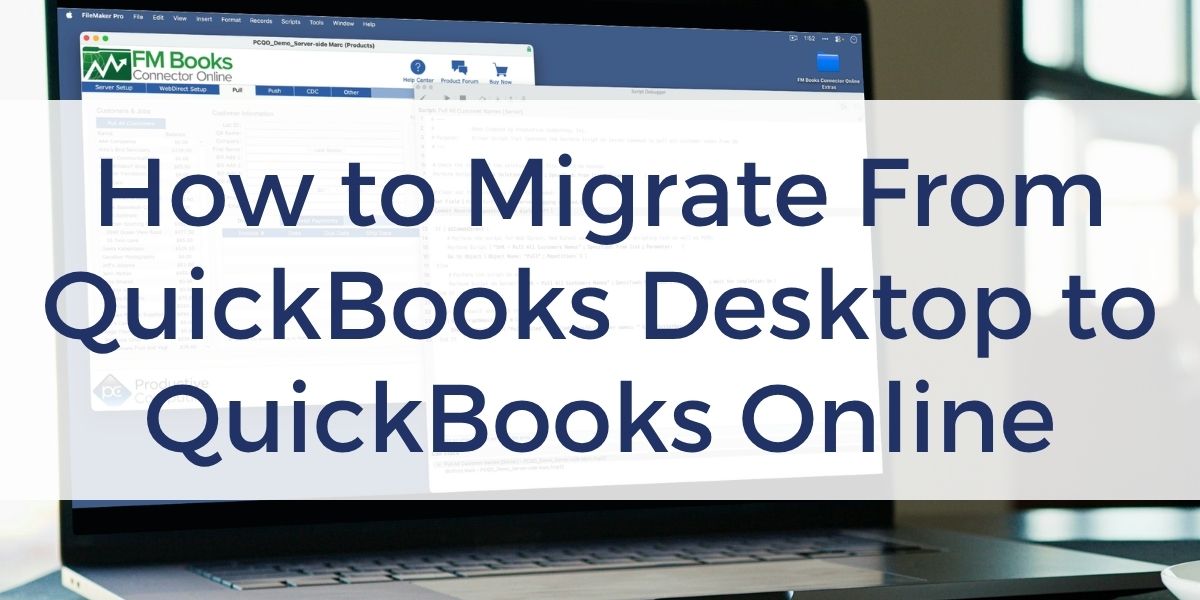
What FileMaker Developers and Business Owners Need to Know
If your FileMaker solution integrates with QuickBooks Desktop, now is a good time to understand how Intuit’s evolving product lineup could affect your business.
For users of QuickBooks Desktop Pro and Premier, support will eventually come to an end. While QuickBooks Enterprise remains available for businesses that want to continue using a desktop solution, many organizations are evaluating QuickBooks Online as their next step.
If you’re already using our FM Books Connector plug-in, you may be wondering what will happen to your FileMaker integration. The good news is that moving to QuickBooks Online doesn’t typically mean starting over. Although your FileMaker solution will need to be updated for QuickBooks Online, much of your existing work can be reused, making the migration more of a retrofit than a complete rebuild
Before you begin, it’s helpful to understand both the business and development side of the migration and what to expect when updating an existing FileMaker integration.
Understanding Your Options
Before making the move, it’s important to understand the options available to your business.
If you’re currently using QuickBooks Desktop Pro or Premier, you can:
- Upgrade to QuickBooks Enterprise and continue using a desktop solution.
- Move to QuickBooks Online and take advantage of Intuit’s cloud platform.
Before making a decision, take time to compare the strengths of each QuickBooks platform and consider the features that are most important to you for your FileMaker accounting integration.ths of each QuickBooks platform and consider how your FileMaker integration fits into your long-term strategy.
Updating Your FileMaker Integration
If you decide to move to QuickBooks Online, updating your FileMaker integration involves more than installing FM Books Connector Online.
Because FM Books Connector Online is a separate product from FM Books Connector, you’ll need a new license or trial version before beginning the migration. Your FileMaker solution will also need to be updated to use the new plug-in, authorization process, scripts, field names, and QuickBooks Online record IDs.
Fortunately, if you’ve already built an integration between FileMaker and QuickBooks Desktop, much of your existing business logic and overall scripting approach can still be reused.
A successful migration begins with understanding the overall process before changing any scripts. Key considerations include:
- Preparing your development environment.
- Updating the authorization process.
- Best practices for converting existing FileMaker scripts.
- Replacing plug-in functions and field names.
- Working with QuickBooks Online record IDs.
- Resources that can simplify the migration.
Together, these concepts provide a practical roadmap for planning your migration before diving into the implementation details.
Resources to Help You Migrate
Whether you’re updating the integration yourself or working with a FileMaker developer, Productive Computing offers several resources to help.
If you’re developing the integration yourself, we recommend:
- Free QuickBooks Online Integration Options course
- FM Books Connector Online (30-day trial and demo file)
- FM Books Connector Online Migration Guide
- Free Connect FileMaker to QuickBooks Online plug-in training course
- Core CRM Pro with built-in QuickBooks integration
If you’d rather have an experienced team handle the migration, our certified FileMaker developers can update your existing integration or help build a new QuickBooks Online solution.
Final Thoughts
Moving from QuickBooks Desktop to QuickBooks Online involves more than migrating your accounting data. It also requires updating how your FileMaker solution communicates with QuickBooks Online.
Fortunately, most existing FileMaker integrations don’t need to be rebuilt from scratch. With proper planning and the right resources, much of your existing solution can be reused, helping make the transition more straightforward than many developers expect.
Watch the videos above to learn more about your migration options and the recommended approach for updating your FileMaker integration.
Frequently Asked Questions
Do I have to move from QuickBooks Desktop to QuickBooks Online?
Not necessarily. If you’re using QuickBooks Desktop Pro or Premier, support for those products will eventually end. However, QuickBooks Enterprise remains available for businesses that want to continue using a desktop version of QuickBooks. Whether Enterprise or QuickBooks Online is the better choice depends on your business requirements, budget, and long-term plans.
Will I need to rebuild my FileMaker integration?
In many cases, no. If your FileMaker solution already exchanges customers, invoices, payments, and other accounting information with QuickBooks Desktop, much of the overall integration strategy can remain the same. Moving to QuickBooks Online typically involves updating the authorization process, plug-in functions, field names, and QuickBooks Online record IDs rather than redesigning the entire solution.
Can I simply install FM Books Connector Online and continue using my existing integration?
No. FM Books Connector Online is a separate product from FM Books Connector and requires its own license or trial. Installing the new plug-in is only part of the migration. Your FileMaker solution will also need to be updated to use the new authorization process, plug-in functions, field names, and QuickBooks Online record IDs.
Can I update my existing FileMaker scripts, or do I need to write new ones?
Most developers duplicate their existing QuickBooks Desktop scripts and convert them one at a time. This lets you reference your original implementation while updating the plug-in functions, field names, and data structures for QuickBooks Online.
How much work is involved in migrating a FileMaker integration?
Every solution is different, but as a general guideline, converting your system often takes about half the time it originally took to build it for QuickBooks Desktop. The actual effort depends on the complexity of your FileMaker solution and the QuickBooks features you use.
Should I migrate my existing QuickBooks company or start with a new one?
Both approaches are common. Some businesses migrate their existing QuickBooks Desktop company to preserve years of accounting history. Others create a new QuickBooks Online company, import only the necessary lists, establish opening balances, and keep the Desktop company for historical reference. Your accountant can help determine which approach best fits your business.
Can I build a direct QuickBooks Online integration without using a plug-in?
Yes. QuickBooks Online provides a modern REST API, allowing developers to build direct integrations using REST, OAuth, and JSON. Many developers choose FM Books Connector Online because it simplifies development and reduces the amount of time needed for implementation, while others prefer working directly with Intuit’s API.
Can Productive Computing help migrate my FileMaker integration?
Yes. Our certified FileMaker developers have helped many organizations update existing FileMaker integrations for QuickBooks Online. Whether you need assistance converting scripts, implementing a new integration, or reviewing your migration strategy, our team is ready to help.
Other products and services Productive Computing, Inc. offers:
- What can PCI do for you? – overview of our services
- Health Assessment – a comprehensive report of your FileMaker system
- Consulting and Development – services billed by the hour
- Maintenance and Support – services billed monthly
- Packaged Services – Security Audit, SSL or Server Installation
- Plug-ins – tools to integrate with QuickBooks, Outlook, Google, and more
- Solutions – free customizable and scalable CRM template
- Claris and FileMaker Licensing – discounts on new seats and renewals
- FileMaker and QuickBooks Hosting – host your files in the cloud
- Productive Computing University – online beginner to advanced training courses
- Certification Programs – expert-led training, hands-on development, and personalized evaluations
The post Moving from QuickBooks Desktop to QuickBooks Online appeared first on Productive Computing, Inc..
Recommended Comments