

Jump to content
View in the app

A better way to browse. Learn more.

FMForums.com

A full-screen app on your home screen with push notifications, badges and more.

To install this app on iOS and iPadOS
  1. Tap the Share icon in Safari
  2. Scroll the menu and tap Add to Home Screen.
  3. Tap Add in the top-right corner.
To install this app on Android
  1. Tap the 3-dot menu (⋮) in the top-right corner of the browser.
  2. Tap Add to Home screen or Install app.
  3. Confirm by tapping Install.

Simpler iCal Integration: SeedCode Subscribe

(0 reviews)

Ever since we built our first calendar in FileMaker 5, we’ve been publishing that data to iCal (and then to Google Calendar) one way or another. We’ve always wanted something simpler, and now we have it.

SeedCode Subscribe is the simplest way we’ve found to get your FileMaker data into iCal, Google Calendar, and the calendars on your iPhone and iPad.

Please check it out here, where you’ll find a short video showing how easy it is to get started (you can test your first calendars without even installing anything on your FileMaker Server): Get to know SeedCode Subscribe

Enjoy!
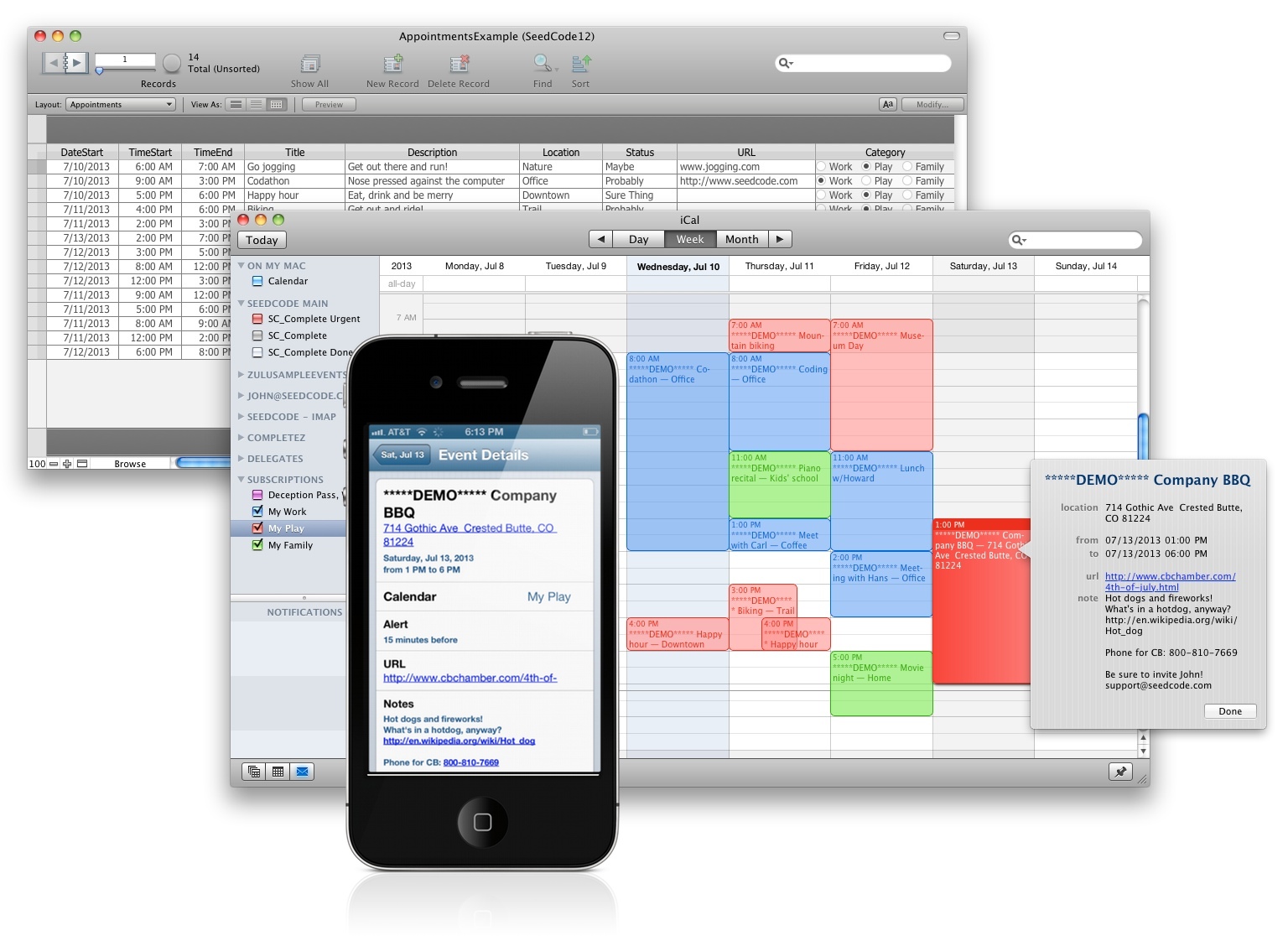
iCalwPhone

The post Simpler iCal Integration: SeedCode Subscribe appeared first on SeedCode.


<a href="http://www.seedcode.com/simpler-ical-integration-seedcode-subscribe/" rel='nofollow external'>Source</a>

0 Comments

Recommended Comments

There are no comments to display.

Important Information

By using this site, you agree to our Terms of Use.

Configure browser push notifications

Chrome (Android)
  1. Tap the lock icon next to the address bar.
  2. Tap Permissions → Notifications.
  3. Adjust your preference.
Chrome (Desktop)
  1. Click the padlock icon in the address bar.
  2. Select Site settings.
  3. Find Notifications and adjust your preference.