Jump to content
View in the app

A better way to browse. Learn more.

FMForums.com

A full-screen app on your home screen with push notifications, badges and more.

To install this app on iOS and iPadOS
  1. Tap the Share icon in Safari
  2. Scroll the menu and tap Add to Home Screen.
  3. Tap Add in the top-right corner.
To install this app on Android
  1. Tap the 3-dot menu (⋮) in the top-right corner of the browser.
  2. Tap Add to Home screen or Install app.
  3. Confirm by tapping Install.
  • Entries

    20
  • Comments

    2
  • Views

    27,981

About this blog

Excerpts from my articles published on the 24U's News page which I find worth sharing with the FMForums community

Entries in this blog

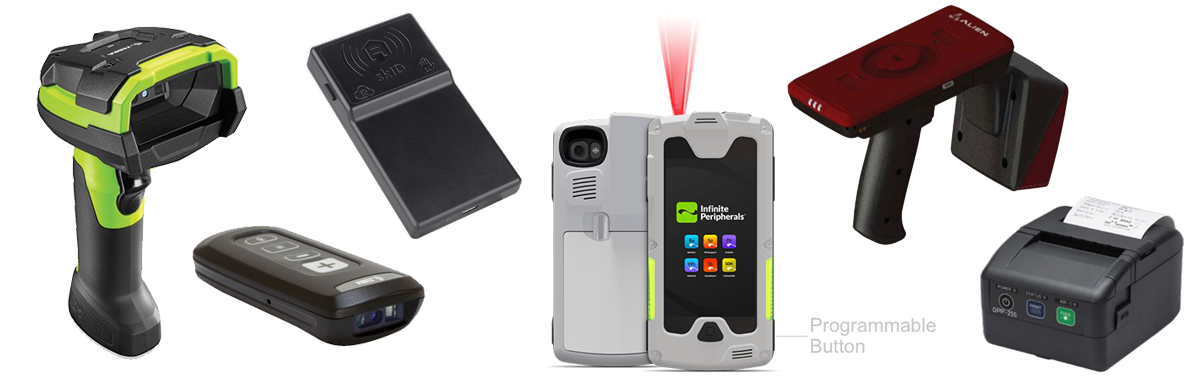
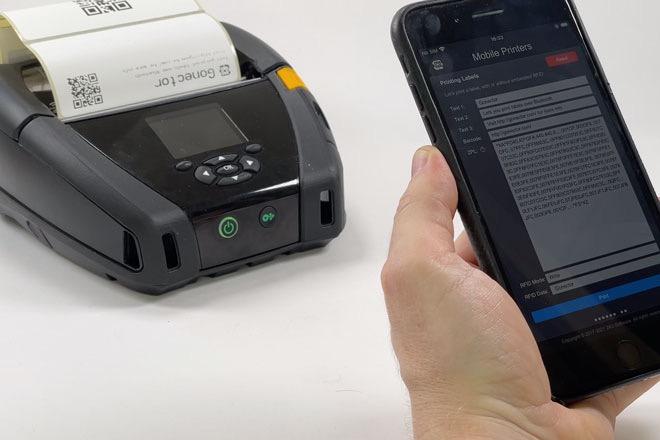
We have made our mobile hardware integration plug-in able to print labels on the Zebra ZQ630 RFID and compatible label printers, including reading and writing UHF RFID tags embedded in the labels. Gonector print labels directly via Bluetooth using the Zebra Programming Language, known as ZPL, so you don’t have to rely on wi-fi or AirPrint. Printing labels with Gonector is fast, reliable, and your scripts can have 100% control on what’s printed and where. Read more and see how easily you can
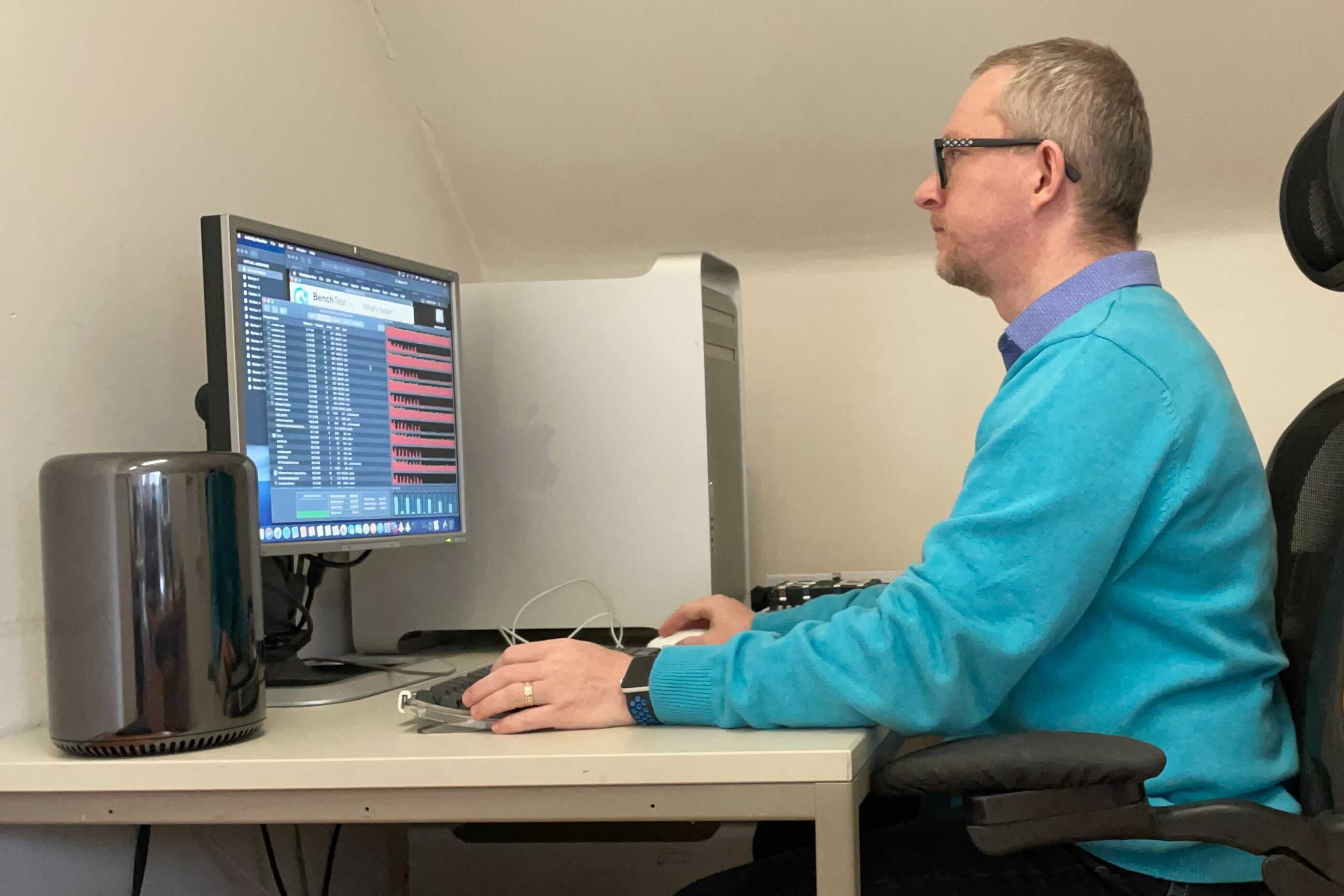
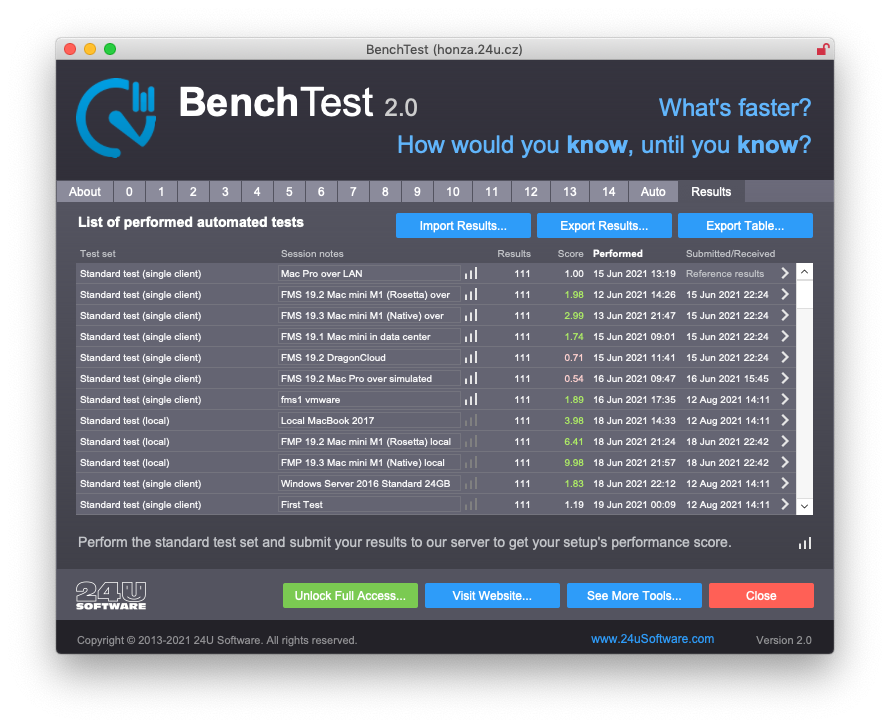
Meet BenchTest 2, our free benchmarking tool for Claris FileMaker. You can use it to measure and compare performance of different techniques to do the same thing, different versions of FileMaker Pro and FileMaker Server, or different client, server and network configurations.     We created BenchTest for FileMaker DevCon 2013 to show how different ways to do the same thing compare to each other in terms of performance. We compared speed of aggregate functions with summaries,
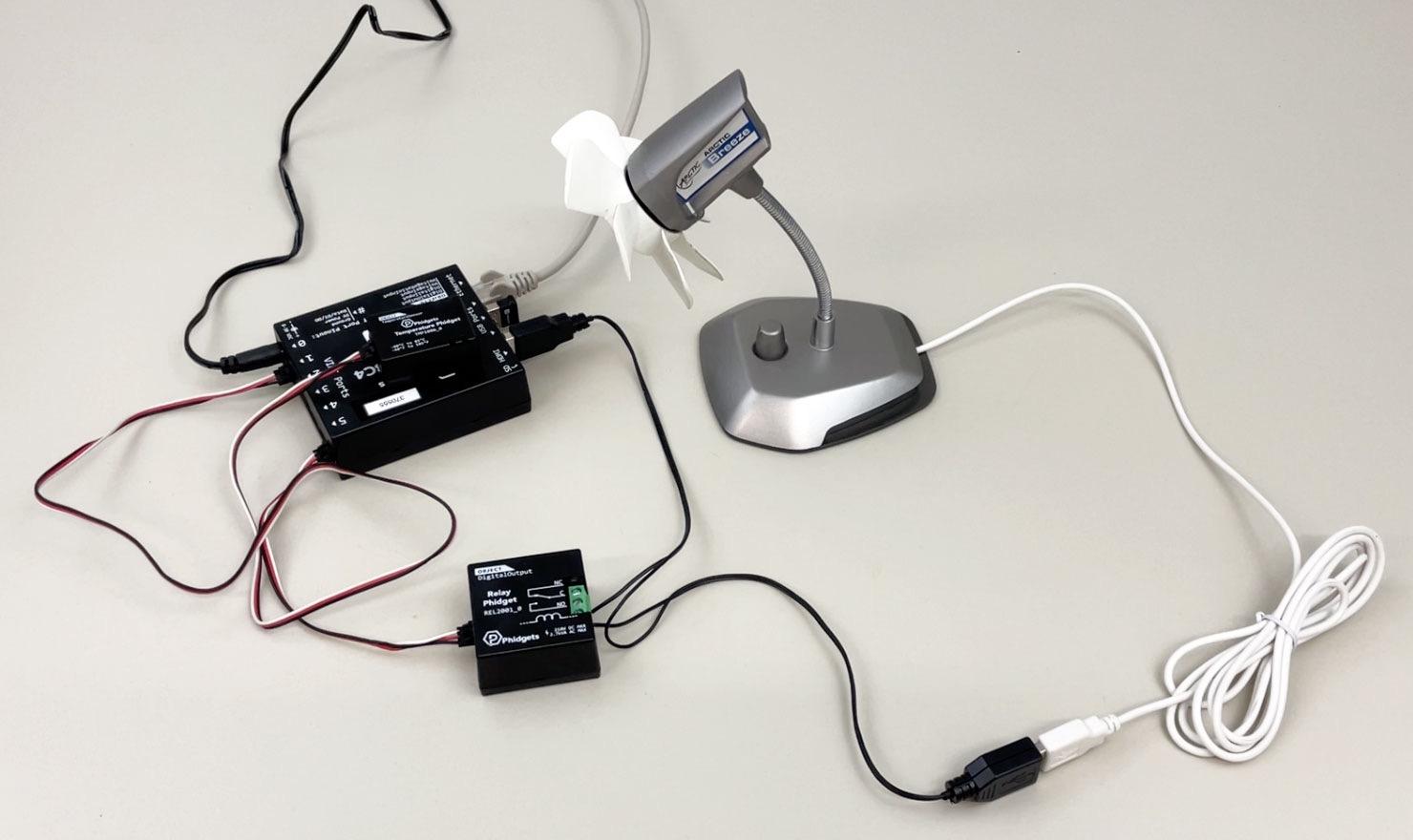
Bridge for Phidgets 4 adds support not only for 13 new VINT sensors, but also for FileMaker Server. That means you can now use this plug-in to automate monitoring of your servers rack temperature, tracking access using RFIDtags, unlocking doors, and anything else you can imagine, all that 24 hours a day without having to leave a dedicated FileMaker Pro client open all the time. See how easily you can use it to monitor your server temperature and automatically switch ventilation on and off as nee
Gonector allows custom FileMaker apps for iPhone or iPad to seamlessly integrate directly with various mobile devices such as digital scales, RFID readers and mobile printers. Today we are happy to announce version 2.0 which doubles the number of supported devices.     The plug-in has been out for almost three years now and enabled some great apps to replace manual work with modern technologies, such as RFID and digital scales, without compromising the ease of use and develop
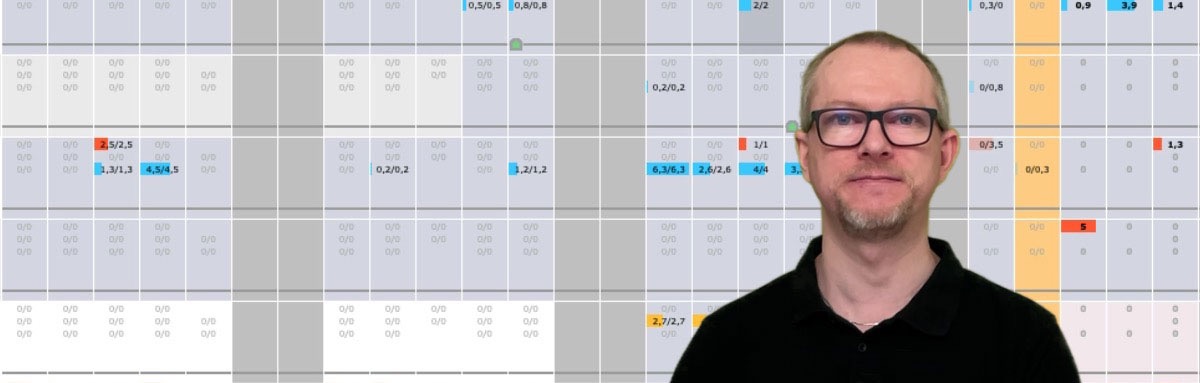
We use our own app called Collector to manage our software development projects. A few years ago my colleague Milan started feeling the need to schedule our development capacity more precisely. So we created a detailed plan layout. In the following video you can see what the layout looked like and how we later optimized it using Web Viewer and JavaScript.     In the first version of the layout, we used a list view with 31 filtered portals in the body part and another 31 port
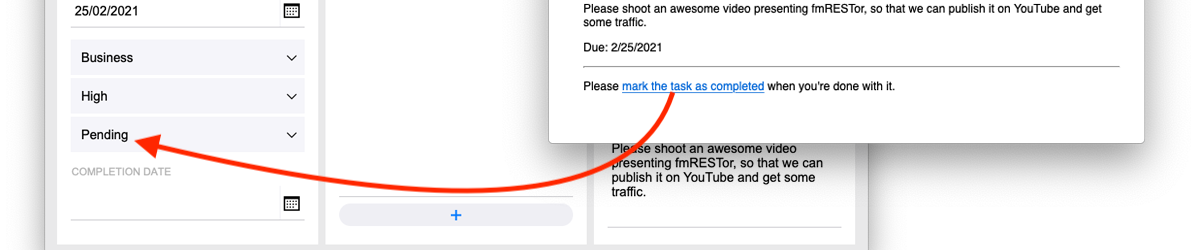
We have recently released fmRESTor 19 along with a brief 8-minute step-by-step video on how you can use fmRESTor to add a webhook to your own FileMaker database.   For the case you have not heard the term yet, webhook is usually defined as a “user-defined HTTP callback”. In plain English, it’s a web URL you can access and pass data to in order to perform some action in the target application. In the simplest form it’s just a link you can click and that alone performs the action.
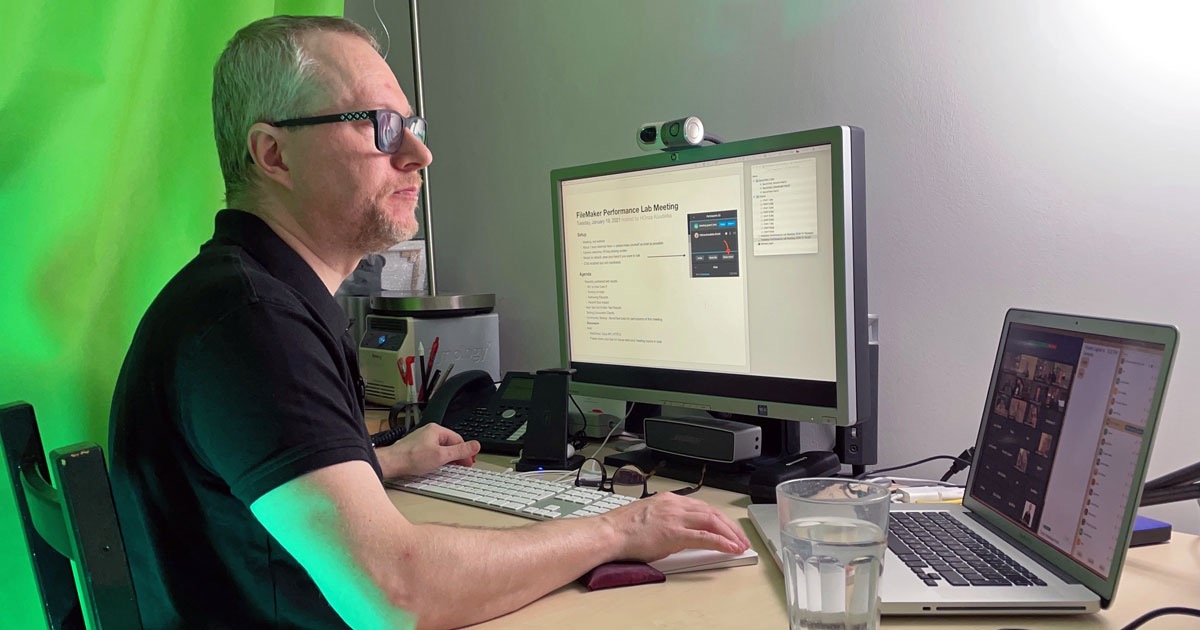
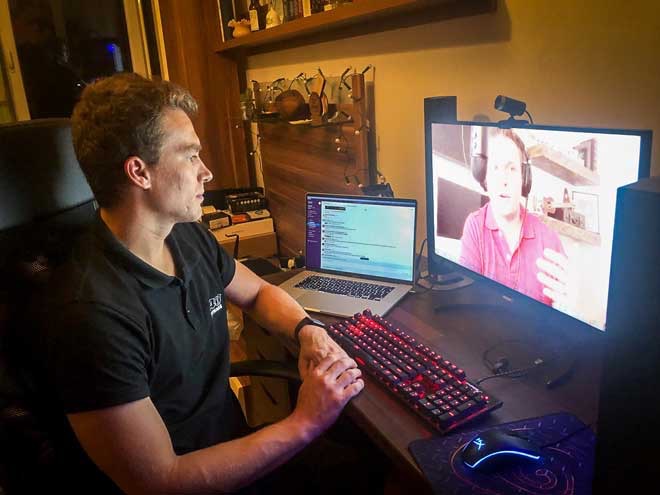
On January 19, 2021 we met online for the second time to discuss my FileMaker performance lab testing results. For the case you either missed the meeting, or attended and want to recall some details, a recording of the meeting is now available... In the meeting I talked about the impact of record size on performance being often higher than impact of any other factor. As a surprise I also showed my first results of testing actual simultaneous clients connecting to FileMaker Server
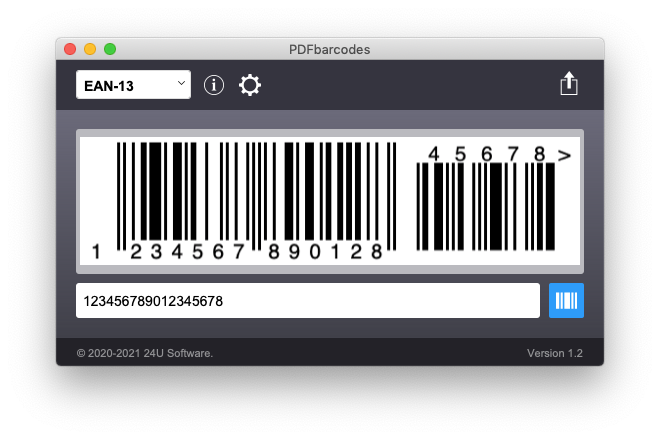
Have you ever dreamed of being able to generate high quality scalable barcodes in FileMaker solely using calculations, with no plug-ins, fast enough, in a way compatible with server-side scripts, FileMaker Go and FileMaker WebDirect, and completely free of charge? Your dream has just come true... There are various solutions for barcodes already available, from special barcode fonts, through Brian Dunning’s custom functions using rotated underscore as a symbol primitive, various web se
The first Claris Engage, a successor of FileMaker DevCons, was originally planned to take place in Nashville, Tennessee. The coronavirus pandemic has changed plans for most live events this year, and so Claris Engage turned to a virtual experience. We attended, and even participated as a virtual exhibitor, and it surpassed all our expectations. So let us share our highlights of the conference with you. Learning from the sessions is great, but the biggest value in every conference lies
We have tested all our products and are happy to confirm that they all work fine with the new version, only iOS versions of our plug-ins need to be updated for the new iOS App SDK. Now we are preparing our performance lab to test FileMaker 19 performance and compare it to the previous versions. Read more details in our latest article and let us know what you would like us to include in our performance test. The article also explains what we consider being the three most valuable new featu
Last September I wrote an article about a custom function that I optimized to evaluate hundreds times faster. At the end of the article, I challenged my readers and myself by claiming that the already optimized custom function can be optimized even further. Do you remember? Later on I actually really optimized it again, and talked about this optimization during my session at Pause On Error [x] London 2011. Now you can watch the video of this part of my session below: Read more and
This example demonstrates that even a single-step script can be optimized. You just have to think a little bit out of the box… I was showing this as a surprise in my session Marvelous Optimizations at Pause On Error [x] London 2011. I used a sample file with 25 fields and 5,000 records and imported these records 5 times in a row in just 13 seconds. OK, 13 seconds is not bad but what if you need to import data into FileMaker Go over network? If you want to know how I imported the same data i
The second example I was showing in my session Marvelous Optimizations at Pause On Error [x] London 2011 was the script for selecting Random Set of Records. I found this example in the FileMaker Knowledge Base and optimized it to run at least 158 times faster when selecting 10 random records out of 50,000. This version of the example has FM Bench Detective script steps included to measure the original and the optimized script more precisely. Watch the video recorded at Pause On Error below
This is the first example I was showing in my session Marvelous Optimizations at Pause On Error [x] London 2011. I already wrote about this optimization some time ago. It’s the one that led me to unveil the Marvelous Optimization Formula. You can find the original article here: FileMaker Script Execution Time Cut From 5 Hours To 6 Seconds I simply took the example and added FM Bench Detective into it to be able to exactly measure and examine what happens in the slow and the optimized script
This is a fresh story of me spending hours trying to fix a technical issue and accidentally revealing a gold nugget. A few days ago one of my nightly server-side scripts stopped working without any apparent reason. But when I tried to run the script in FileMaker Pro it worked just fine. I really needed a way to debug the script on the server. Read more here
I noticed that one of the articles updated in the official FileMaker Knowledge Base on September 23, 2011 was explaining how to select a random set of records in a FileMaker database. I was wondering how fast the currently recommended technique is and whether Ican make it faster with the help of FM Bench. I tried to apply it to a set of 50,000 records of randomly generated data. Then I made it much faster… Read more in the original article
Two weeks ago I wrote an article about a FileMaker custom function I needed to preprocess some data imported from the web. I used this custom function in an auto-enter calculation to immediately preprocess the data while being imported. I created a server-side script that does the import every morning. But when I discovered that the import was taking over an hour every day, I saw it deserves some optimization. I used FM Bench Detective and optimized the custom function to evaluate up to several
To attend or not to attend? That’s the question I am asking myself every year since 2002 when I attended my first FileMaker DevCon. I have attended 8 DevCons so far, and skipped one. I have identified the following 5 possible reasons for not attending: Attending DevCon costs a lot of money Traveling to DevCon costs a lot of money Staying at DevCon's location costs a lot of money Going to DevCon takes a lot of time when I cannot do my regular work The sessions
Everyone is excited about Lion. Even though many new features on Mac OS X 10.7 are giving us improvements we kept asking for since 10.1, Apple has again succeeded in giving all the new features the strong essence of innovation that makes us unable to hesitate to install and try Lion out as soon as we are able to. But we are also afraid. What if some important apps stop working? Read more in my article. Alredy updated with links to other resources and opinions...

Important Information

By using this site, you agree to our Terms of Use.

Configure browser push notifications

Chrome (Android)
  1. Tap the lock icon next to the address bar.
  2. Tap Permissions → Notifications.
  3. Adjust your preference.
Chrome (Desktop)
  1. Click the padlock icon in the address bar.
  2. Select Site settings.
  3. Find Notifications and adjust your preference.