

Jump to content
View in the app

A better way to browse. Learn more.

FMForums.com

A full-screen app on your home screen with push notifications, badges and more.

To install this app on iOS and iPadOS
  1. Tap the Share icon in Safari
  2. Scroll the menu and tap Add to Home Screen.
  3. Tap Add in the top-right corner.
To install this app on Android
  1. Tap the 3-dot menu (⋮) in the top-right corner of the browser.
  2. Tap Add to Home screen or Install app.
  3. Confirm by tapping Install.

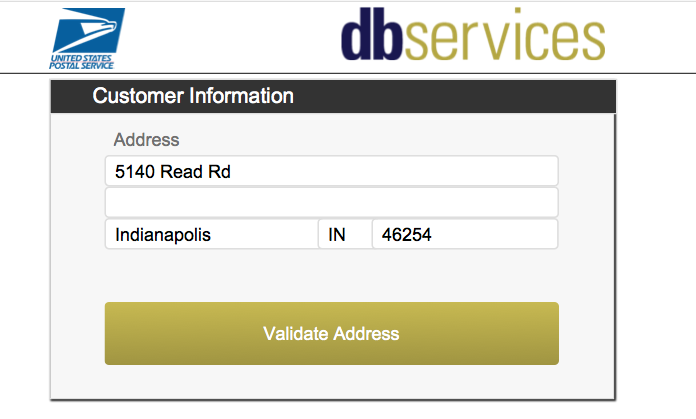
Learn how to easily validate an address using a free web service from USPS. Sign up for a free developer account at USPS and ensure you have valid addresses.  Includes sample file and tutorial video. https://www.dbservices.com/articles/integrate-filemaker-usps-address-validation/
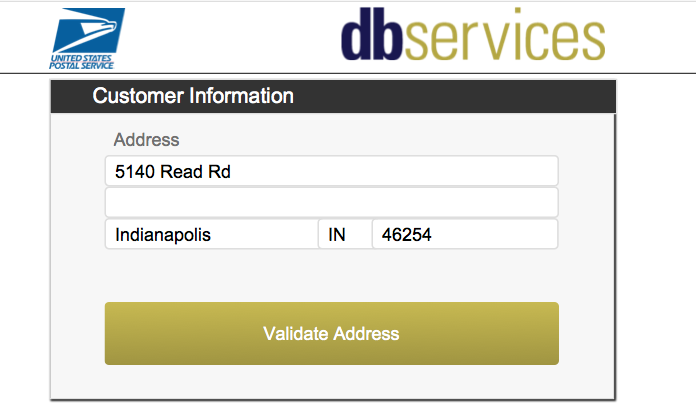
USPS-FileMaker-Integration.png

dbservices.com

Edited by dbservices

3 Comments

Recommended Comments

NYPoke

Members

Interesting service.  I can't find any pricing on it though.  Anybody using it or check on costs lately?

dbservices

Members

The service by USPS is free to use.  Just takes some time to sign up and get API access.

Kevin Hammond
DB Services
FileMaker Certified Developer
FileMaker Platinum Business
www.dbservices.com

NYPoke

Members

Thank you. I think we need to do some bulk work, a few times a month.  Somehow I doubt they would be happy with 20k batches, but this would do for our Data Entry.

Important Information

By using this site, you agree to our Terms of Use.

Configure browser push notifications

Chrome (Android)
  1. Tap the lock icon next to the address bar.
  2. Tap Permissions → Notifications.
  3. Adjust your preference.
Chrome (Desktop)
  1. Click the padlock icon in the address bar.
  2. Select Site settings.
  3. Find Notifications and adjust your preference.
