

Jump to content
View in the app

A better way to browse. Learn more.

FMForums.com

A full-screen app on your home screen with push notifications, badges and more.

To install this app on iOS and iPadOS
  1. Tap the Share icon in Safari
  2. Scroll the menu and tap Add to Home Screen.
  3. Tap Add in the top-right corner.
To install this app on Android
  1. Tap the 3-dot menu (⋮) in the top-right corner of the browser.
  2. Tap Add to Home screen or Install app.
  3. Confirm by tapping Install.

FileMaker can easily integrate with Adobe InDesign and create powerful InDesign documents by generating XML out of FileMaker. With a bit of additional development, you can even automate the process of placing text and photos directly on the page for designs that rarely need adjustments. Save time and reduce human error by automating repetitive Adobe InDesign processes and eliminate double data entry. 

Read the full article: https://dbservices.com/blog/filemaker-adobe-indesign-integration

Includes tutorial and free sample file.
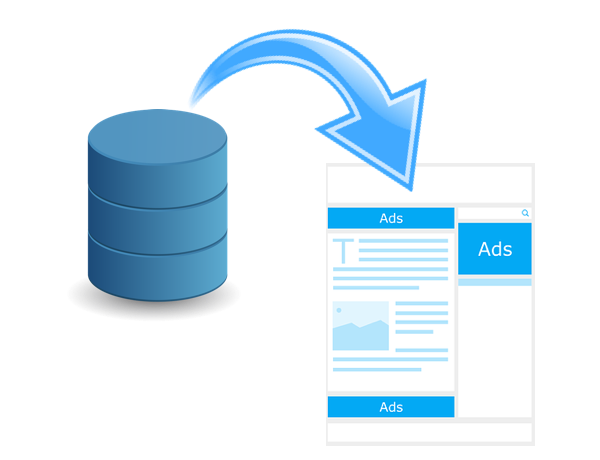
filemaker-indesign-integration.png


dbservices.com

Edited by dbservices

1 Comment

Recommended Comments


Joseph Great Article

I've done both routes, the XML and the Plugin

Used the XML method how we produced these posters for DevCon


I can honestly recommend EasyCatalog and FileMaker! 


Important Information

By using this site, you agree to our Terms of Use.

Configure browser push notifications

Chrome (Android)
  1. Tap the lock icon next to the address bar.
  2. Tap Permissions → Notifications.
  3. Adjust your preference.
Chrome (Desktop)
  1. Click the padlock icon in the address bar.
  2. Select Site settings.
  3. Find Notifications and adjust your preference.
