




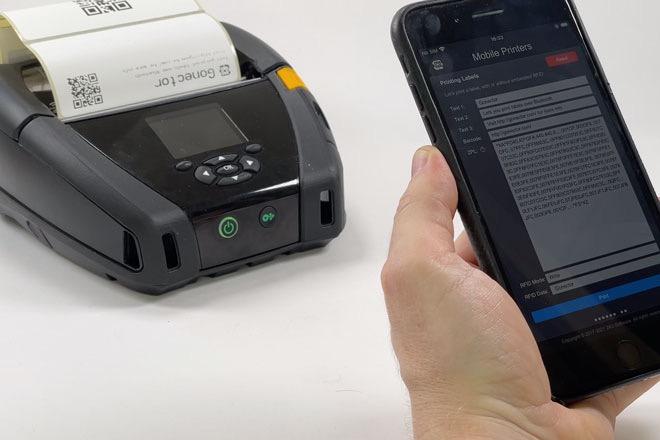
Gonector Prints RFID Labels

By HOnza in Hardware Integration
· 753 views
We have made our mobile hardware integration plug-in able to print labels on the Zebra ZQ630 RFID and compatible label printers, including reading and writing UHF RFID tags embedded in the labels. Gonector print labels directly via Bluetooth using the Zebra Programming Language, known as ZPL, so you don’t have to rely on wi-fi or AirPrint. Printing labels with Gonector is fast, reliable, and your scripts can have 100% control on what’s printed and where.
Read more and see how easily you can implement it in the video...

You can print text in various sizes, place it precisely where you want it, and even rotate it if necessary. You can also print different barcodes and 2D codes, without having to render them in FileMaker. When printing a label with an embedded RFID tag, you can automatically pair the RFID with the data by either reading back the tag's unique ID, pre-filled by the vendor in the EPC memory bank, or overwrite it with your own identification data.
Let’s implement label printing with Gonector into your own custom FileMaker app in 4 easy steps.
Edited by HOnza
Recommended Comments