

Jump to content
View in the app

A better way to browse. Learn more.

FMForums.com

A full-screen app on your home screen with push notifications, badges and more.

To install this app on iOS and iPadOS
  1. Tap the Share icon in Safari
  2. Scroll the menu and tap Add to Home Screen.
  3. Tap Add in the top-right corner.
To install this app on Android
  1. Tap the 3-dot menu (⋮) in the top-right corner of the browser.
  2. Tap Add to Home screen or Install app.
  3. Confirm by tapping Install.
Juggernaut

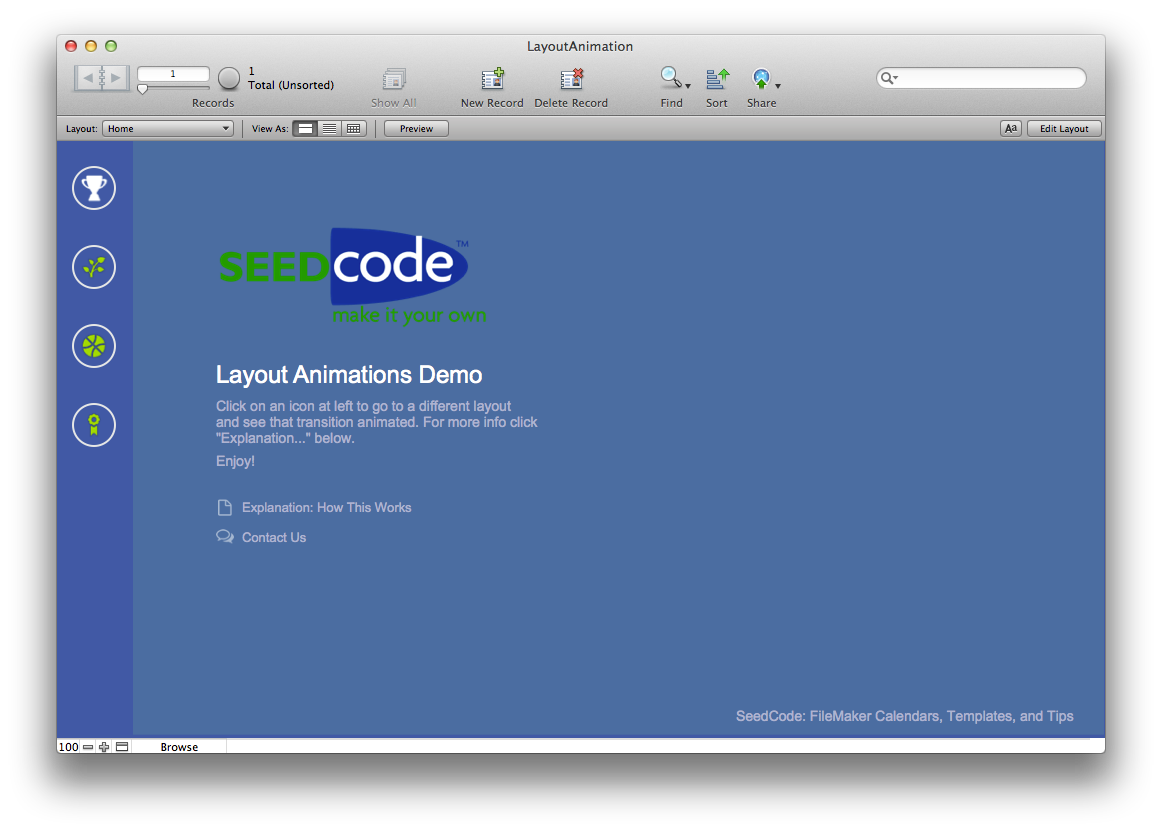
Animated Layout Transitions (FM13) 1.09

1 Screenshot

The animations introduced in FM13 are great, but they still don’t let us animate the transition from one layout to another. This is something we’re looking for as it’s often used in iOS apps to move from list to detail and back again.

However, using full-layout slide panels, we can animate layout transitions as long as we’re careful to get the timings right. Our unlocked example file demonstrates how to do this in your own solutions and introduces using OnTimer triggers to queue animations that might otherwise be invisible within a single script.

Details and a movie of this in action are one our blog.

- John

John Sindelar

SeedCode

FileMaker Templates, Calendars, & Cool Stuff

www.seedcode.com

855-SEEDCODE

Important Information

By using this site, you agree to our Terms of Use.

Configure browser push notifications

Chrome (Android)
  1. Tap the lock icon next to the address bar.
  2. Tap Permissions → Notifications.
  3. Adjust your preference.
Chrome (Desktop)
  1. Click the padlock icon in the address bar.
  2. Select Site settings.
  3. Find Notifications and adjust your preference.