

Jump to content
View in the app

A better way to browse. Learn more.

FMForums.com

A full-screen app on your home screen with push notifications, badges and more.

To install this app on iOS and iPadOS
  1. Tap the Share icon in Safari
  2. Scroll the menu and tap Add to Home Screen.
  3. Tap Add in the top-right corner.
To install this app on Android
  1. Tap the 3-dot menu (⋮) in the top-right corner of the browser.
  2. Tap Add to Home screen or Install app.
  3. Confirm by tapping Install.


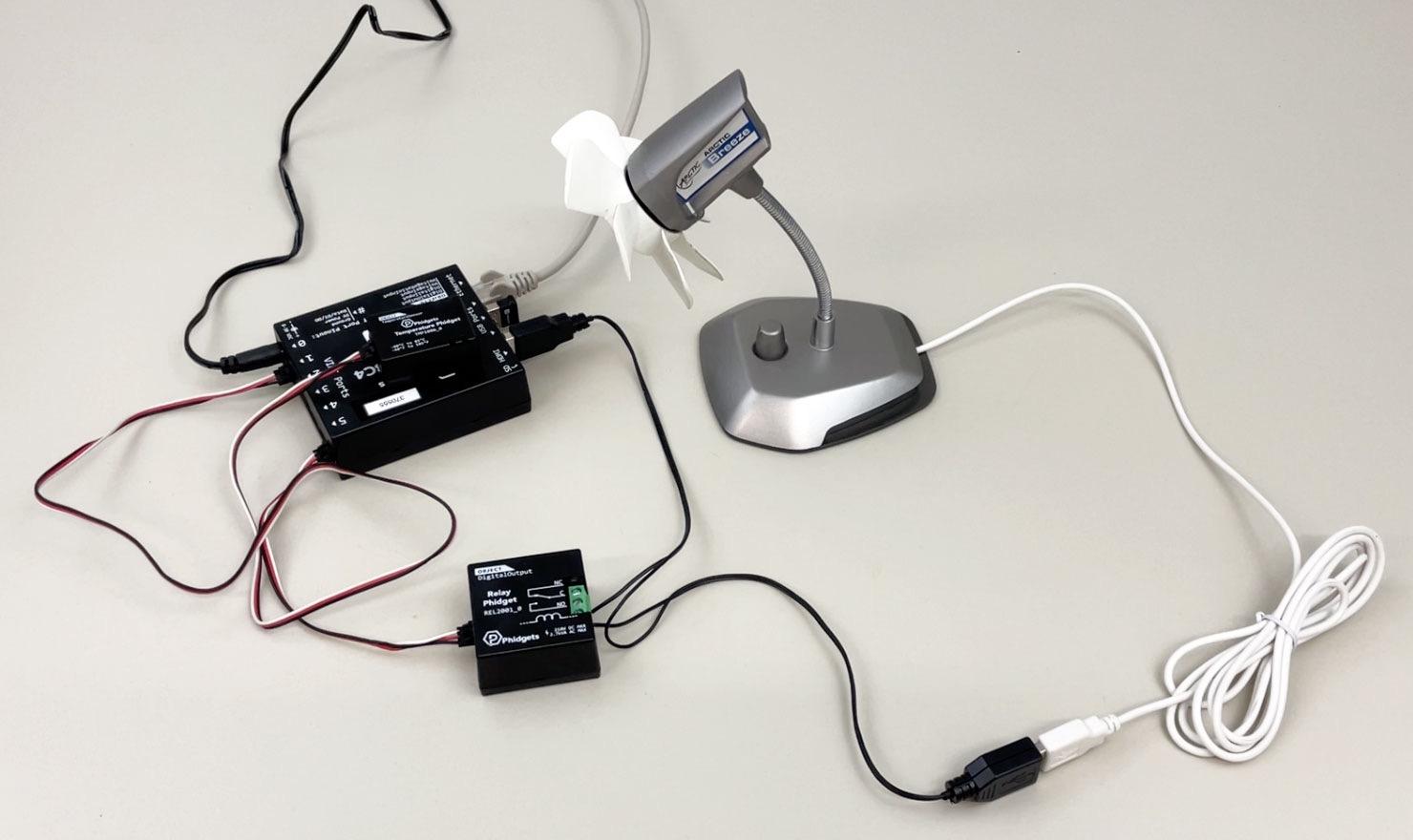
Bridge for Phidgets 4 adds support not only for 13 new VINT sensors, but also for FileMaker Server. That means you can now use this plug-in to automate monitoring of your servers rack temperature, tracking access using RFIDtags, unlocking doors, and anything else you can imagine, all that 24 hours a day without having to leave a dedicated FileMaker Pro client open all the time. See how easily you can use it to monitor your server temperature and automatically switch ventilation on and off as needed:


BridgeForPhidgets4-thumbnail.thumb.png.b36b225699a5825b9e9bbdf9dbb39c7c.png


Read more at https://24usw.com/bfp4wf

Edited by HOnza

0 Comments

Recommended Comments

There are no comments to display.

Important Information

By using this site, you agree to our Terms of Use.

Configure browser push notifications

Chrome (Android)
  1. Tap the lock icon next to the address bar.
  2. Tap Permissions → Notifications.
  3. Adjust your preference.
Chrome (Desktop)
  1. Click the padlock icon in the address bar.
  2. Select Site settings.
  3. Find Notifications and adjust your preference.
