Welcome to our community, full of great ideas on developing your FileMaker solutions effectively,
for peer-to-peer support of the FileMaker Platform and related products and services.
The FileMaker Let function is your tool to make a calculation readable, well formatted and easy to debug. Let us discuss how it can be used.
The post Like a Boss: Let us Discuss the FileMaker Let Function appeared first on Geist Interactive.
View the full article
FileMaker Kanban is the latest tool that offers familiar functionality for users and flexibility for the developer. It offers great functionality and organizes your data visually into lanes and cards.
The post FileMaker Kanban: Organize Your Data appeared first on Geist Interactive.
View the full article
[ Edit: 3/16/2016 - With the help of some other people, we have been able to recover, or recreate some of the original images from original thread. ]
Security is always a big topic when it involves data, or people, or possessions. Recently, over on the FileMaker Community, there was a very beneficial discussion regarding security. Unfortunately, that discussion was the victim of a necessary action...and was deleted. It was deleted, because the discussion was tied to a video that, as was det
Forums are a great way to get technical advice for FileMaker but for some reason, many people don't think they have to be nice in the electronic world. I was raised to say "please" and "thank you" and that has translated over to the internet for me. But, other folks think the anonymity of cyberspace is an excuse to be a jerk. Some posters are outright offensive and others will just leave snide responses like, "that wasn't much help". News flash! People on the internet are real and you should be
Free webinar introducing Karbon our free application framework for building ambitious custom business applications. If you are interested in using the FileMaker Workplace Innovation Platform at a high level you'll probably want to see what we have cooked up.
The post Karbon Webinar – Getting Started appeared first on Geist Interactive.
View the full article
One of the biggest downsides of any complex FileMaker solution is the growing number of layouts and layout elements you'll have to manage. If your number of navigation (or general menu) items is both static and large, then you're going to have issues with keeping the solution well updated. Aside from this, you could have additional complexity when it comes to controlling which menu items show under certain circumstances.
While there are number of ways to make menu management easier, the best so
Introduction Recently a client asked me to implement a virtual list reporting framework similar to the one I wrote about a few years ago in Virtual List Simplified. I added the framework to the client’s hosted file, and things went smoothly until I ran a report similar to the one shown below… and observed that… Continue reading A Summary Field Bug and WorkaroundView the full article
Are you new to FileMaker Pro or Claris Pro? Have you been asked to work in a custom solution but get stumped by the Claris and FileMaker terminology? And you may even be wondering “what is a solution”? If you do a search for “FileMaker glossary,” you will find a lot of information geared toward FileMaker developers and you may end up more confused. This blog is for you, a non-developer, — someone using FileMaker Pro or Claris Pro systems in your daily activities.
Having the right names for
If you're using Claris/FileMaker for either part-time or full-time development, and you've not installed the MonkeyBread plug-in, then you're doing something wrong. Many of the most desired features for working with code, such as code folding, extended syntax highlighting, variable auto-completion, the ability to search code, line jumping and other convenience features are available for free when you install the MBS (MonkeyBread) plug-in.
In this video, I go over all the free features and how t
One of the key reasons for using a database is having a single source of truth. When the possibility for duplicates enters the equation of "truth" we have a problem.
Dealing with duplicates comes in the forms of cleaning and removing them and preventing them. One of your primary tools for preventing them is to use data validation.
It's simple really. You can only continue to do this unless these conditions are met. Everything must be valid. In Claris Studio/FileMaker your options for setting f
Featuring: Description: In the scenic mountains of north Georgia, open-minded attendees gathered together to connect, learn, and grow with one another. In this episode, our guests focus on why PauseOnError differs from traditional tech conferences and how it ignites new perspectives. Since PauseOnError 2022 ended, we’ve collected attendees’ big learnings and aha moments for The Context Podcast. Listen to their stories and discover why you might want to join them next year. This is the first of
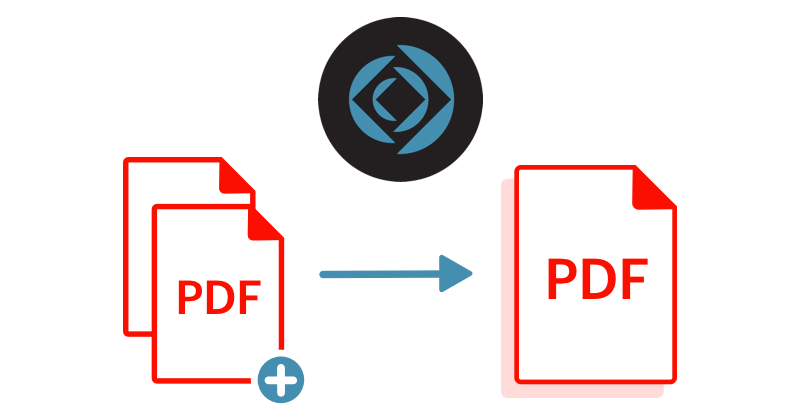
PDF files are essential in the business world, and being able to create and manipulate them is a must. Appending one PDF to another is a handy tool for operations like report generation. We explore options for appending PDFs in FileMaker Server here. Includes a video and sample file.
dbservices.com
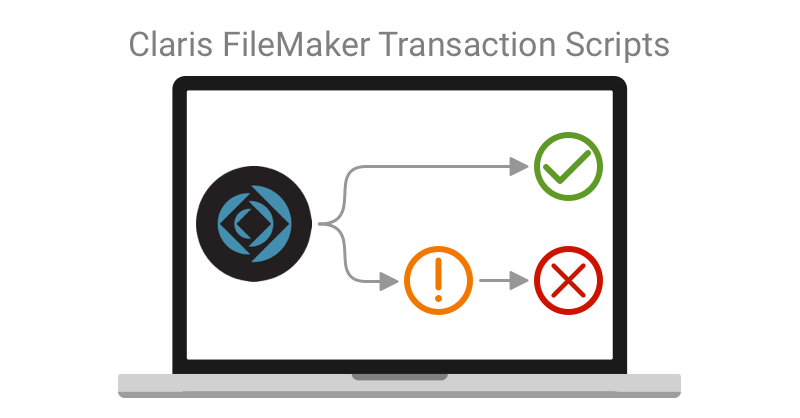
For any system with multiple users, transactional scripting is a must to avoid unnecessary bugs. One of the most exciting features of Claris FileMaker 19.6 is the addition of transaction script steps. We dive deeper into the newly released Claris FileMaker 19.6 transaction script step functionality. Includes demo video and sample file. Read the full article here.
dbservices.com
Claris's newest update to the FileMaker platform is here! With Claris FileMaker Server 19.6, there are many changes and improvements to help manage your FileMaker application, including new Admin Console features, WebDirect updates, and performance improvements. Check out the highlights of what you can expect from this newest update here.
dbservices.com
Claris' 19.6 release of the FileMaker platform has launched! Join us as we discuss our favorite new features including built-in support for Transaction scripts, new script steps such as Get(TransactionState), Set Dictionary, Get(CurrentTimeUTCMicroseconds), Get(LastErrorDetail), and Get(LastErrorLocation), as well as the option to delete cached temp files and the option to disable context menus for interactive containers. Read the full article here.
dbservices.com
What Are Transactions? We each conduct transactions every day. We transact when we talk with other people, when we buy goods from a store, and when we check out a book from the library. In the database world, transactions have a similar meaning – exchanging this for that, whether it be ideas, encouragement, or money. Transactions are also a database concept for maintaining data integrity. When working with databases, there are times when you want to make several changes to […]
The post Transact
Black Friday is back and we're back again with another great deal for elemental_log.
For the entire week beginning Friday 25th November we are discounting the price of all our licenses by up to 50%.
We are doing this to try and encourage other Claris FileMaker developers to take the leap and invest in audit logging for their client solutions. Data privacy and integrity is more important than ever, and elemental_log can help in tracking all cha
While recently working on a FileMaker Mobile solution I came across a number of tricks I was using which I thought might help other developers. The great thing about FileMaker Go is you have access to so many of the core iOS technologies and you can often create very attractive UIs in a short time.
When it comes to controlling access and replicating certain iOS features, you only need a bit of creative thinking. If you see something done in another iOS app you can typically find a combination o
Whatever your payment or subscription needs are, integrating the Authorize.net API with FileMaker is a surefire way to improve your business' workflow. Using Authorize.net's streamlined and straightforward API, your business can instantly and securely interact with customers by integrating with FileMaker. Includes a video and sample file. Read more here.
“My home office has a full refrigerator, no commute, and a loving dog, yet this place has all of you.” — Pause 2022 attendee A few weeks ago, I spent time in the North Georgia mountains with over a hundred daring developers and intrepid techies at the tenth annual PauseOnError conference. Brave because the event takes place outdoors in mid-October at a high enough elevation for nights to grow cold and rainy days, some years, to soak clothes through and […]
The post <strong>The Pause that
Get ( WindowMode ) can be really useful when used to vary what is shown within your user interface. This video will both introduce and show you how to take advantage of the function.
Click the title or link to this article to view the video. View the full article
Interested in how you might use the Get ( Device ) environment function? This video will both introduce and show you how to take advantage of the function.
Click the title or link to this article to view the video. View the full article
I have just posted a new article at FileMaker Weetbicks!
This article is about utilising a technique to allow for instant script execution when an object is hovered over. We use this technique for building various dynamic navigation controls that respond to the users interaction without them clicking the mouse.
We also go into a bit of background history on this technique as well as show some alternative uses.
As always, an extensive example file has been included.
Click here
About the author: Beverly Voth has been in the Claris FileMaker community many years. In addition to FileMaker Pro and its integrated products, she is a Full Stack Web developer & SQL database administrator. The only recipient of the FileMaker Excellence Award for Outstanding Contribution to the FileMaker Web Publishing Community (DevCon 2003), she’s been… Continue reading Claris Studio (part 3) – Spreadsheet: Details, please!View the full article
As a business owner, communication with your customers and your employees is key. While FileMaker has long supported sending plain text emails, many businesses find that more immediate communication is critical to their workflow.
These include:
Alerting a customer that their order is ready for pick-up once a job is marked “complete.” Sending photographs of equipment condition at the end of the workday. Confirming availability with an employee to staff an upcoming event.
Now that F
What is Happening? In September 2019, Microsoft announced plans to follow suit with Google and deprecate direct SMTP (Simple Mail Transfer Protocol) access to their services, meaning that unsecured methods, such as sending emails with FileMaker’s ‘Send Mail’ function, would become obsolete. Essentially, users are longer able to log in using only their username and password, as it is not considered a safe method of authentication. As of October 1st, 2022, this plan has been put into action and us
What is Happening? In September 2019, Microsoft announced plans to follow suit with Google and deprecate direct SMTP (Simple Mail Transfer Protocol) access to their services meaning that unsecured methods, such as sending emails with FileMaker’s ‘Send Mail’ function, would become obsolete. Essentially, users are longer able to log in using only their username and password, as it is not considered a safe method of authentication. As of October 1st, 2022, this plan has been put into action and use