






Add-ons
1 file
-
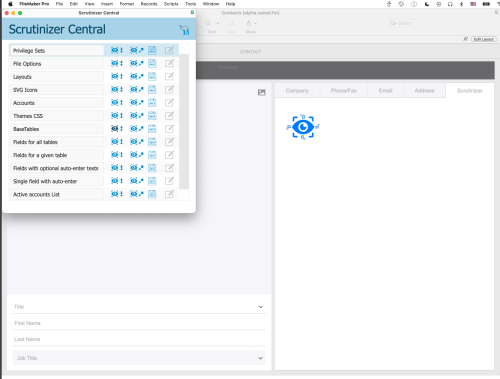
CamelCase data announces the release of Scrutinizer Central, a free FileMaker add-on that provides an API for real-time developer intelligence. Finally your FileMaker solutions can know everything there is to know about themselves.
The information is pulled from the output of Save a Copy as XML, and transformed into JSON or other formats that developers can use, without having to learn a lot of XML and XSLT.
Scrutinizer Central comes loaded with several Scrutinizer records that allow you to things like getting a list of accounts in a file, the auto-enter calculation for a specific field or the theme and table occurrence associated with each layout in a file.
You can extend Scrutinizer Central by adding your own Scrutinizer actions. Use the actions included as templates to get started!
More information and the most current version are available at: https://camelcase.com/ScrutinizerCentral/
- Free
- 26 FileMaker Marketplace
Updated

Recently Browsing 0
- No registered users viewing this page.