Welcome to our community, full of great ideas on developing your FileMaker solutions effectively,
for peer-to-peer support of the FileMaker Platform and related products and services.
[ Edit: 3/16/2016 - With the help of some other people, we have been able to recover, or recreate some of the original images from original thread. ]
Security is always a big topic when it involves data, or people, or possessions. Recently, over on the FileMaker Community, there was a very beneficial discussion regarding security. Unfortunately, that discussion was the victim of a necessary action...and was deleted. It was deleted, because the discussion was tied to a video that, as was det
Free webinar introducing Karbon our free application framework for building ambitious custom business applications. If you are interested in using the FileMaker Workplace Innovation Platform at a high level you'll probably want to see what we have cooked up.
The post Karbon Webinar – Getting Started appeared first on Geist Interactive.
View the full article
In the past year and a half here at Geist Interactive, I’ve been tasked with some development work that involves connecting to various APIs. I’ve written modules for clients that get definitions, other forms, synonyms and antonyms, hypernyms and hyponyms of a term from the client’s internal dictionary and such public dictionaries such as Oxford […]
The post HTTP Request: I don’t know how, but it works appeared first on Geist Interactive.
View the full article
For the first time, DB Services has been ranked #3494 on the annual Inc. 5000 list, which ranks the country’s “fastest-growing innovators” based on overall revenue growth over a three-year period. The Inc. 5000 list has brought attention to America’s growing private businesses since 1982.
DB Services now joins the ranks of other Inc. 5000 list alumni such as Facebook, Zappos, Pandora, and others. DB Services is top ranked FileMaker Platinum Business Alliance Partner on the 2019 Inc. 5000 li
FileMaker offers many different options for charting, but if you need a chart that is not available in FileMaker, you should consider using Google Charts. Google Charts is a free Javascript framework that can be used in conjunction with web viewers in FileMaker to extend your charting capabilities: https://dbservices.com/articles/google-charts-in-filemaker/
dbservices.com
Capturing external data directly into FileMaker has always been a bit of challenge due to the variety of technologies required to set everything up. In the past, XML and PHP were commonly used, taking advantage of direct integrations available in FileMaker Server. Even earlier, during the "wild west" days of FileMaker, some systems remarkably relied on AppleScript to facilitate data exchange. Claris, then operating as FileMaker, Inc., provided libraries and methods to enable these connections.
One of the great things about being a developer is finding flow. It’s that feeling when you’re cranking out code, accomplishing one task after another, and time seems to fade into the background - you’re in the zone. However, a few things can really disrupt your flow, and one of the biggest culprits is your development environment.
If your syntax highlighting doesn’t work, or your environment slows you down, productivity takes a hit. That’s why one of the best things any coder can do is optimiz
Featuring: In this episode of The Context Podcast, Ernest Koe and Todd Geist are joined by Jonathan Marcus from Sureguard and Dominik Keller from Five to discuss the challenges of building user-friendly applications for non-employees. They explore how Five’s low-code approach simplifies development, the integration of AI for creating complex business solutions, and the importance […]
The post The Context Podcast: OData to the rescue! Web-enabling FileMaker data with Five and Ottomatic appeared
This is a quick “odds ‘n’ ends” post to share the current iteration of my JSONQuery sandbox file. Some of the examples are new; some are from presentations I gave earlier this year. Most of them illustrate one or more things you can do with this amazing custom function (a few of the examples don’t… Continue reading JSONQuery Odds and EndsView the full article
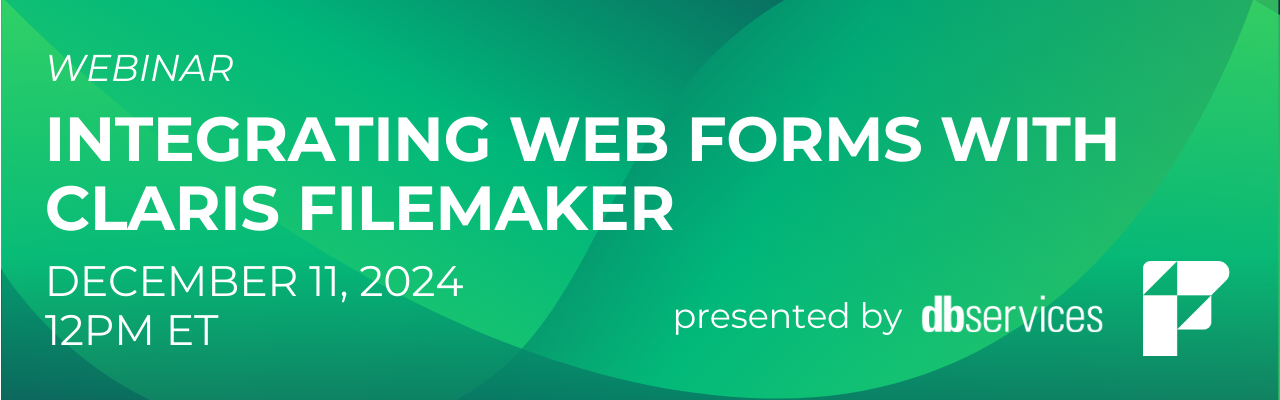
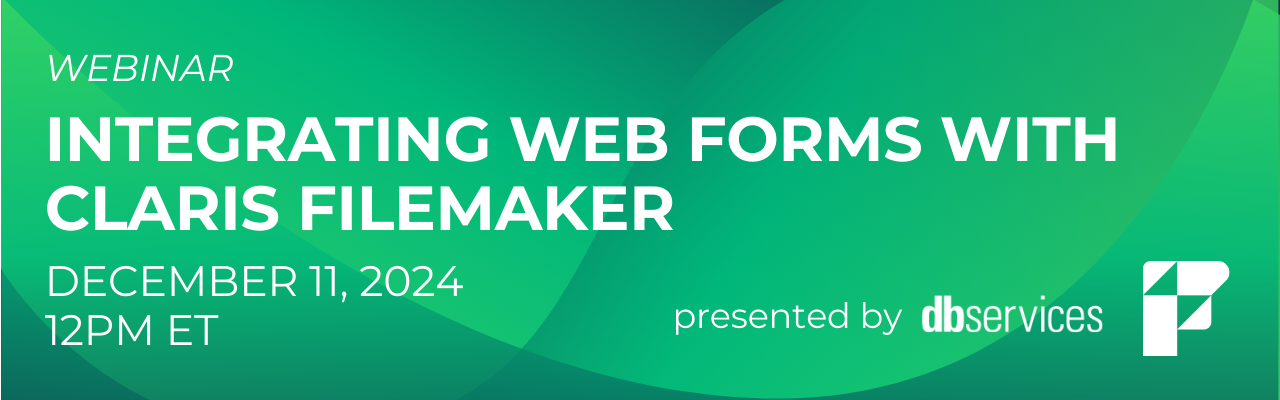
Thank you to everyone who joined our webinar yesterday! We had a great discussion about integrating web forms with Claris FileMaker. If you weren't able to attend, the session is now available on-demand.
dbservices.com
When incorporating graphic design into your FileMaker solution, you might either be the sole designer or collaborate with someone to enhance the user experience. Regardless of your role, it's always beneficial to understand how to effectively use colors within your solution.
You can, obviously, make straightforward choices, such as simple selections of colors from the built-in color picker. But, there are additional tips and techniques that can significantly enhance your ability to use colors s
It's time to bid farewell to FileMaker 19.6! Support for Claris FileMaker 19.6 will end on December 19, 2024, marking the end of an incredible run for one of our favorite versions of FileMaker, version 19. To avoid security risks, system incompatibilities, and productivity loss, we encourage users to upgrade to the latest version of FileMaker.
dbservices.com
Taking advantage of JavaScript within FileMaker is a crucial skill that can significantly enhance your solutions. Relying solely on native FileMaker capabilities can be limiting, as certain tasks are more effectively handled with JavaScript.
Using a Web Viewer to execute JavaScript comes with nuances. For instance, when a JavaScript process takes longer than a few milliseconds, providing a visually appealing progress indicator can greatly improve the user experience. This is where the concept o
Note 2: This conversation primarily focuses on new features and improvements in JQ v2. For a more general introduction to JSONQuery see the “Resources” section at the beginning of part 1. Continuation of JQ v2 conversation with Steve Senft-Herrera Kevin Frank: There are a couple little improvements in v2 we haven’t mentioned yet. Is this… Continue reading JSONQuery v2 Conversation with Steve Senft-Herrera, part 2View the full article
When you are looking to create a FileMaker dashboard, there are important questions to consider. Our full Productive Computing University course, Claris FileMaker Pro Advanced 2, shows you how to build key components of a dashboard.
Why do you need a dashboard – why is it helpful?
A dashboard in FileMaker brings your most crucial data to the forefront, helping you make informed decisions quickly.
Access all your essential metrics in one place—no more navigating through multiple r
Join us for a webinar where we’ll explore how to integrate powerful web forms with your FileMaker solution. Whether you're a novice or an experienced developer, this session will provide valuable insights to streamline your workflows and improve data collection. Don’t miss this opportunity to elevate your FileMaker application! Register Here
dbservices.com
Featuring: In this episode, Ryan McCann, CEO at Claris, joins us to discuss his journey stepping into the role, the organizational strategies driving growth, and the importance of customer retention in today’s competitive market. Ryan shares how Claris is navigating the transformation from a risk management mindset to a growth-oriented strategy. He dives into the […]
The post The Context Podcast: Updates from Claris with Ryan McCann appeared first on Proof+Geist.
View the full article
A Tale of Two Property Owner Association Websites
See how one landowners association in Colorado turned to eXcelisys for help when its website got hacked and how one Florida association is leaning on eXcelisys to make updates to its website to comply with new state laws.
Tale #1 – Sheep Creek Landowners Association – A Mountain Community in Southern Colorado
In 2014, the Sheep Creek Landowners Association found itself up a sheep creek without a developer to paddle its troubled website to safe
Who doesn't love making their software look great? We all want our solutions to be visually appealing, highly usable, and efficiently streamlined. Along with these desires comes the need to understand the environment so you can easily modify your layout and achieve those objectives.
This video covers working in Layout Mode and taking advantage of various tools and keyboard modifiers, which make it very easy to both create and manipulate your layouts. If you've been looking for ways to make your
After spending two days writing a calculation function, I figured I wasn’t a day short, and that sharing the story behind writing this function could be interesting for other developers—not so much for the function itself, but to capture the mindset and the general ideas that help approach a complex function.
Moreover, since Claris has honored me with a spot at the Engage conference next March in Austin, with a topic as unusual and pretentious as “how I, Fabrice Nordmann, tackle a problem t
FileMaker 21.1 just dropped, bringing with it a range of updates and fixes that improve stability and performance. But what’s changed with transactions, one of the most powerful tools in FileMaker for handling multi-step operations safely? To dig into this question, don’t miss Proof+Geist’s Corn Walker on FMTraining.tv this Friday, November 8th at 1pm PST, […]
The post Discussions on Transactions in FileMaker 21.1 Update appeared first on Proof+Geist.
View the full article
As technology advances and becomes as critical to our digital lives as water is to our physical well-being, we must be keenly aware of whether that "water" is tainted with harmful elements that could harm us.
This sentiment applies not only to your health but also to your technological security concerns. For most technical systems, we may be inclined to assume that "big tech" — meaning the creators of the software or technology — will automatically make things safe for us. However, there may be
Claris has released the first update to FileMaker Server 21! This update brings with it some new, useful features, including quality-of-life updates, additional security options, and more. With this update, system administrators have even more tools in their FileMaker toolbelt.
dbservices.com
Claris FileMaker 21.1 is here! This update includes a slew of new features and quality-of-life updates, increasing the number of tools available to all FileMaker developers.
dbservices.com
Background JSONQuery 2.0 was released last month with a wealth of new features, along with some improvements to existing features as well. Steve and I spoke about it recently, and we’ll get to that in just a moment. But first, for those who may not be familiar with JQ, here’s a bit of background information.… Continue reading JSONQuery v2 Conversation with Steve Senft-Herrera, part 1View the full article