Welcome to our community, full of great ideas on developing your FileMaker solutions effectively,
for peer-to-peer support of the FileMaker Platform and related products and services.
Author’s note: Inevitable comparisons will be drawn between the new While function and the venerable CustomList custom function, which I wrote about at length several years ago. Preliminary testing indicates that CustomList is faster under certain circumstances and While is faster under others. In my opinion, both of them belong in your developer tool kit. […]
View the full article
The FileMaker Let function is your tool to make a calculation readable, well formatted and easy to debug. Let us discuss how it can be used.
The post Like a Boss: Let us Discuss the FileMaker Let Function appeared first on Geist Interactive.
View the full article
[ Edit: 3/16/2016 - With the help of some other people, we have been able to recover, or recreate some of the original images from original thread. ]
Security is always a big topic when it involves data, or people, or possessions. Recently, over on the FileMaker Community, there was a very beneficial discussion regarding security. Unfortunately, that discussion was the victim of a necessary action...and was deleted. It was deleted, because the discussion was tied to a video that, as was det
Hi all,
Today I'm happy to announce the release of Elemental for FileMaker. This is a free fully unlocked solution containing some cool user interface and design stuff that I hope you find useful and can incorporate into your own solutions.
You can grab a copy now at https://www.elemental-fm.com
In Elementals first version you'll find the following:
Avatars
Over 20 API integrations with avatar generators. These are uniquely generated based on a name y
The FileMaker Script Debugger is powerful. Its features are often overlooked. In this post we examine the buttons that control stepping through a script.
The post Like a Boss: Using the Script Debugger to its Full Potential appeared first on Geist Interactive.
View the full article
In the world of programming, there are various concepts you need to understand in order to create software which is both functional and resilient. Maintaining that code may be another challenge, but if you don't learn about exception handling and determining if your processes truly succeed or fail based on expectations, you risk inviting more errors and failures than you might anticipate.
In this video, we'll cover several critical aspects of a FileMaker database solution. Yes, FileMaker Pro is
Update Your HOA Website to Comply with Florida’s New HOA Laws
Is your HOA website ready for the new legal requirements? We can help you avoid fines for non-compliance.
Ensure Compliance, Enhance Transparency and Improve Communication
Florida’s new regulations (passed in 2024) mandate that all homeowners’ associations (HOAs) with 100 parcels or more and all condo associations with 25 units or more must maintain a secure and compliant website that provides easy access to essential documents
Are you looking to expand the functionality of your FileMaker applications? Integrating your applications with third-party services through APIs (Application Programming Interfaces) can open up a myriad of possibilities. APIs allow different software systems to communicate with each other, extending the capabilities of your FileMaker solutions.
For a deeper dive into what APIs are and how they function, check out our detailed blog post on the basics of APIs.
At Productive Computing Unive
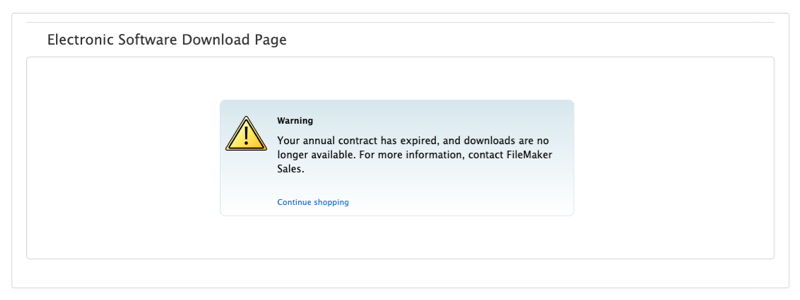
Claris FileMaker has implemented a termination policy for annual licensing agreements. All FileMaker contracts must be renewed by their expiration date. Failure to renew will result in contract termination, meaning your organization will no longer have access to your FileMaker application. If your Claris FileMaker license has expired or is due for renewal, we can help you save money! <Your Annual FileMaker Contract Has Expired>
dbservices.com
Being more productive when developing in FileMaker is something that will always pay off. You’ll create solutions faster and feel better about how quickly you can solve problems.
Due to the unique environment in which we write code, there are concepts other developers have access to that we don’t. We’re not using a standard text editor with modules and plug-ins to extend its functionality. In FileMaker, we rely on a few third-party plug-ins and tools to enhance the development experience.
In t
One of the differences between the macOS, Windows, and Linux versions of FileMaker Server is the way fonts are handled.
This has an impact when generating PDFs server-side (no impact if you create PDFs client-side with FileMaker Pro or FileMaker Go).
There is also an impact on WebDirect with characters from Eastern languages, but for this, there are Central Europe and Middle East versions of FileMaker Server, which we can install for you.
Apart from the fact that the Linux version doesn’t han
A question we are frequently asked is how to generate PDFs on the server and find them in a FileMaker application, inserted into container fields.
We will try to answer this clearly and illustrate our point with an example file.
The process takes place in three steps:
1 – The client triggers the server-side script
The client-side script will perform two operations:
Commit the record where the server-side script will need to write (depending on the use case, your server script may create a
FM Quickstart, the premier free template for Claris FileMaker, has been updated for the latest version of FileMaker. We dive into some of the exciting features, including 4 brand-new modules and AI reporting. FM Quickstart 2025
dbservices.com
fmquickstart.com
An eXcelisys eXpertise: HOA Websites
For Homeowner & Condo Associations
Just as you’d hire a professional contractor to pour your home’s foundation, you should hire a professional web developer to build your HOA website to ensure you get a concrete footing that will hold for years to come.
As with a home, website architecture matters. Sure, you can hire a web designer to craft a sleek and stylish-looking site, or you can download a DIY HOA web template. However — as with any home purcha
PDFs have become the digital equivalent of what was once printed on paper and will likely remain in use for a long time. They offer an easy way to present structured information, and FileMaker simplifies PDF generation by allowing you to save your layout's design as a PDF.
However, there are times when simply exporting FileMaker data to a PDF isn't enough — you may need to populate an existing PDF with data. The challenge can be getting your FileMaker data into a copy of the PDF. While there ar
Learn how to integrate Claris FileMaker with Zoom to review past meetings, create meetings, and more without leaving your FileMaker solution in this easy-to-follow demo! Includes a video and sample file. Claris FileMaker Zoom Integration
dbservices.com
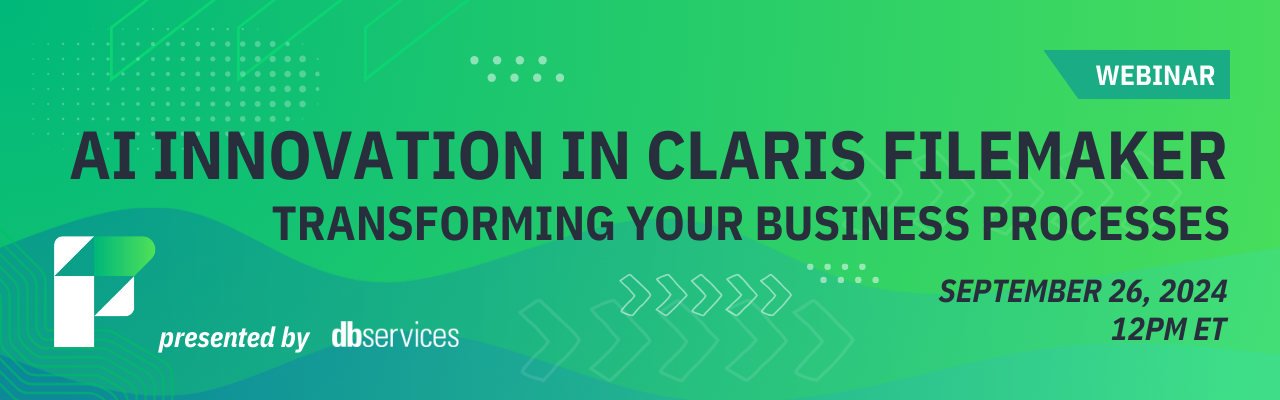
Watch the replay of our webinar on AI in Claris FileMaker! Led by Senior FileMaker Developer Sam Gallagher, this insightful session explored how you can use AI with your FileMaker solution to transform your business processes. AI Innovation in Claris FileMaker: Webinar Replay
dbservices.com
A Claris Community Live Recap
Check out this recording of a Claris Community Live session where Marc Larochelle, Productive Computing CEO, talks about using JSON with FileMaker, demonstrates how to create a JSON object in FileMaker, and breaks down its functionality and significance in modern development practices.
Whether you’re a novice looking to harness JSON’s capabilities or an experienced developer wanting a refresher, this session has something for everyone! Watch as Marc guides
If you're developing in FileMaker and haven't invested time in learning and using JSON, you're at a significant disadvantage. JSON is not difficult to learn, and it's used in so many areas of modern development that it's crucial to get familiar with it if you haven't already.
In this video, I begin with the basics of JSON and its implementation within FileMaker. Once you start using it, you'll find it's valuable for much more than just passing parameters. While passing parameters is one of the
Understanding the Challenge Mobile apps need to be more than just functional—they must be reliable, even when users are offline. This presents a significant challenge for developers: how can you ensure data collected in an offline environment seamlessly syncs with a centralized database once connectivity is restored? This was the challenge I faced while developing […]
The post From Offline to Online: Building a Seamless FileMaker Go App with Otto Webhooks appeared first on Proof+Geist.
View th
The web offers a range of powerful tools that streamline business operations—Stripe for payments, HubSpot for CRM, and Mailchimp for email campaigns. It’s also where customers interact with tailored systems, such as portals for orders or support tickets. The Claris platform, including FileMaker, extends this flexibility by providing custom software for desktops, mobile devices, and […]
The post Using Claris FileMaker as a backend database for web apps appeared first on Proof+Geist.
View the fu
This is a quick post to say that JSONQuery 2.0 is finally here with many new features, and some improvements to existing features as well. What is JSONQuery? A FileMaker custom function authored by Steve Senft-Herrera that enables you to query JSON. Basic Things JSONQuery Does 1) Query – Allows for finding elements that match… Continue reading JSONQuery 2.0 Is HereView the full article
Are you a FileMaker developer looking to streamline your workflow? In this video excerpt from the Claris FileMaker Pro Advanced 2 training course, you’ll learn how to leverage consumer-based AI tools, like ChatGPT, to enhance your development process.
Imagine being able to generate sample data with a simple prompt or analyze complex scripts without getting lost in the technical details. You’ll discover how to create robust datasets—like product records with just a few lines of text—and how t
With FileMaker's release of OAuth email support, there is now a more secure and reliable option to send emails from Claris FileMaker using Outlook's GraphAPI or Google's Gmail API. Claris FileMaker OAuth Emails
dbservices.com
This video shows using generative AI in FileMaker development. We use Claude.ai to write FileMaker scripts that interact with a RESTful API.
The post Exploring Generative AI with FileMaker and Having a Blast appeared first on Proof+Geist.
View the full article
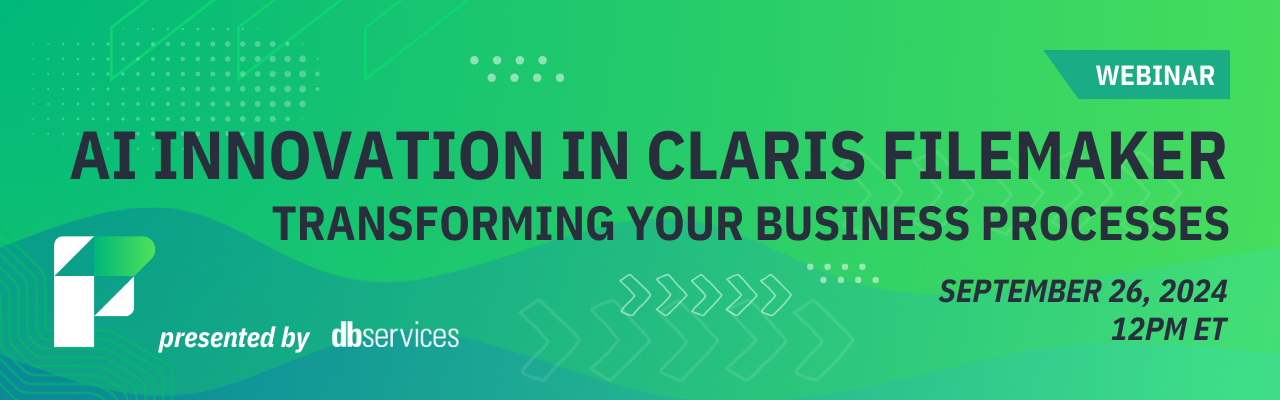
Join us for a webinar where we'll explore how AI can elevate your FileMaker system! Whether you're new to AI or looking to enhance your existing solutions, this session will show you practical ways to bring more intelligence into your FileMaker application.
https://dbservices.com/blog/upcoming-webinar-ai-innovation-in-claris-filemaker
dbservices.com
This is a quick follow up to last week’s Fast Summaries to JSON and will assume the reader is familiar with that material. Demo Files Fast Summaries to JSON, v5 (requires FM 16 or later) Fast Summaries to JSON, v6 (requires FM 16 or later) After last week’s article appeared, a reader contacted me wondering… Continue reading Fast Summaries to JSON, part 2View the full article