Welcome to our community, full of great ideas on developing your FileMaker solutions effectively,
for peer-to-peer support of the FileMaker Platform and related products and services.
Hierarchical JSON Viewer / Editor
By Andy Persons & Doug West
One of the standout new features of FileMaker Pro 16 is native support for the JSON data-interchange format. In addition to providing easy integration with a host of online services, it also provides developers with the tools to create robust hierarchical structures for use entirely within FileMaker. This hierarchical JSON viewer / editor file provides some tools for visualizing, manipulating, and leveraging JSON text.
Features
The FileMaker Let function is your tool to make a calculation readable, well formatted and easy to debug. Let us discuss how it can be used.
The post Like a Boss: Let us Discuss the FileMaker Let Function appeared first on Geist Interactive.
View the full article
Michael Layne from Gearbox Solutions presents on FileMaker’s new JSON functions. He does a deep dive into FileMaker’s new JSON functions and demos several examples of how they are using JSON for passing parameters, populating form data, validation and rollback, managing session info such as value lists as global. Michael also demos REST client and REST server with new data API.
The post FileMaker JSON, REST, and the Data API appeared first on Blue Feather - FileMaker Developer, Android, We
FileMaker offers many different options for charting, but if you need a chart that is not available in FileMaker, you should consider using Google Charts. Google Charts is a free Javascript framework that can be used in conjunction with web viewers in FileMaker to extend your charting capabilities: https://dbservices.com/articles/google-charts-in-filemaker/
dbservices.com
Hi all,
Today I'm happy to announce the release of Elemental for FileMaker. This is a free fully unlocked solution containing some cool user interface and design stuff that I hope you find useful and can incorporate into your own solutions.
You can grab a copy now at https://www.elemental-fm.com
In Elementals first version you'll find the following:
Avatars
Over 20 API integrations with avatar generators. These are uniquely generated based on a name y
Are You ‘Too Hot’ for Your Web Developer?
By Kurt Knippel,
Project Manager / VP of Production
Ever get the cold shoulder from a web developer who thinks your brand, identity or messaging is too polarizing? In today’s highly splintered and politicized world, we’ve heard about web developers “playing it safe” and refusing work out of concern they might alienate future clients or harm their reputation by virtue of association.
At eXcelisys, the only reputation we care about is our reputation f
Chat with Your Own FileMaker Data FileMaker 2025 gave developers some fantastic new features for integrating AI into FileMaker apps. It opened the door to powerful AI experiences, yet most developers (including us) face the challenge of building chat infrastructure from scratch before delivering actual value. So we built ProofChat. ProofChat is a module you […]
The post ProofChat Is Here appeared first on Proof+Geist.
View the full article
In any multi-user solution, one of the first things to focus on is managing its users. While it's always possible to create a FileMaker solution without a dedicated Users table, doing so prevents you from offering users a wide range of benefits, with user preferences being the first major advantage.
While adding a Users table will allow you to manage those users and their preferences, you might as well also add a Sessions table to track whatever you wish about user activity while they're logged
Recently, Vince Menanno, Nick Orr, and Dave Ramsey joined a Claris Community Live session to share their insights and perspectives about three unique FileMaker analysis tools. Each of them brought a different tool to the table — BaseElements, InspectorPro, and FMPerception — and together they explored how these tools help developers understand the full breadth […]
The post Three Perspectives on FileMaker Analysis Tools appeared first on Proof+Geist.
View the full article
The FMPerception 22.0.0 update introduces full support for the latest wave of AI-related script steps and functions added by Claris in the FileMaker 2025 release. If FileMaker can do it, FMPerception can now analyze it. With this version, FMPerception adds support for new script steps and understands the new AI-centric functions, providing a wider view […]
The post FMPerception 22.0.0: Ready for FileMaker 2025 appeared first on Proof+Geist.
View the full article
A Claris Community Live Recap
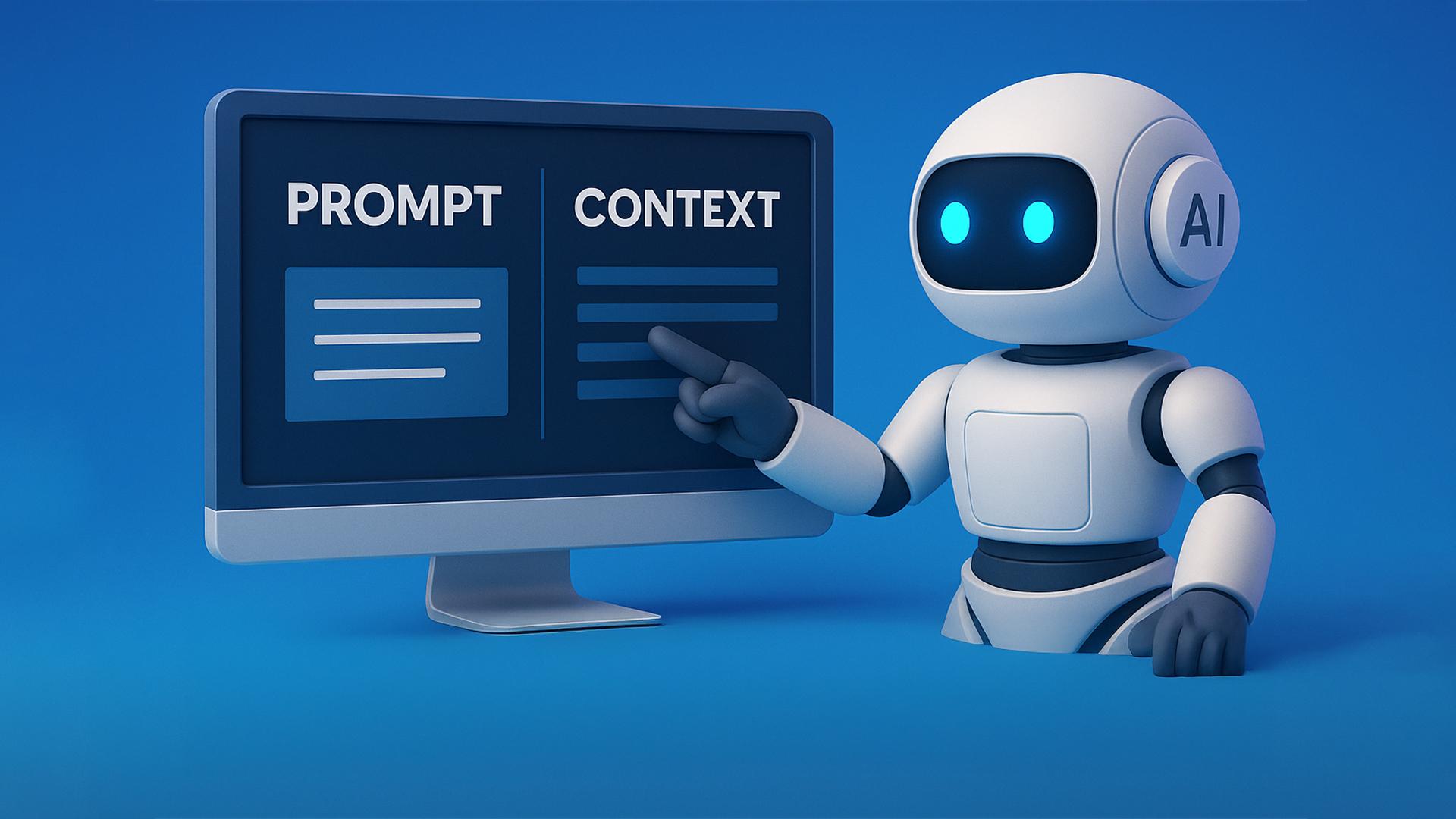
On September 11, 2025, the Claris Community gathered for another Community Live event during which Marc Larochelle, Productive Computing CEO, discussed artificial intelligence and FileMaker. The session featured real-world examples of how AI is already transforming the way developers and businesses build solutions.
How to Use AI in FileMaker
The conversation centered on practical AI use cases in FileMaker, not just theory but rather demonst
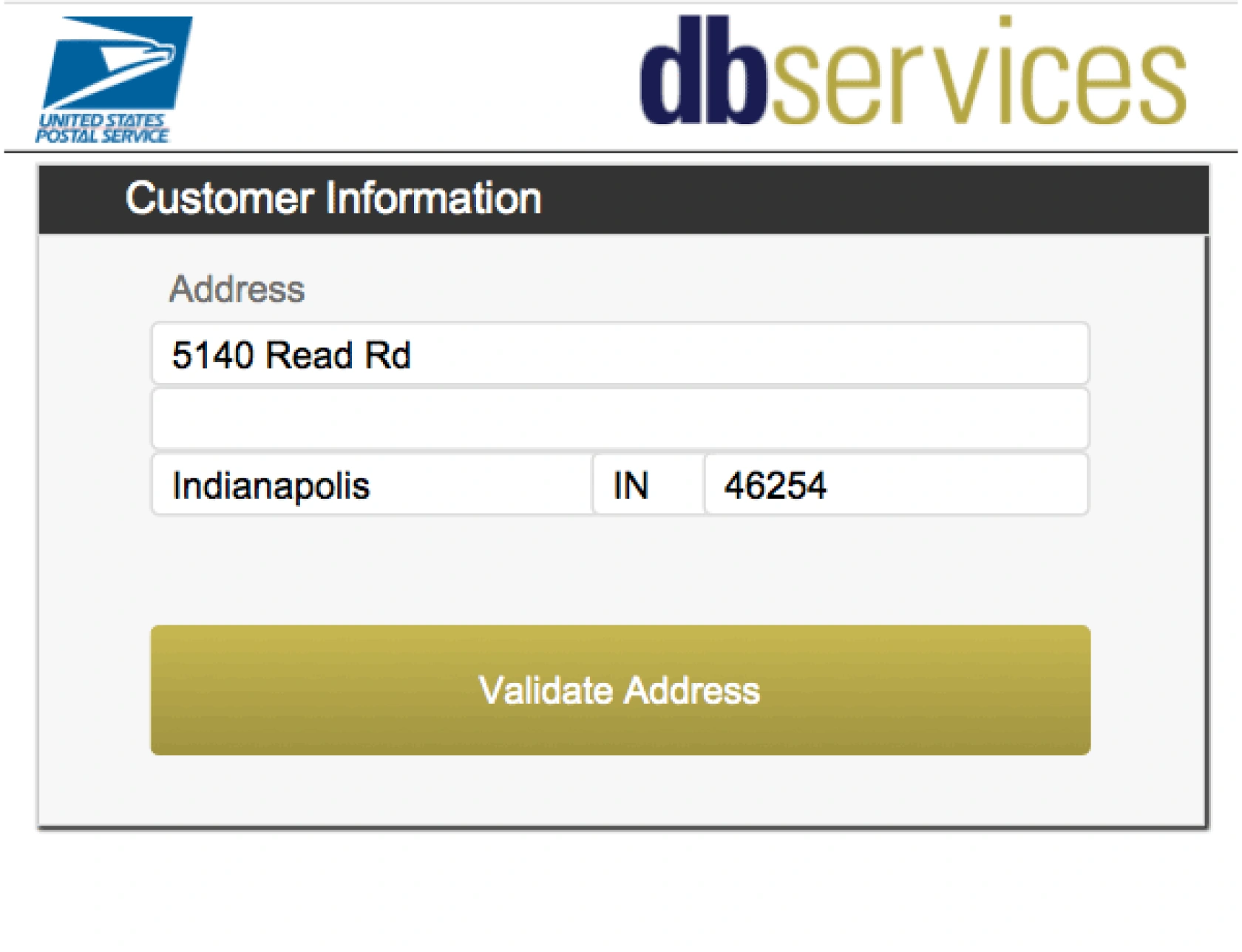
Manual address entry leaves room for error, like missing apartment numbers or wrong street suffixes. Fortunately, USPS offers a free address validation tool that helps ensure your data stays accurate and reliable. In this article, we’ll show you how to integrate USPS address validation into your FileMaker database so your mail always gets where it’s supposed to go. Includes video and a free download file.
dbservices.com
Here are links to articles and resources related to presentations/discussions I will be participating in at the [Full Access] un-conference Oct 20-23, 2025. Virtual List Demo Files Coming soon Virtual List Articles Virtual List Simplified (for FM 21 and earlier) Virtual List Even More Simplified (for FM 22 and later) Long Documents in FileMaker 11… Continue reading October 2025 Full Access Resource PageView the full article
Spreadsheets are beneficial for quickly organizing data but can become liabilities as fast-growing teams scale due to lack of structure, version control, security and auditing capabilities. As team complexity increases, reliance on spreadsheets can hinder efficiency. Transitioning to purpose-built internal tools can streamline processes, enhance usability, and support growth without massive overhauls.View the full article
Debugging your solution's features isn't simply about using the built-in debugger offered by FileMaker. Debugging also involves knowing enough about the environment to determine what could be causing a problem. It includes being able to investigate and troubleshoot a particular feature while testing.
It's probably no surprise that using a dedicated developer-only option, such as a debug menu, is one of the best ways to approach the problem.
In this video, we walk through the foundations of the
Being able to move within a development environment with ease and efficiency is one of the great joys of integrating features quickly into your solution. The quicker features go in, the better you feel about the progress.
While setting up and taking the time to familiarize yourself with and use shortcut keys may feel like a bit of a hassle, it's well worth the investment for the time it saves.
In this part of an ongoing series, we'll cover a highly effective method for managing your personal k
Since its introduction, the FileMaker OData API has significantly advanced, with new features and further compatibility with more recent OData releases. Since our last discussion on OData, various latest features such as casting, parameterization, and nesting have been introduced, and optimizations have been made. This includes a video and a demo file.
dbservices.com
Demo file: virtual-list-even-more-simplified.zip [expects, but does not require, FM 22 or later] Note 1: The example in today’s article/demo is intentionally very basic. Note 2: The demo is self-populating to keep the data current, so the values you see in the screen shots may not exactly match those you encounter in the demo. As long… Continue reading Virtual List Even More SimplifiedView the full article
More Businesses are Turning to AI … But for What?
By Kurt Knippel,
Production VP / Project Manager
Everyone’s talkin’ about AI – and it’s true – AI is not just for the tech hotshots anymore. The National Small Business Association reports that 1 in 4 small businesses uses AI for day-to-day operations.
That stat got me thinking and eXploring AI to look for ways businesses might use it to unlock new levels of productivity and efficiency – because productivity and efficiency are at the core o
This video discusses the general FileMaker preference settings and file specific settings.
ABOUT THE SERIES
The Ultimate FileMaker Course is a walk-through of adding essential components found in pretty much any modern FileMaker solution. The course is based around building a useful tool for launching other FileMaker solutions.
By creating a launcher file, which provides full control over launching your other FileMaker solutions, you'll be treated to a variety of lessons around the various as
This first video discusses the general FileMaker environment and highlights various folders and files any FileMaker developer should be aware of.
ABOUT THE SERIES
The Ultimate FileMaker Course is a walk-through of adding essential components found in pretty much any modern FileMaker solution. The course is based around building a useful tool for launching other FileMaker solutions.
By creating a launcher file, which provides full control over launching your other FileMaker solutions, you'll b
Here are links to articles and resources related to today’s FM Training Livestream presentation: Best of FileMaker Hacks Tips, Tricks and Traps, part 2 YouTube link coming soon Demo Files coming soon FMH Articles SortValues and UniqueValues ValuePosition: The Function FileMaker Forgot Sometimes Less Is More Reliable SetRecursion and While It’s Sorta a Value List… Continue reading October 2025 FM Training LivestreamView the full article
Join Beezwax's Vincenzo Menanno and other experts at Claris Community Live to explore the leading analysis tools for Claris FileMaker solutions. Learn to document, optimize, and enhance performance while preventing issues. Gain practical insights and discover InspectorPro, a free tool now supporting GitHub and GitLab integration.View the full article
Take a moment to ponder the concept of 'Software as Art' when it comes to the daily deliverables of those of us crafting the Claris Platform based Solutions . . .View the full article
Working with simple lists of values is one of the most fundamental aspects of building software. FileMaker, like any other development environment, often requires working with lists of values, whether it's a global field used as a relationship key or multiple selections made from a checkbox widget.
In this video, I'll present a number of custom functions that provide common and practical operations for handling lists of values. These functions can be copied and pasted directly into your FileMak
As of May 2025, Claris Studio now includes Custom Views, making it easier to shape dashboards and interfaces around your workflow. You can mix and match elements from different views, create role-specific layouts for team members or vendors, and access your FileMaker data more efficiently. In this article, we’ll explore how Custom Views can simplify your work and share practical examples to help you get started.
Here are links to articles and resources related to today’s FM Training Livestream presentation: Best of FileMaker Hacks Tips, Tricks and Traps YouTube link coming soon Demo Files coming soon Articles Replace + GetNthRecord to Fill Down Sometimes Less Is More Reliable When 2 is greater than 10 Layout Calculations in FileMaker 20.2 Layout Calculations… Continue reading September 2025 FM Training LivestreamView the full article


















.png.6b8ee3a98eb2f8466c483c4930345c02.png)